What is it?
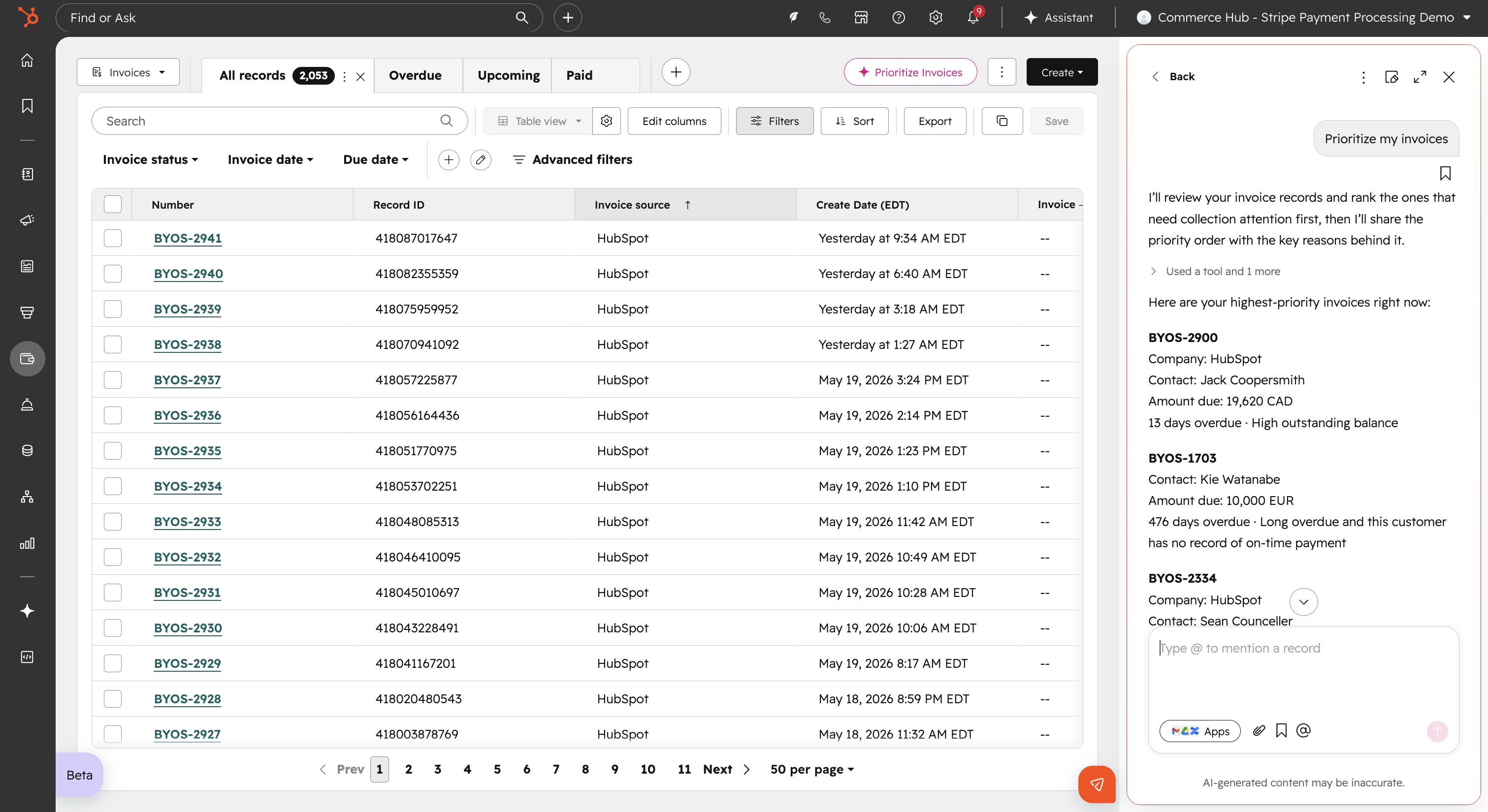
You can now use Breeze Assistant to rank your open invoices by revenue impact and draft personalized collection emails — directly from your invoice index page.
Why does it matter?
Chasing down unpaid invoices manually takes time you don't have. Without a clear sense of which invoices to act on first, it's easy to let high-value outstanding balances slip through the cracks.
Breeze Assistant surfaces which open invoices deserve your attention most and drafts the follow-up emails for you, so you can focus on collecting revenue rather than tracking it down.
How does it work?
Watch demo here!
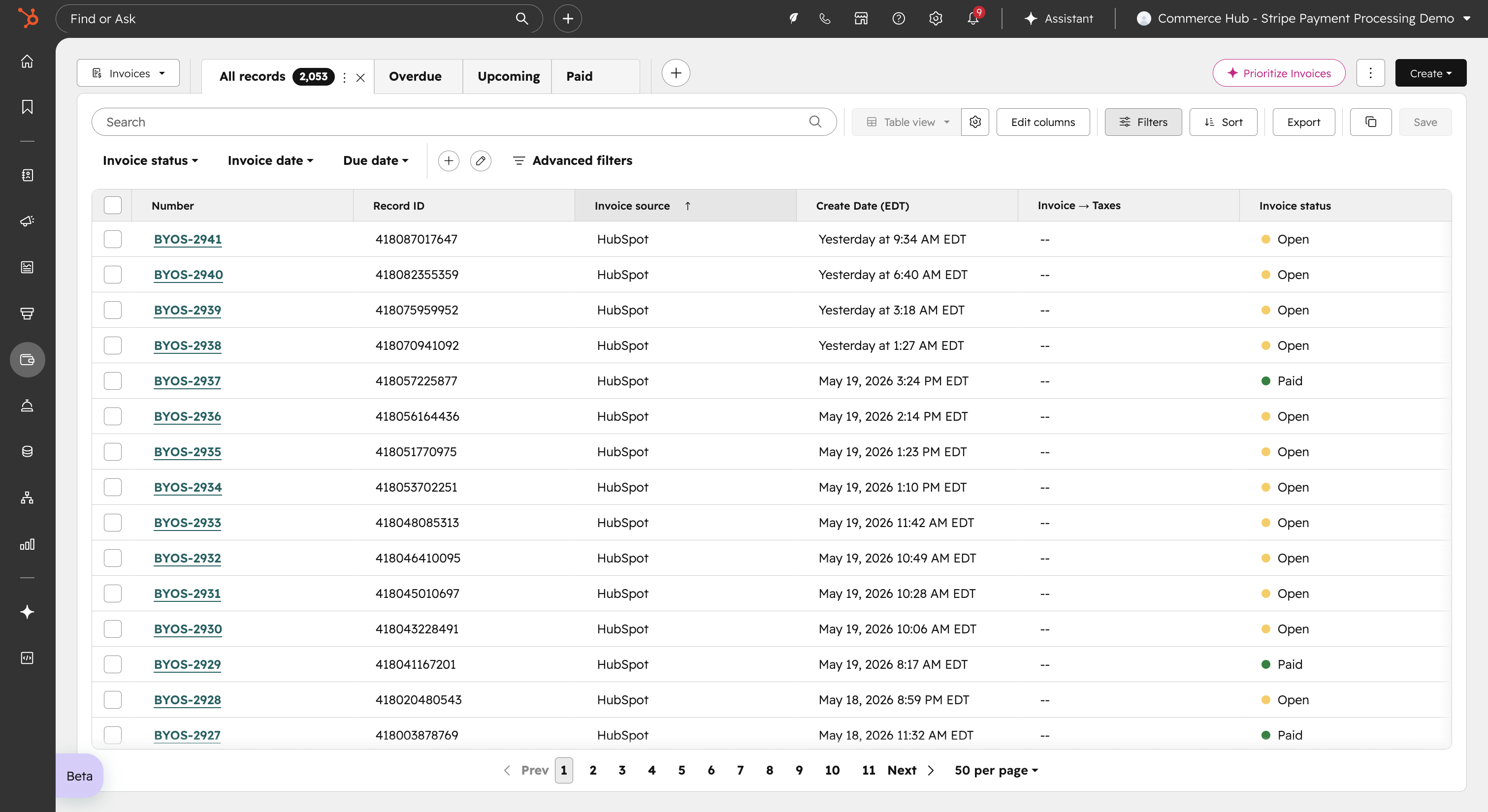
- In HubSpot, navigate to your invoice index page.
- Click the three-dot menu and select Prioritize Invoices.
- Review your ranked list of open invoices. Select any invoice to see the AI's reasoning for its ranking.
- Review and send the AI-drafted collection email for each prioritized invoice without leaving the page.
Who gets it?
All Hubs and Tiers



.png?width=193&name=jos%20(1).png)




