What is it?
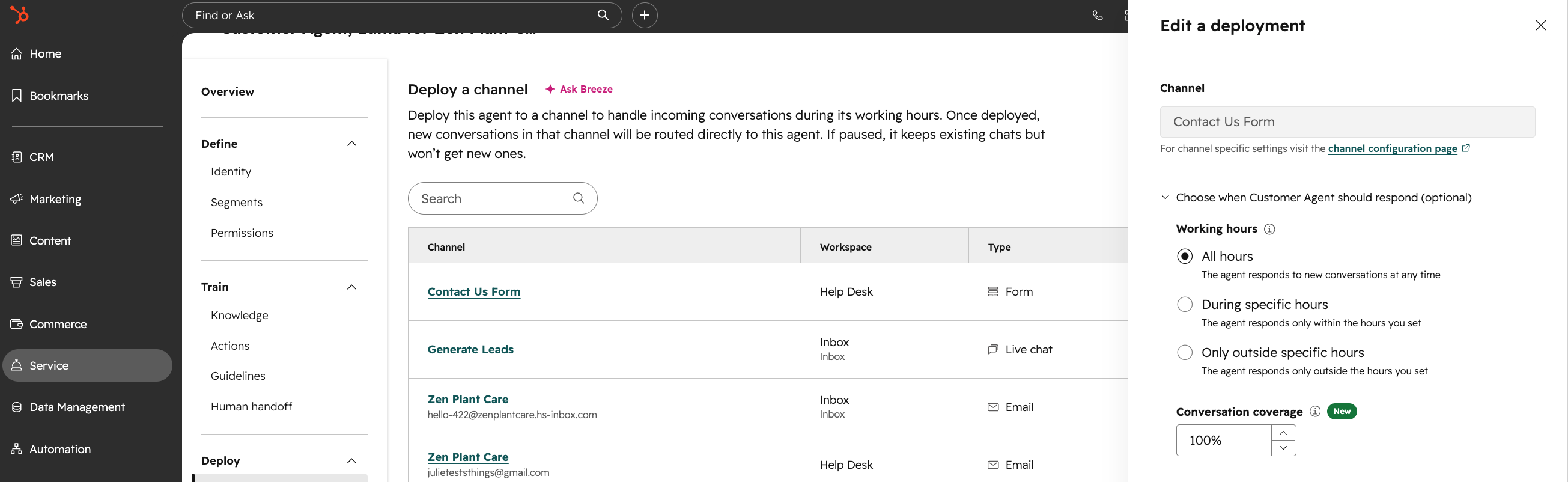
Customer Agent can now respond to inbound form submissions in Help Desk or Inbox workspaces by sending a reply email to the form submitter.
Why does it matter?
Reason for development
When customers submit forms connected to a workspace, they often expect a prompt reply, but Customer Agent previously could not respond, leaving tickets unattended and creating a long backlog for human reps.
This change ensures automated and personalized replies to form submissions, reducing manual work, eliminating missed customer inquiries, and accelerating time to response for important inbound inquiries.
How does it work?
How it works
- - Connect a form to a Help Desk or Inbox workspace as usual.
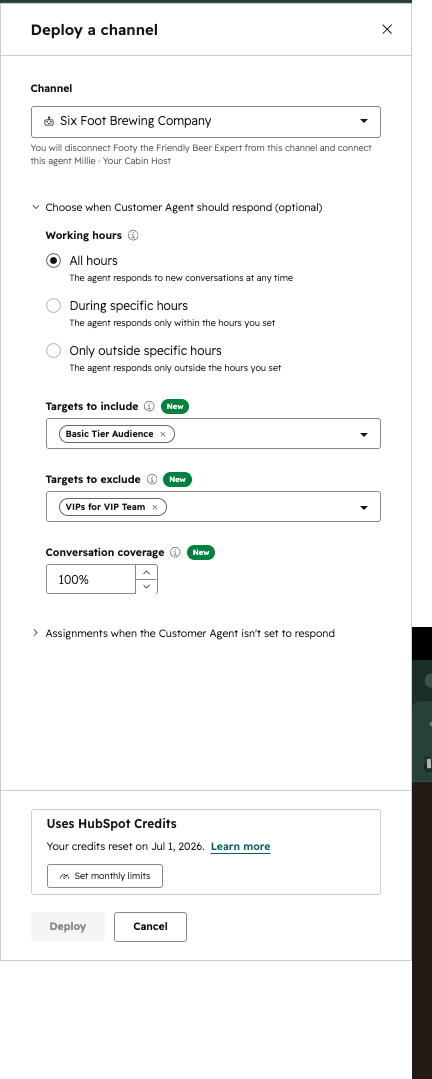
- - Assign Customer Agent (CA) to the form channel via routing rules or workflow.
- - Important: Admins must select a "reply from" email configured on the Help Desk or Inbox Workspace that the customer agent will use.
- - When a form submission arrives, CA generates a response and sends it as an email to the submitter using the configured reply-from address.
- - If there is no recipient email or send-from account, CA hands off to a human agent with an explanatory note.
- - Subsequent email replies from the customer are handled on the same thread through the existing Customer Agent email pipeline.
Prerequisites
- - Form must include a required email field.
- - At least one connected email account must be available for the workspace.
Who gets it?
HubSpot Credits, Content Hub Professional, Content Hub Enterprise, Marketing Hub Professional, Marketing Hub Enterprise, Data Hub Professional, Data Hub Enterprise, Sales Hub Professional, Sales Hub Enterprise, Service Hub Professional, Service Hub Enterprise, Smart CRM Professional, Smart CRM Enterprise


.png?width=193&name=jos%20(1).png)




