Note
What is it?
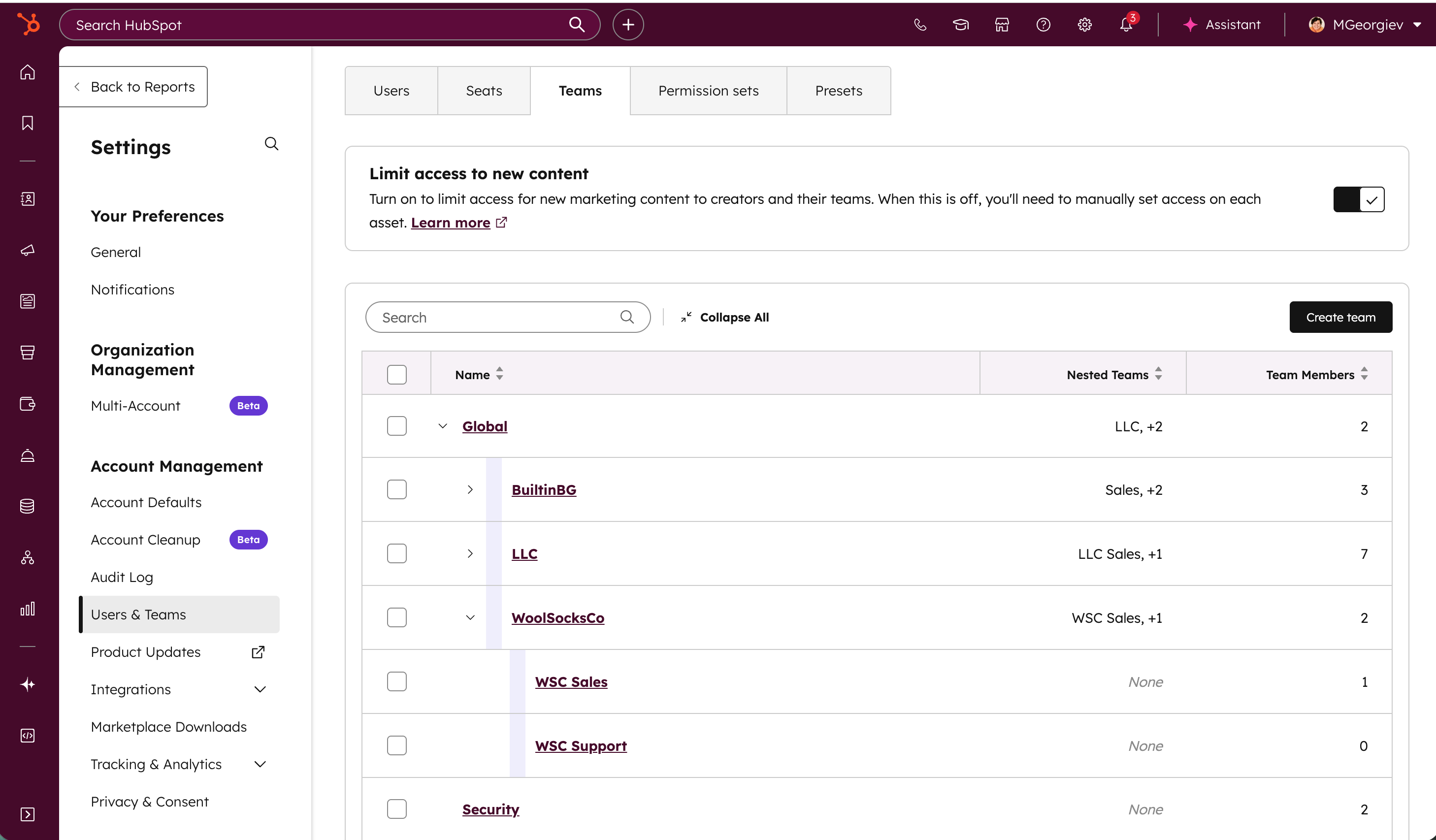
A brand-new way to see your entire organizational structure—all at once—and without the endless clicking. Instead of diving into individual teams one-by-one, you’ll now see a clean visual hierarchy that shows parent teams, nested teams, and members at a glance.
Previously, to understand where a team or user sat, you had to open a team… then another… then another. Viewing parallel hierarchies at the same time wasn’t possible.
Now, you have a visual tree that lets you view the entire organizational structure at once. It’s easier to understand relationships across teams, compare hierarchies, and quickly locate where people sit.
Why does it matter?
Managing complex team structures can get confusing—especially when there are multiple levels of nested teams. Until now, many admins found themselves repeatedly clicking into teams just to understand who sits where. Customers told us this experience needed to be clearer. In their own words:
"It's a little challenging. I don't always know where people sit, just because there's so many layers to it. It's sometimes a bit confusing.”
“Would love to have a tool or integration to make a hierarchy organizational chart for our own company and team members so it's visually more appealing to see the company tree.”
This means
- Faster navigation: See the full team structure without drilling into multiple pages.
- Clearer understanding: Spot where teams sit, how they relate, and where users belong—instantly.
- Easier team management: Admins gain deeper visibility into how teams are organized, supporting cleaner team management and permissions.
How does it work?
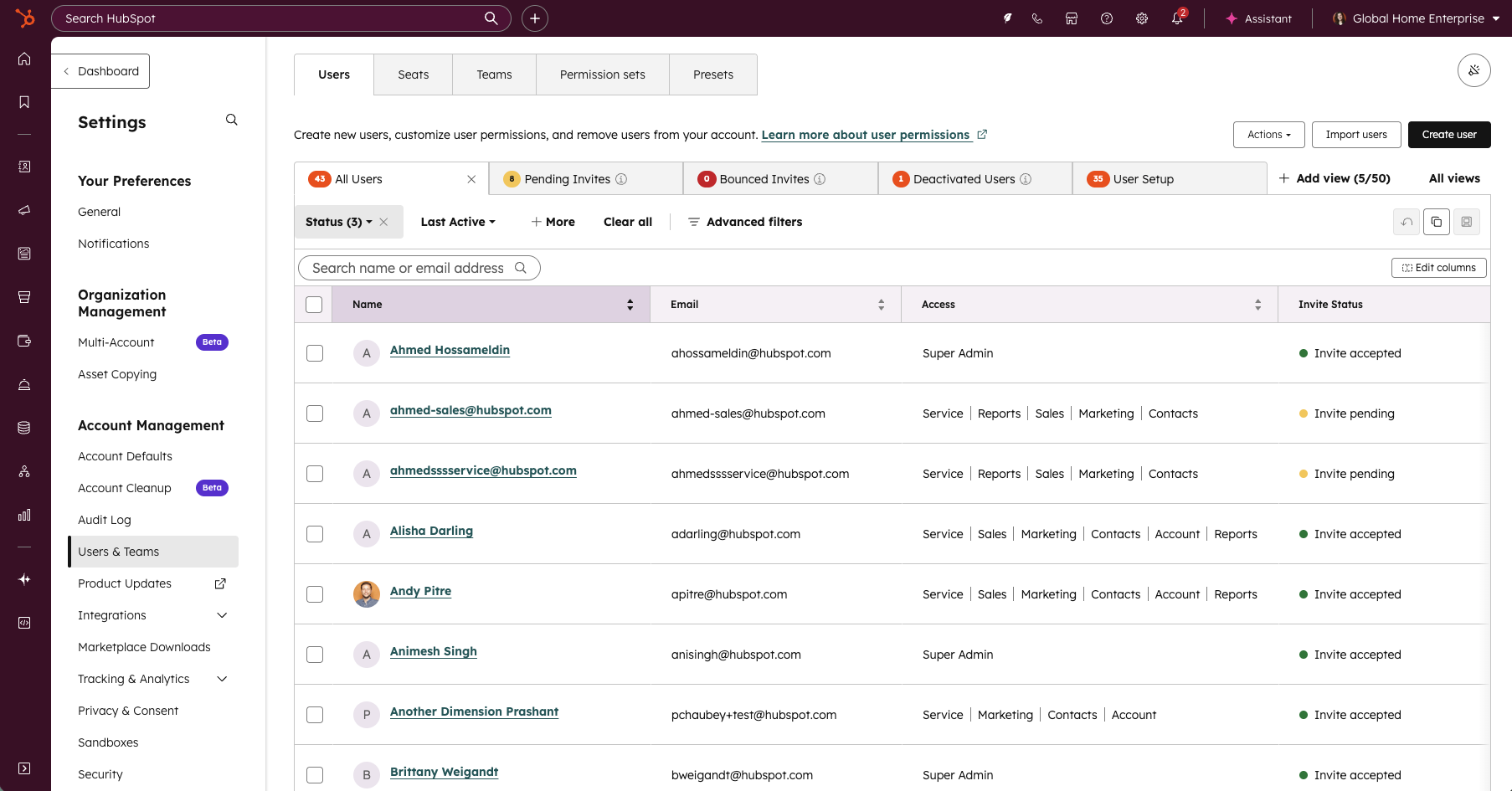
Navigate to Settings > Users and Teams > Teams, then click on a the name of a team to view and edit details, or click the arrow to the left of the name to expand the nested rows. You can also click the "Expand All" button to quickly reveal the entire hierarchy. No setup required—it works with your existing team structure automatically.
Who gets it?
Enterprise Customer Platform


.png?width=193&name=jos%20(1).png)




