What is it?
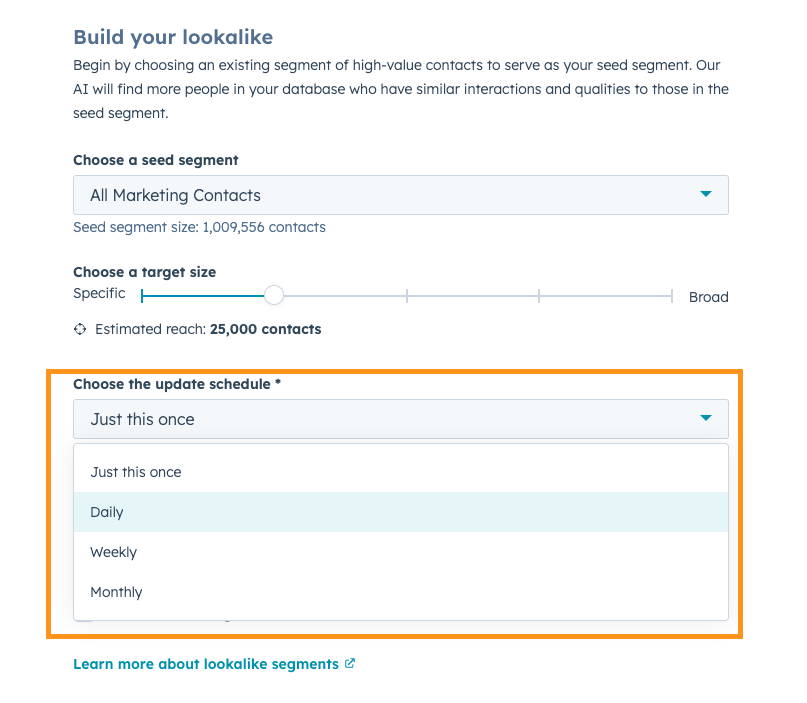
Keep your Lookalike Segments up to date as your business changes. This update allows you to automatically refresh your lookalike segments on a scheduled basis, so your lookalike segment stays aligned with your evolving business segments.
Why does it matter?
Prior to this release, lookalike segments represented a point-in-time snapshot. If the seed segment changed, whether through new contacts being added or updates to contact properties, the lookalike segment did not update. Over time, this created drift between the original seed segment and the lookalike segment being targeted.
Now, as the seed segment evolves, the lookalike evolves with it. Active Lookalike Segments ensure your targeting evolves as fast as your business does.
How does it work?
Navigate to CRM --> Segments (Lists), and create a new Lookalike segment
In the setup form, you can schedule how often your lookalike should automatically refresh:
- Never / Just this once (current behavior)
- Daily
- Weekly
- Monthly
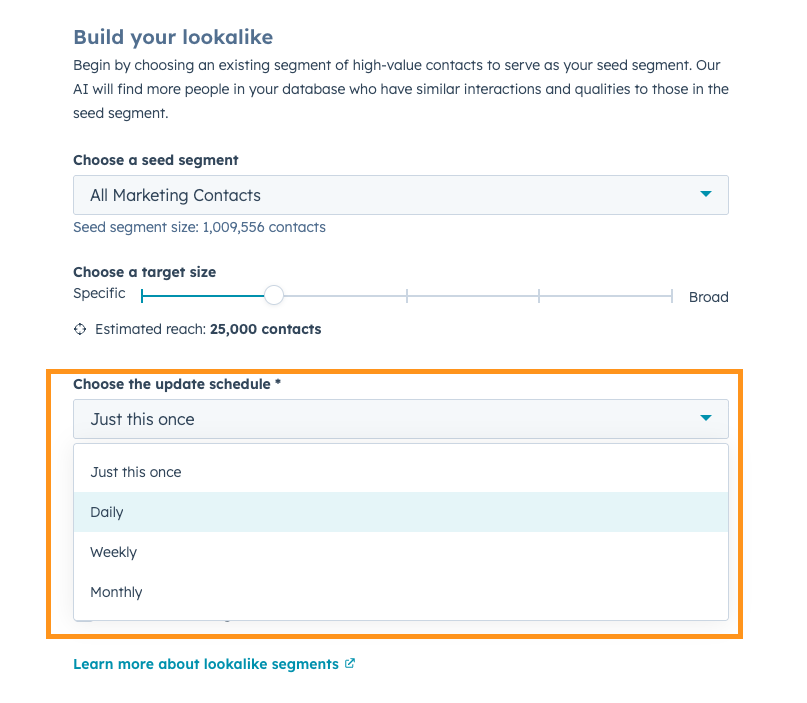
On each scheduled refresh, the lookalike model will re-run, taking into account any updates to the seed segment. New high-fit contacts will be added, and low-fit contacts will be removed, ensuring any automations will not be disrupted.
The refresh cadence begins from the day the schedule is configured (e.g., if set to weekly on a Tuesday, it will refresh the following Tuesday).
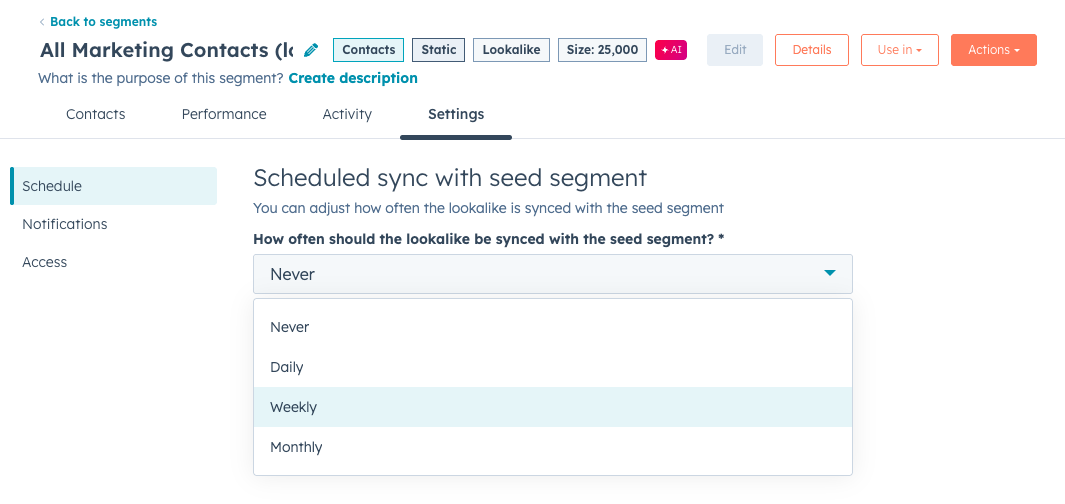
Once created, the lookalike definition itself cannot be edited, but you can update the refresh schedule anytime via Settings → Schedule.
Who gets it?
Marketing Hub Enterprise


.png?width=193&name=jos%20(1).png)




