What is it?
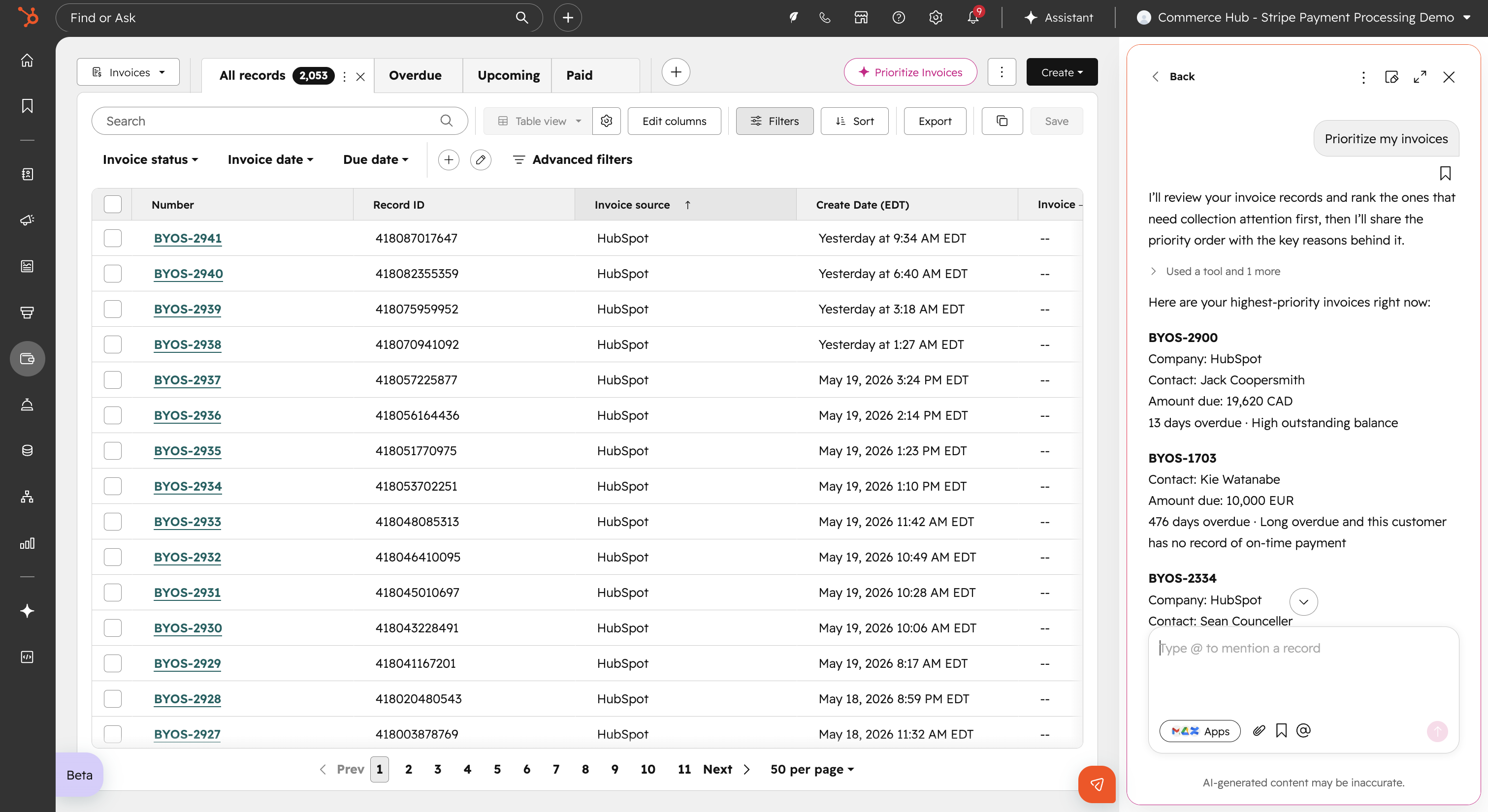
You can now use Breeze to prioritize open invoices by revenue impact and send personalized collection emails to accelerate your Accounts Receivable.
Why does it matter?
This gives you a faster, more effective way to identify and act on the most important outstanding invoices, reducing manual work and accelerating revenue collection. Focus your efforts on the invoices that matter most and improve cash flow management.
How does it work?
Watch demo here!
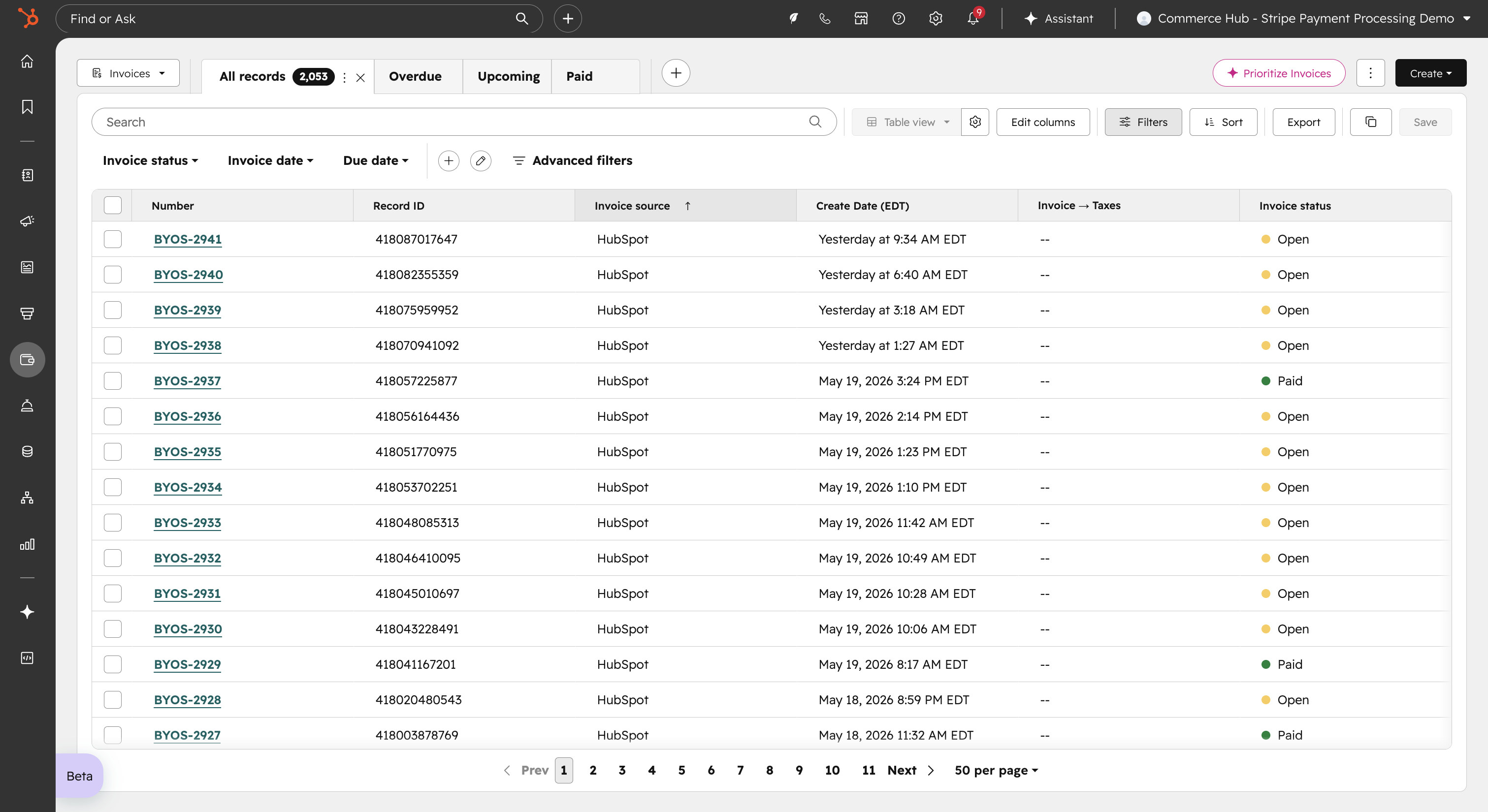
- Navigate to your Invoice index page in HubSpot.
- Click the Prioritize Invoices button.
- View a ranked list of open invoices, with reasoning available for each ranking.
- Review and send AI-drafted collection emails for each prioritized invoice directly within the product.
Who gets it?
All hubs and tiers, Commerce Hub Professional, Commerce Hub Enterprise


.png?width=193&name=jos%20(1).png)




