What is it?
We've made meaningful refinements to HubSpot's visual design based on feedback from customers who tried the initial release. If you haven't seen the theme yet, this is a great time to check it out - and if you have, you may notice some changes since the last version.
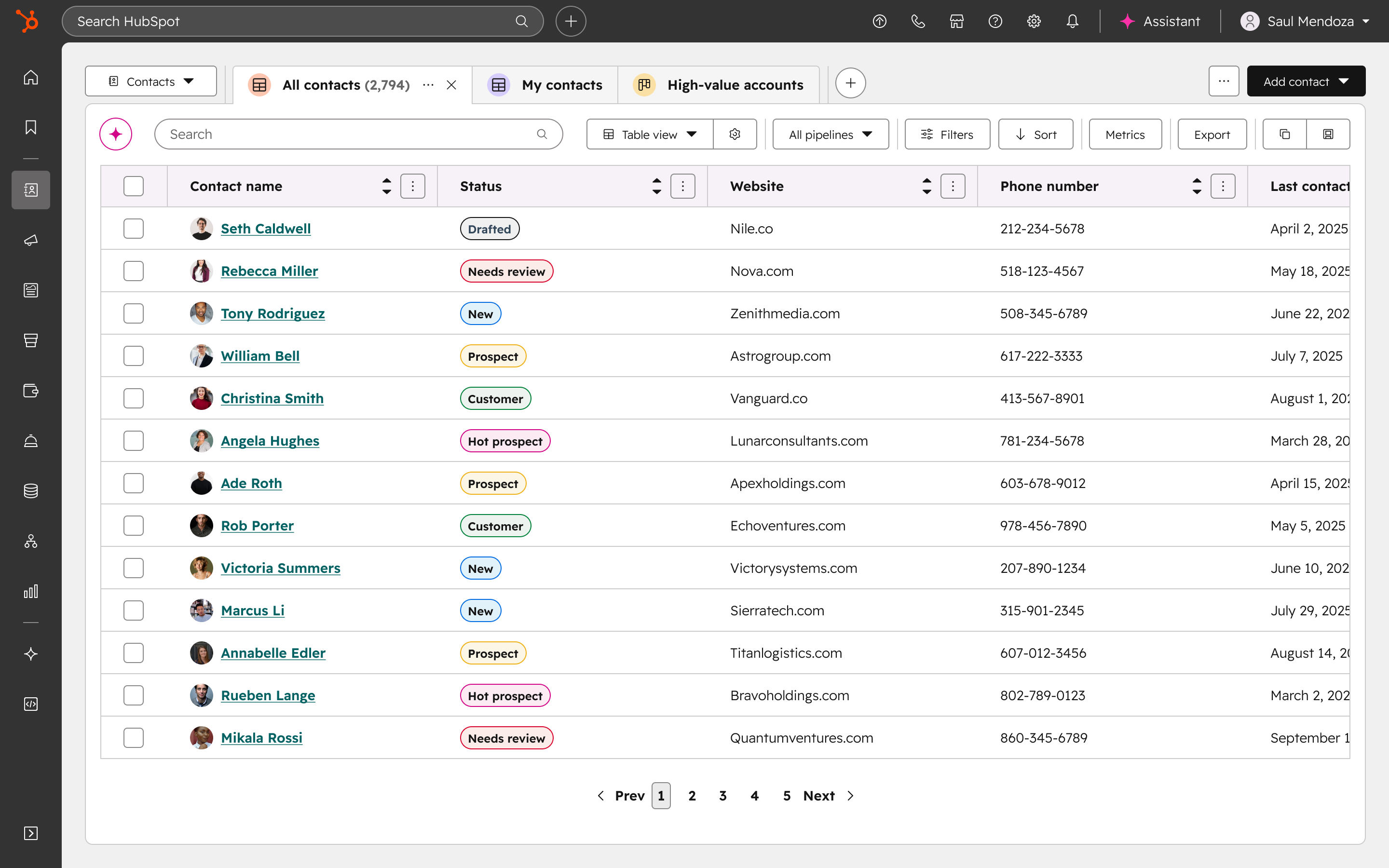
Your workflows, data, and teams are unaffected. Everything works exactly as it did before.
Why does it matter?
A workspace that gets out of your way makes a real difference. This update brings better contrast, a more refined color palette, and a cleaner visual layer that reduces eye strain and cuts down on distractions — so you can stay focused on the work that actually matters.
How does it work?
Trying the updated theme takes just a few seconds:
- Click the Account icon in your toolbar
- Select "Switch to the new theme"
Switch back by selecting "Switch to the classic theme" from the same menu. To share what you think of the latest update, click "Share feedback on the new theme" in the same menu.
A sincere thank you to everyone who shared thoughts on the first version - your feedback had a direct impact on what you're seeing today.
Who gets it?
All hubs and tiers



.png?width=193&name=jos%20(1).png)




