What is it?
Your Live Chat chatflow can now capture visitor messages when your team is away, at capacity, or outside of business hours. When enabled, visitors can reach out at any time, and your reps can view and respond to those messages from the inbox or HelpDesk once they're available.
This directly addresses the regression introduced by the Live Chat Availability Fix rollout (Feb 2026), which enforced strict availability logic and blocked visitors from sending messages when outside working hours.
Why does it matter?
Many teams use Live Chat as an async communication channel, not just for real-time conversations. Blocking the chat input during off hours means losing those opportunities entirely. This gives you control over when visitors can still reach you.
How does it work?
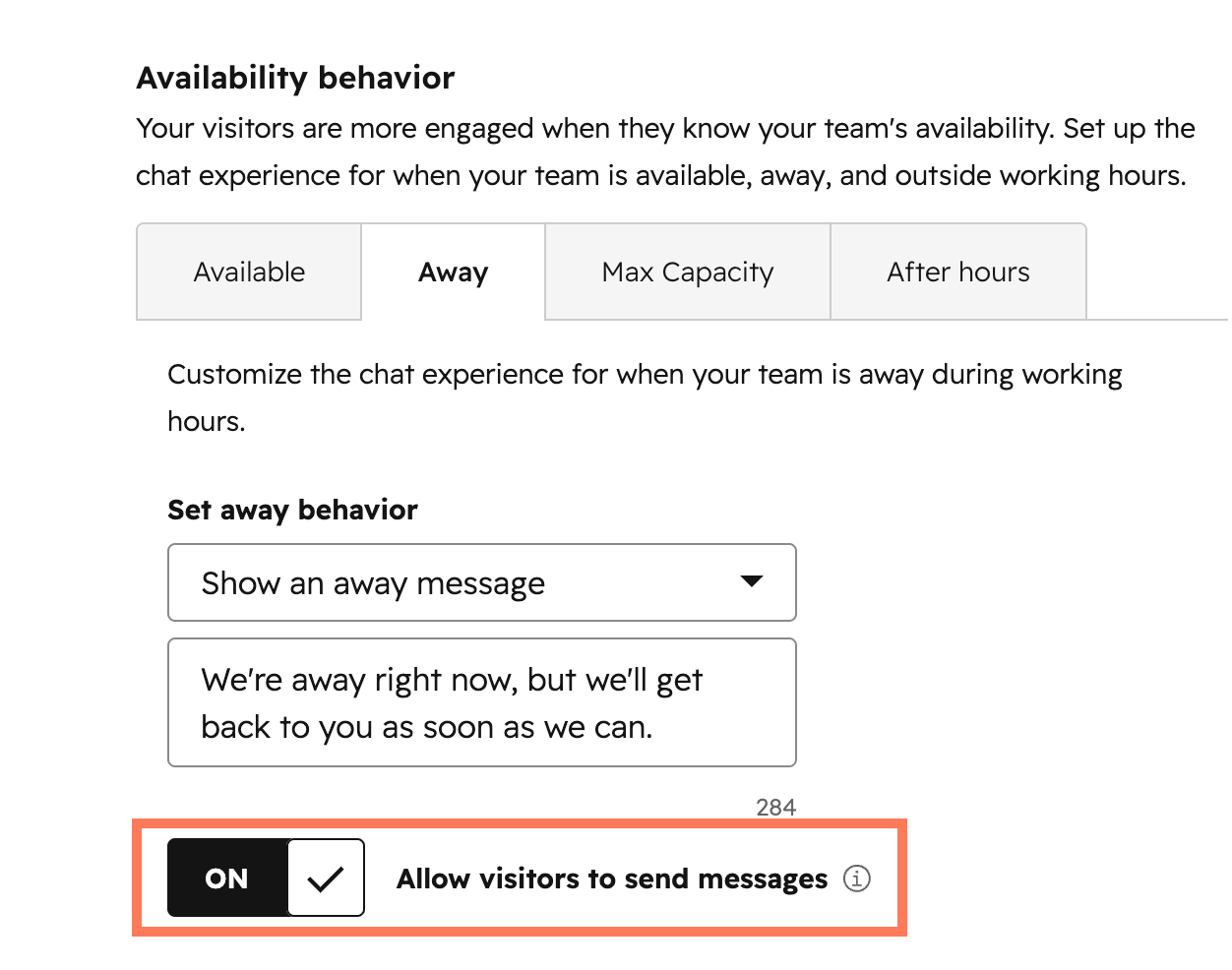
In your chatflow's availability settings, each state (Away, Outside Working Hours, Max Capacity) now includes an "Allow visitors to send messages" toggle. When the toggle is on, visitors can type and submit a message even when your team is unavailable.
Navigate to your Inbox or HelpDesk settings
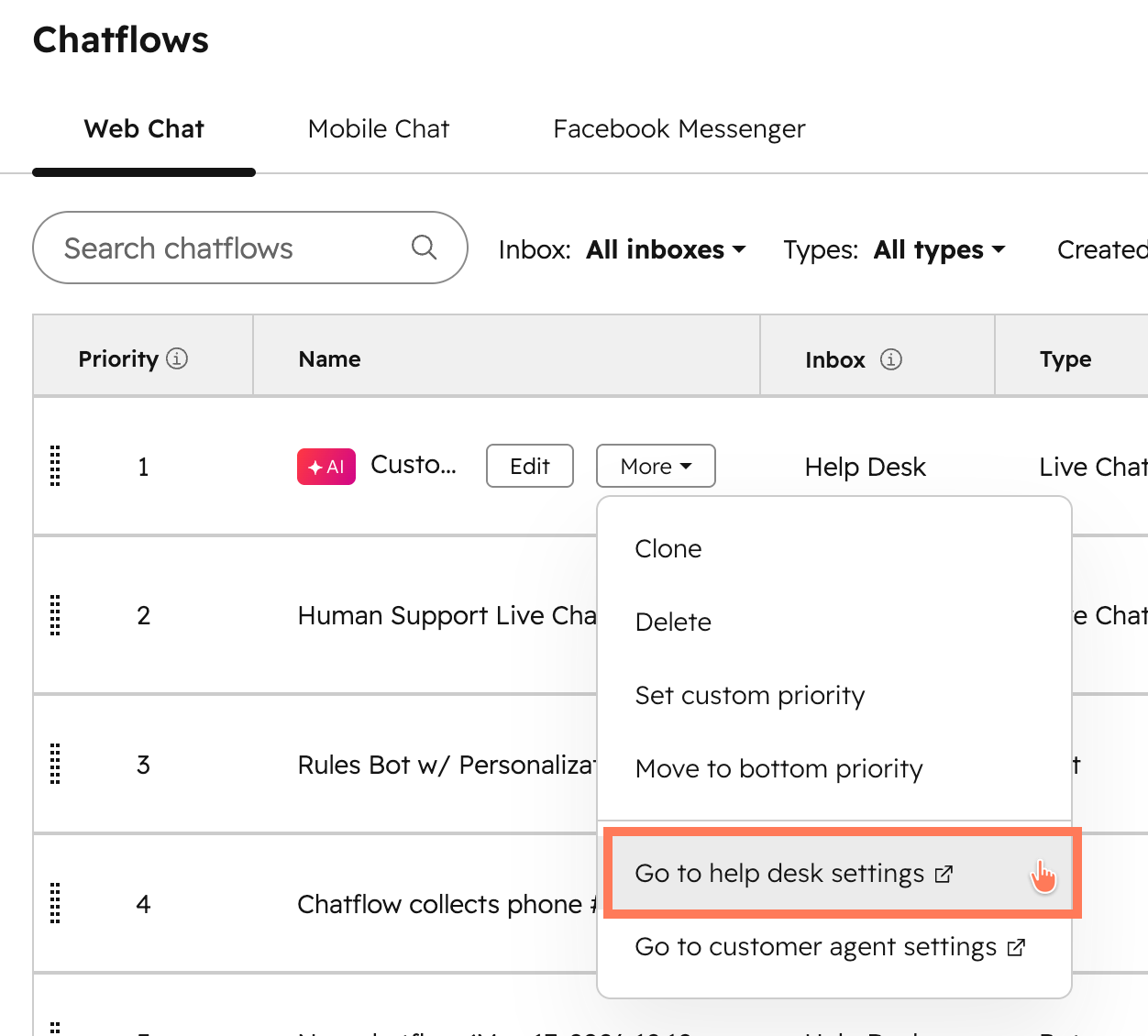
Then, use the "Allow visitors to send messages" toggle to configure. Note that the toggle is only visible in Help Desk / Inbox settings if the away behavior is set to show an away message.
Who gets it?
All hubs and tiers



.png?width=193&name=jos%20(1).png)




