What is it?
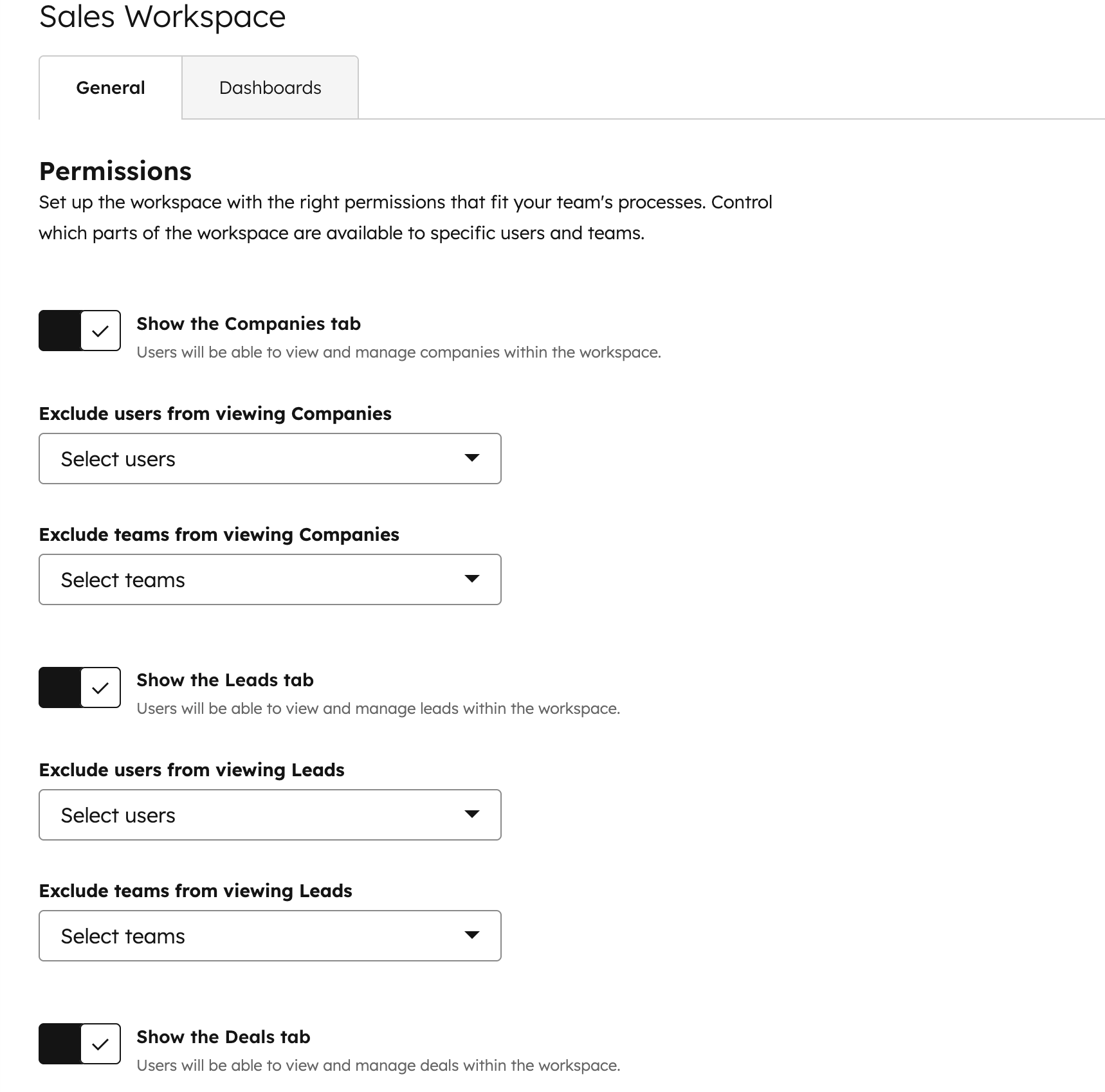
Configure which tabs (Companies, Leads, Deals) users can see in the updated sales workspace.
Why does it matter?
This feature allows you to customize each rep's view based on their specific role and responsibilities. By showing only relevant tabs, you can:
- Streamline your reps' workflows
- Reduce confusion and information overload
- Ensure focus on key areas of responsibility
How does it work?
To configure tab visibility:
- Navigate to Settings > General in the sales workspace
- Use the toggles to control visibility for Companies, Leads, and Deals tabs
- Save your changes
Who gets it?
The Sales Workspace is available for HubSpot Professional Customer Platform, HubSpot Enterprise Customer Platform, HubSpot Sales Hub Professional, and HubSpot Sales Hub Enterprise.





.png?width=193&name=jos%20(1).png)




