What is it?
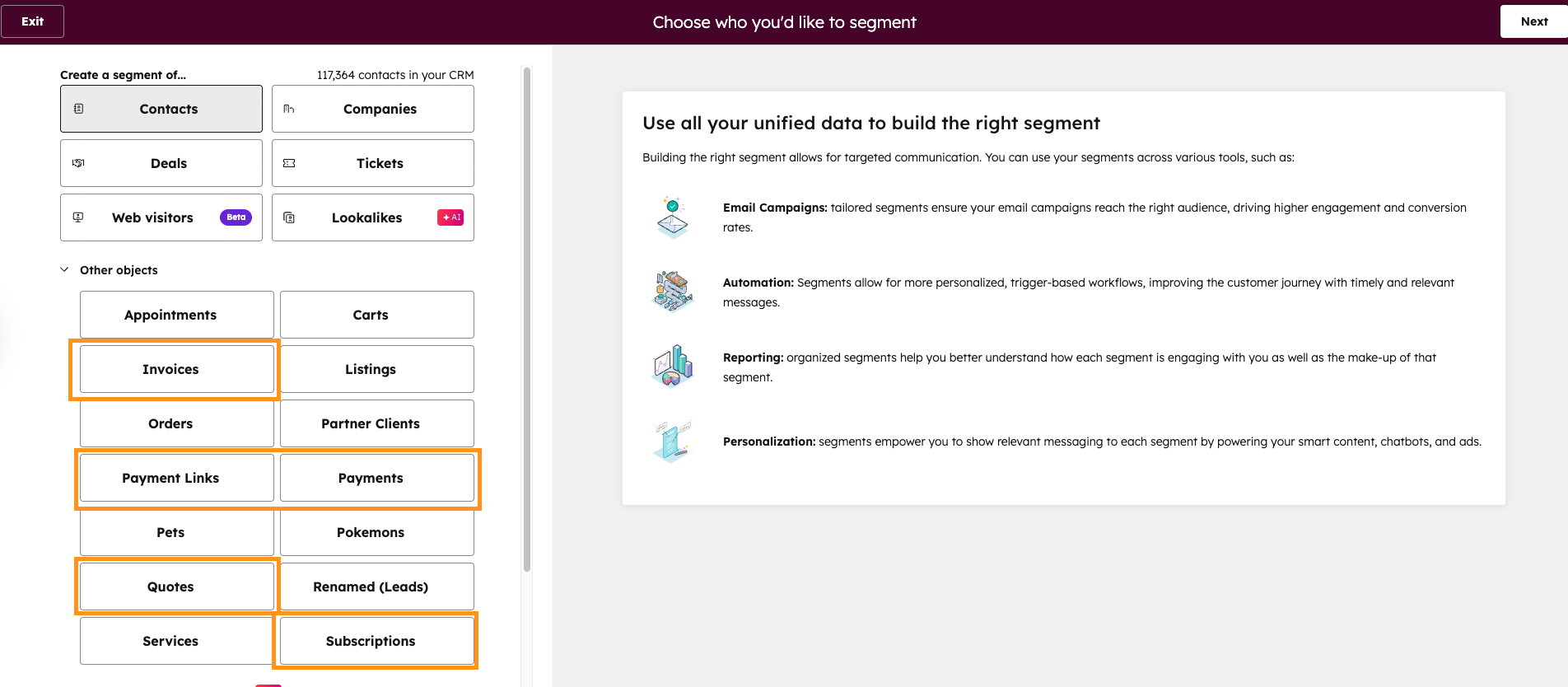
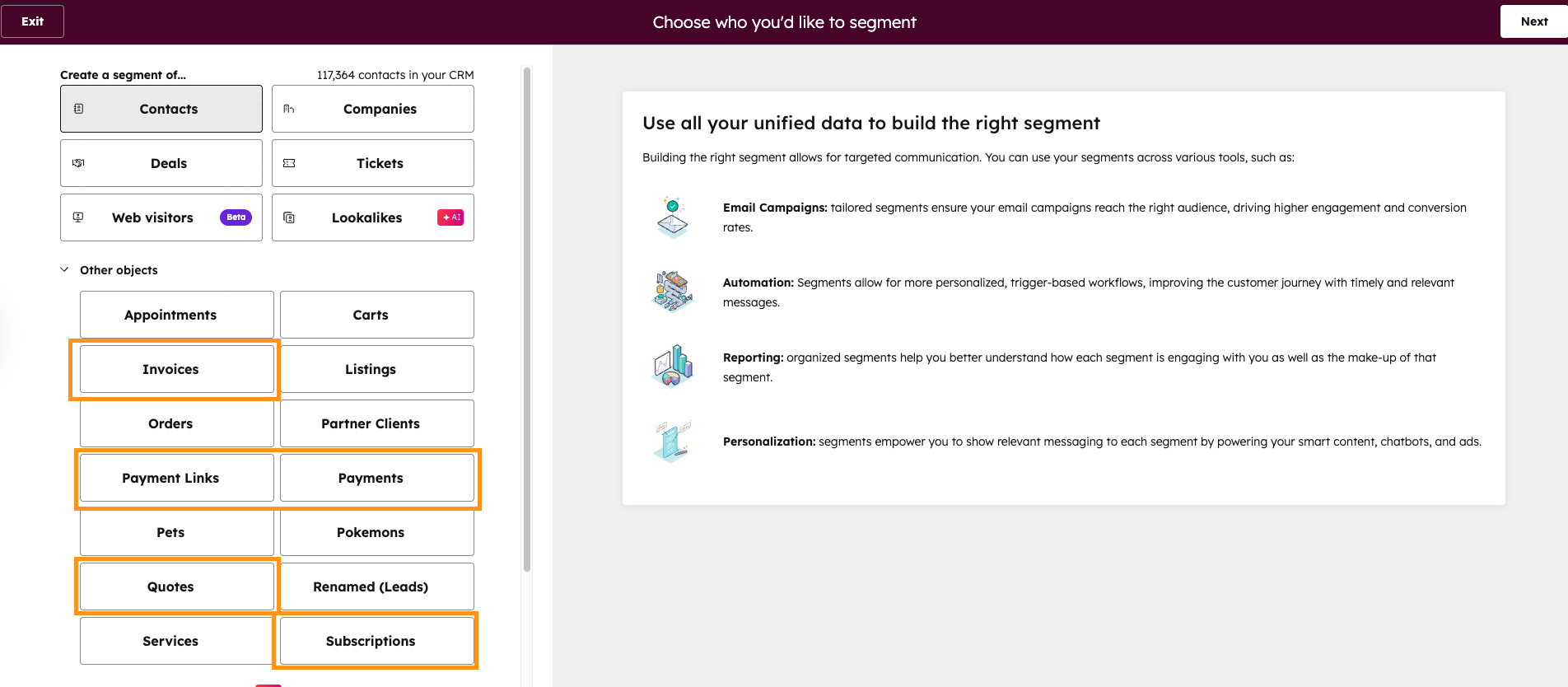
Create segments of your invoices, quotes, subscriptions, payments, and payment links based on their properties and associated data.
Why does it matter?
You can now track and manage specific segments of invoices, quotes, subscriptions, payments, and payment links, and any associated data to create more targeted outreach strategies. For example:
- Identify high-value invoices, and contacts associated with those invoices for priority follow-up
- Group similar quotes, and contacts or companies associated with those quotes, to streamline your sales process
- Segment subscriptions, and contacts or companies associated with those subscriptions, by renewal date to plan retention campaigns
How does it work?
To create a segment:
1) Navigate to CRM > Segments (Lists) > Create segment
2) Select Invoices, Quotes, Subscriptions, Payments, or Payment Links as your object type
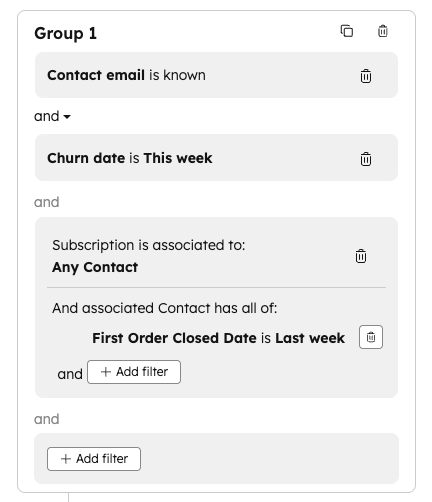
3) Add filters, including:
- Associated objects and their properties
- Associated objects and their interactions
- Associated segment membership
4) After saving your segment, you can:
- Track segment size changes over time in Performance > Segment breakdown
- Use segments in workflows as enrollment triggers or actions
- Compare segments and assess performance in Performance > Segment breakdown and Performance > Active channels
Who gets it?
This feature is available for all HubSpot hubs and tiers.
*Quotes are available to customers on Commerce Hub Professional, Enterprise





.png?width=193&name=jos%20(1).png)




