What is it?
You can now assign custom user properties to any user with a core seat in your Enterprise account, not just users with sales or service seats.
Why does it matter?
Previously, custom user properties were only available for users with sales or service seats, which created limitations for teams managing diverse user roles. This change gives you flexibility to track custom information for all Enterprise paid users in your account, regardless of their seat type. You can now standardize user data across your entire team.
How does it work?
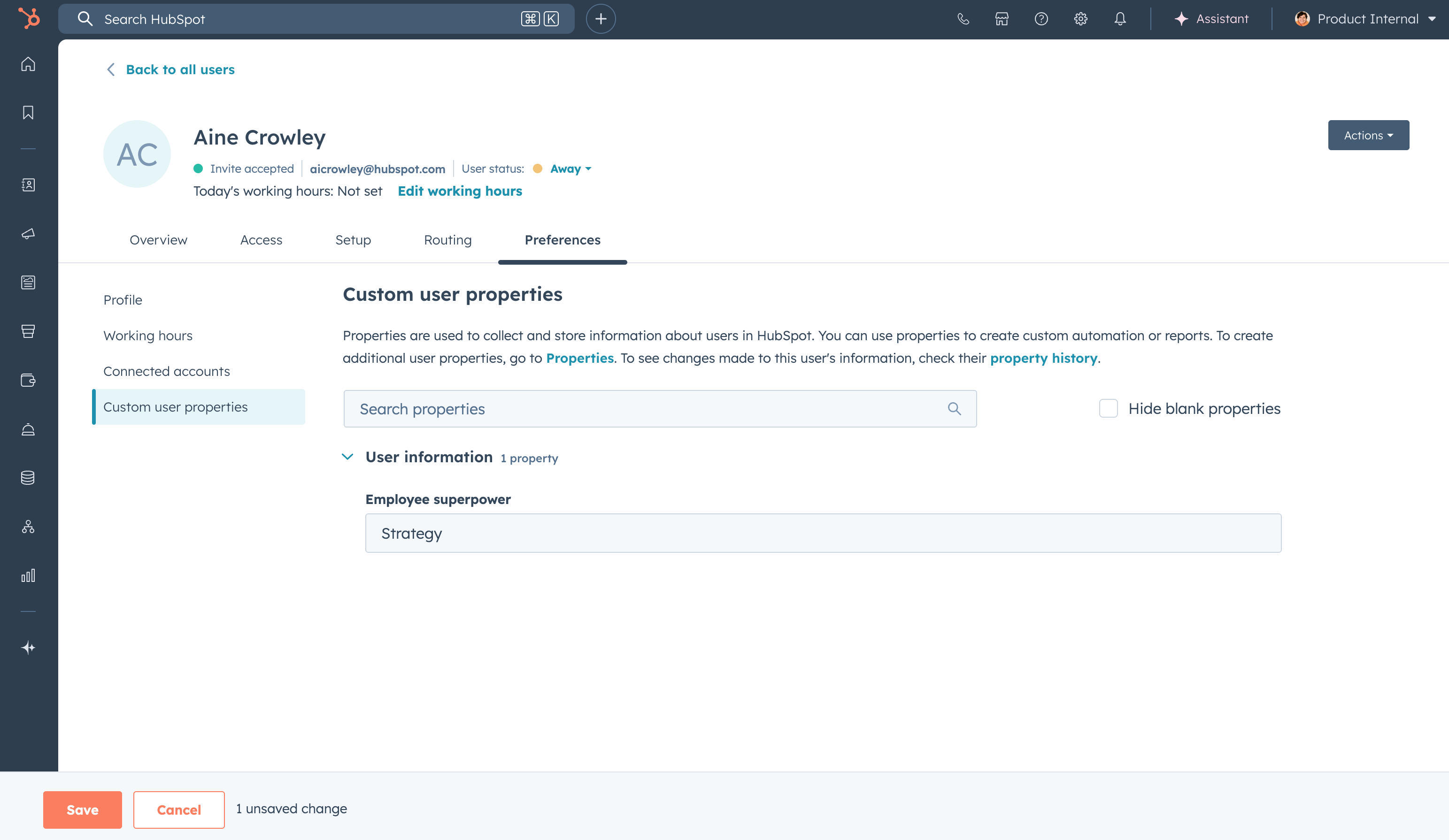
Custom user properties are available for all users with core seats in Enterprise accounts. Super admins can create and manage these properties in Settings > Users & Teams. To view custom user properties for a specific user, navigate to Settings > Users & Teams, click the user's name, then select the Preferences tab and click Custom user properties in the left sidebar.
The properties you create will now be available to assign to any user with a core seat in your Enterprise account.
Who gets it?
Enterprise Customer Platform





.png?width=193&name=jos%20(1).png)




