What is it?
Description
Help desk users can now find inline screenshots surfaced as attachment tiles in the message footer, alongside existing file attachments, within the thread view.
Why does it matter?
Reason for development
Inline images can get lost in long email threads, causing reps to miss important visual context needed to resolve tickets. This change gives users a consistent, predictable place to find all images and files for each message, reducing time spent scrolling and improving accuracy when referencing customer-provided screenshots.
How does it work?
How it works
Inline screenshots remain visible in the email body and are also surfaced as attachment tiles in the message footer, alongside existing file attachments
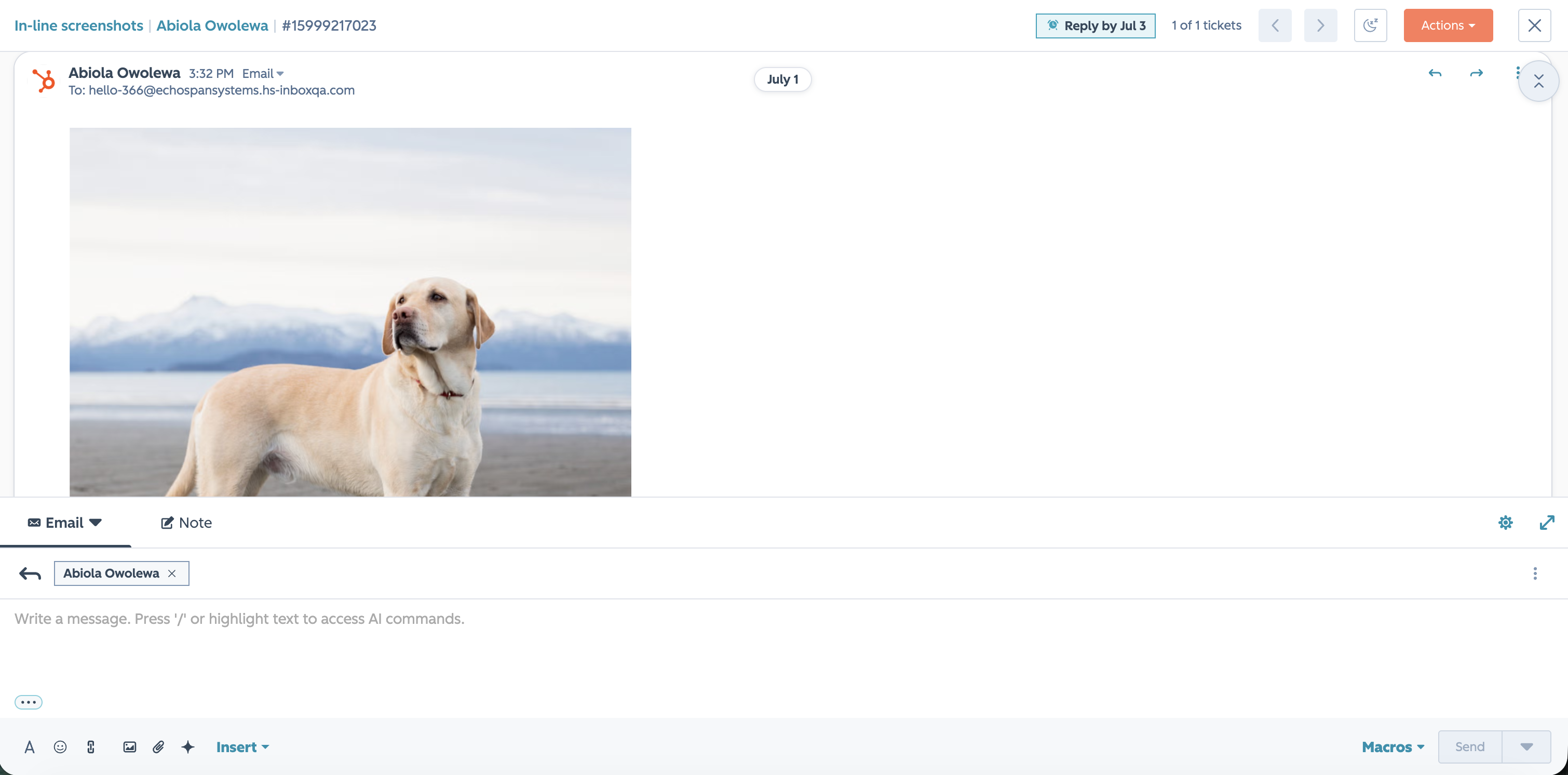
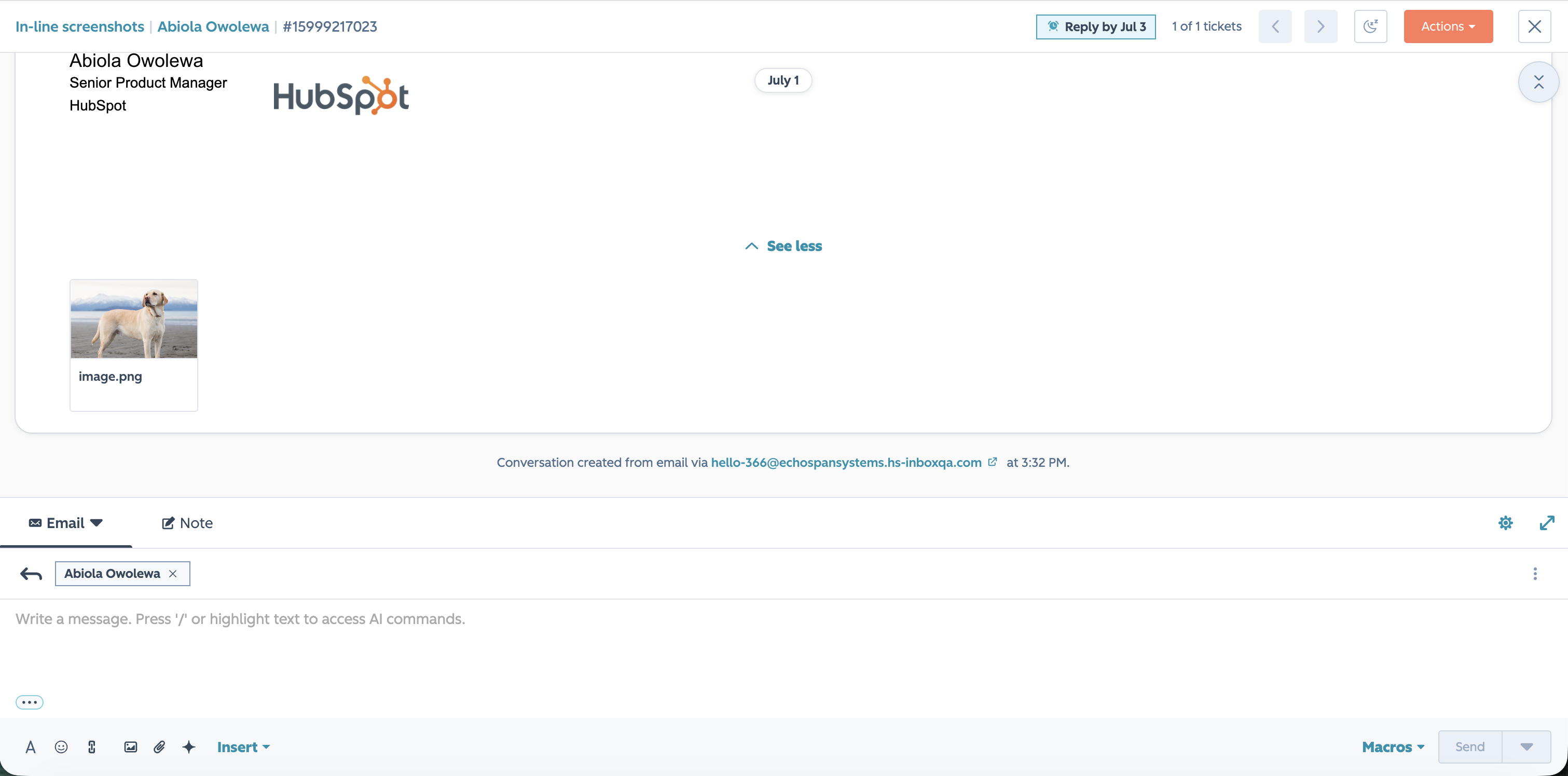
- - Users can browse thumbnails of all images and file attachments per message directly in the footer
- - Clicking a tile opens a full-size preview
- - Email signatures are filtered out to avoid cluttering the media list with logo images
- - No manual setup is required; the feature applies automatically to all help desk threads
Who gets it?
Service Hub Professional, Service Hub Enterprise





.png?width=193&name=jos%20(1).png)




