What is it?
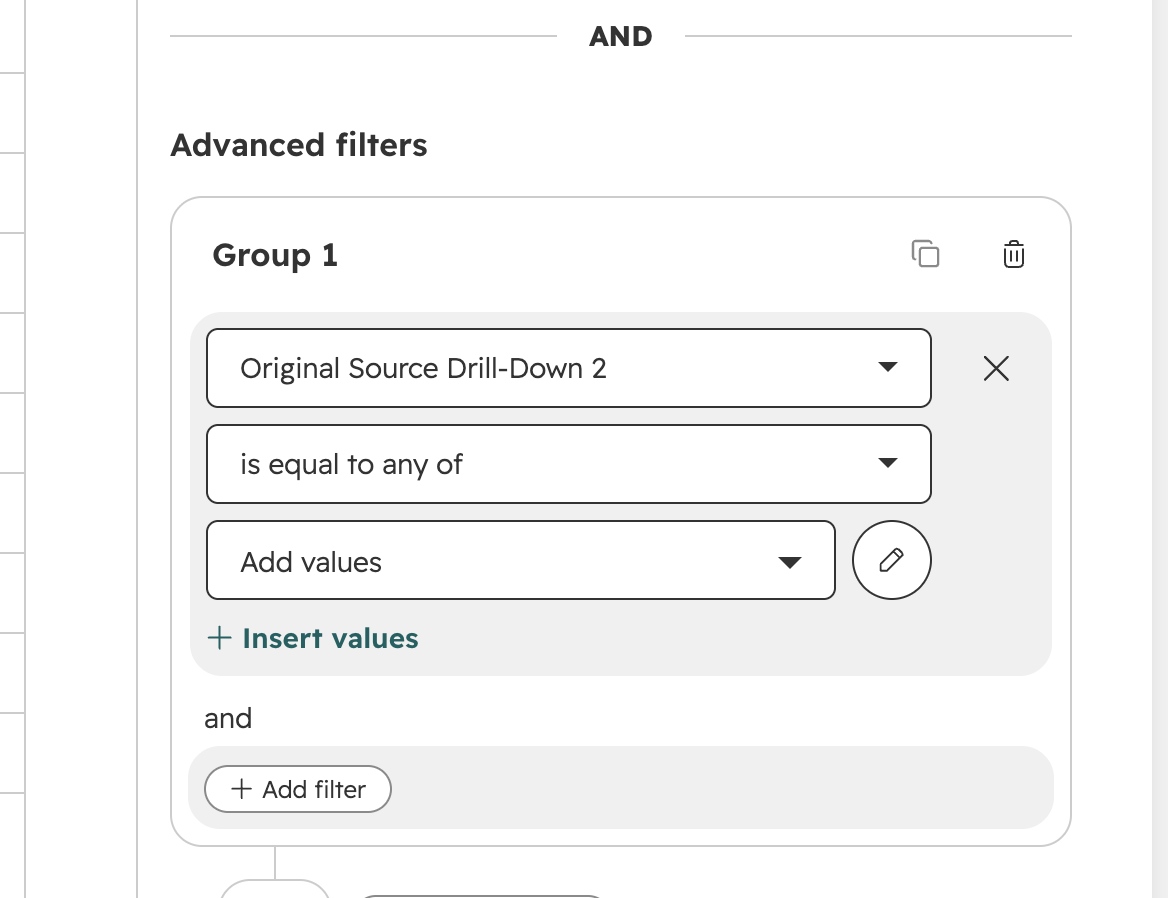
Users can now select option labels for 'Original traffic source drill-down 2' and 'Latest traffic source drill-down 2' properties for ID filters using a dropdown, rather than manually entering internal IDs.
Why does it matter?
Reason for development
Filtering with internal IDs on analytics properties caused confusion and required additional steps when building segments, workflows, or reports. This change improves data accessibility by allowing users to work with familiar, clearer labels instead of technical identifiers.
How does it work?
How it works
- - Navigate to CRM > Segments.
- - When referencing 'Original traffic source drill-down 2' or 'Latest traffic source drill-down 2', select 'insert values' for a dropdown that now displays available labels for easy selection of IDs.
-
Who gets it?
All hubs and tiers



.png?width=193&name=jos%20(1).png)




