What is it?
You can manually retry failed subscription card payments, giving you greater control over revenue recovery.
Why does it matter?
You can take immediate action when a subscription payment fails instead of waiting for automated retries or chasing buyers to update their details. This means faster revenue recovery and more control over critical revenue collection moments.
How does it work?
When a card subscription payment fails, you can take action right away to recover the payment by following these steps:
- Locate the payment under Commerce > Payments with a "Failed" status, or by reviewing the subscription payment history
- Open the payment details
- Note: Some payments cannot be retried because of the decline reason. The payment may also be scheduled to retry automatically on a future date.
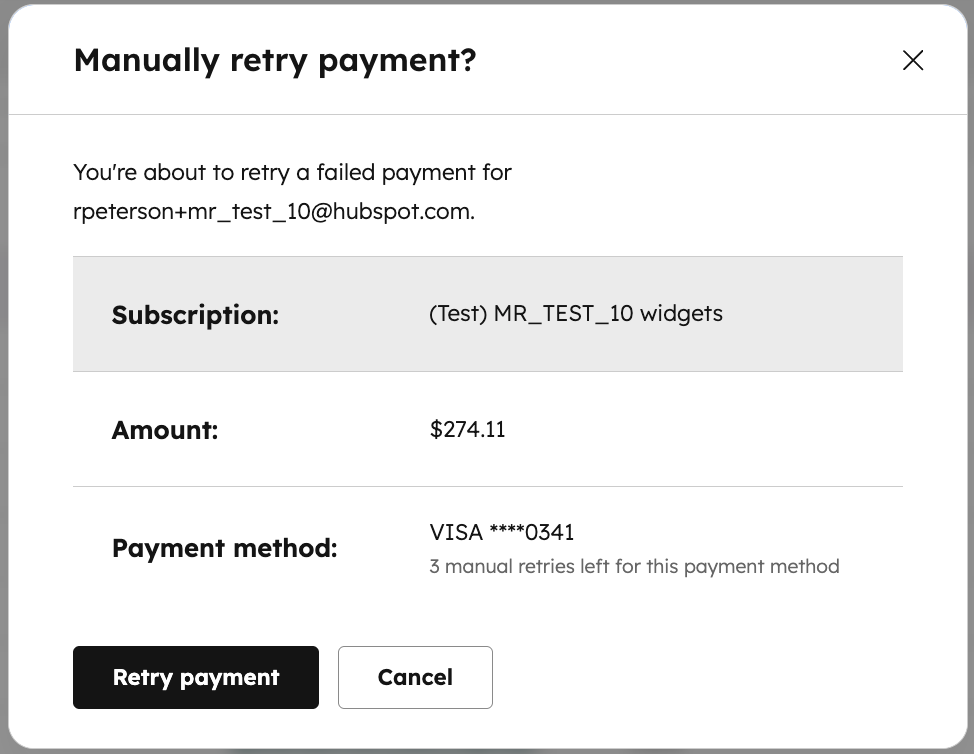
- Click the "Actions" menu, then "Manually retry payment"
- Confirm to "Retry payment", then verify if the retry was successful in the Payment history
- Note: You can manually retry the same payment up to 3 times.
Who gets it?
Commerce Hub with payments enabled, all hubs and tiers





.png?width=193&name=jos%20(1).png)




