What is it?
If you have the Brands Add-On, you can assign different brands to invoices, payment links, subscriptions, and checkout pages in Commerce Hub, so each transaction reflects the correct logo and brand colors.
Why does it matter?
Businesses with multiple brands need to present the correct branding throughout the buyer journey, avoiding confusion and maintaining a professional appearance. Brands support provides a cohesive buyer journey from marketing to sales to payments.
How does it work?
Prerequisites
You must be a Marketing Hub Enterprise customer with the Brands add-on.
How It Works
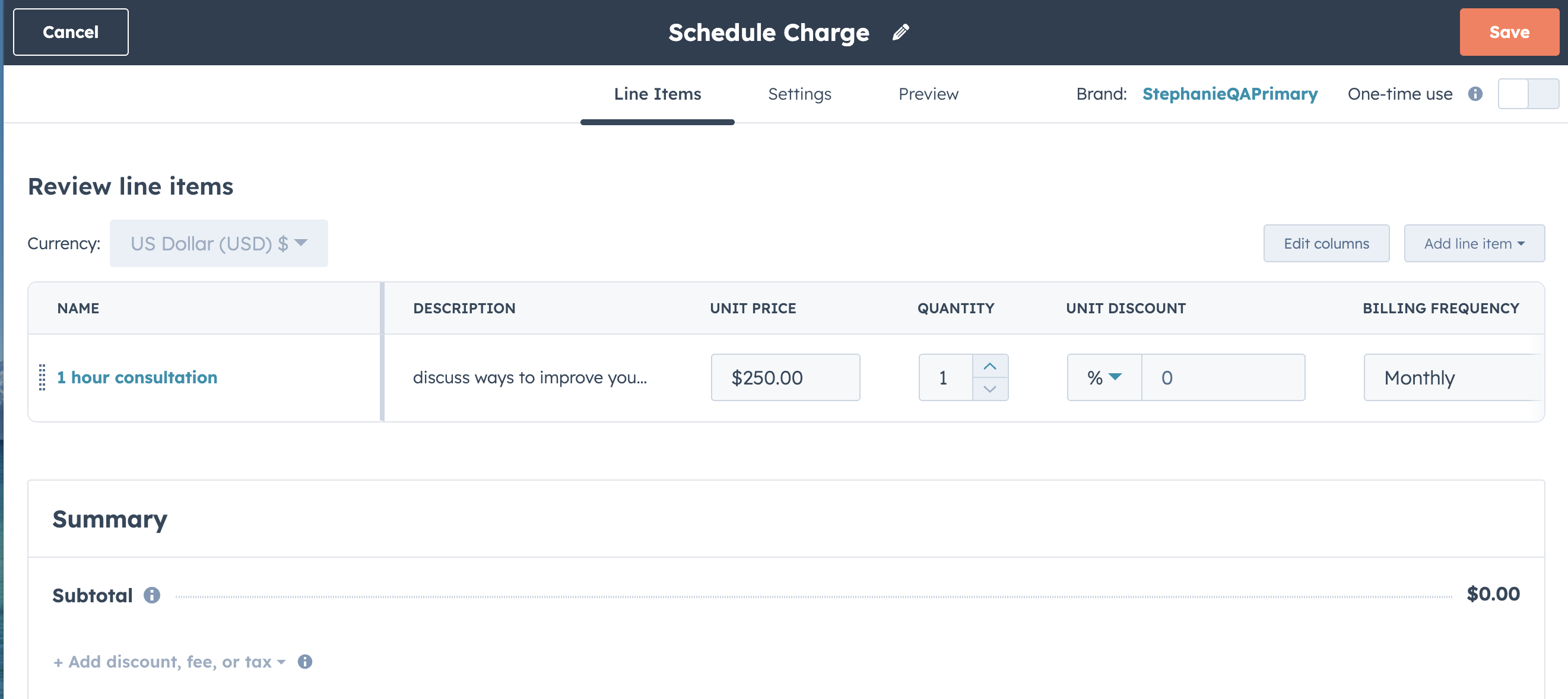
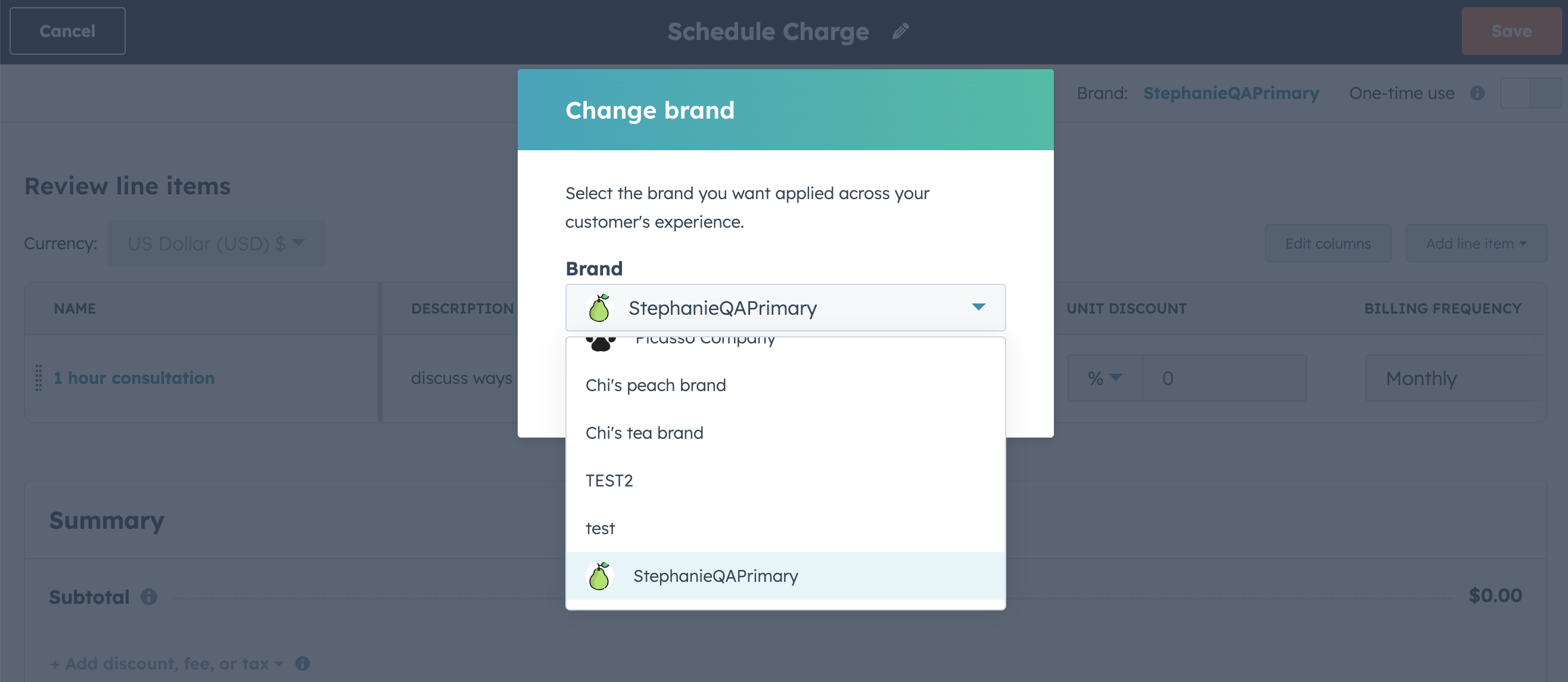
- When creating an invoice, payment link, or subscription, the selected brand is pre-selected in the editor; if none is selected, the primary brand is used.
- Assign a brand to each invoice, payment link, or subscription; the logo, colors, and fonts are inherited from the brand kit.
- Checkout pages, post-purchase experiences, and transactional emails use the assigned brand’s branding kit.
- Brand columns are visible in the respective index pages.
Who gets it?
Commerce Hub Professional, Commerce Hub Enterprise, Marketing Hub Enterprise with the Brands add-on





.png?width=193&name=jos%20(1).png)




