What is it?
Send-from permission in allow admins to control which users and teams can respond from each channel account connected to help desk.
Why does it matter?
Channel send permissions let you decide which users are allowed to send messages out through a team email, WhatsApp, or custom channel account. Without it, anyone with help desk access can reply to a customer on any channel, which makes it hard to protect your most sensitive conversations or keep reps from replying on channels they should not Now you can grant send access channel by channel, so the right people respond on the right channels and every outbound message reflects the standard your customers expect.
How does it work?
See all channels in one place
- Go to Settings > Tools > Inbox & Help Desk > Channels
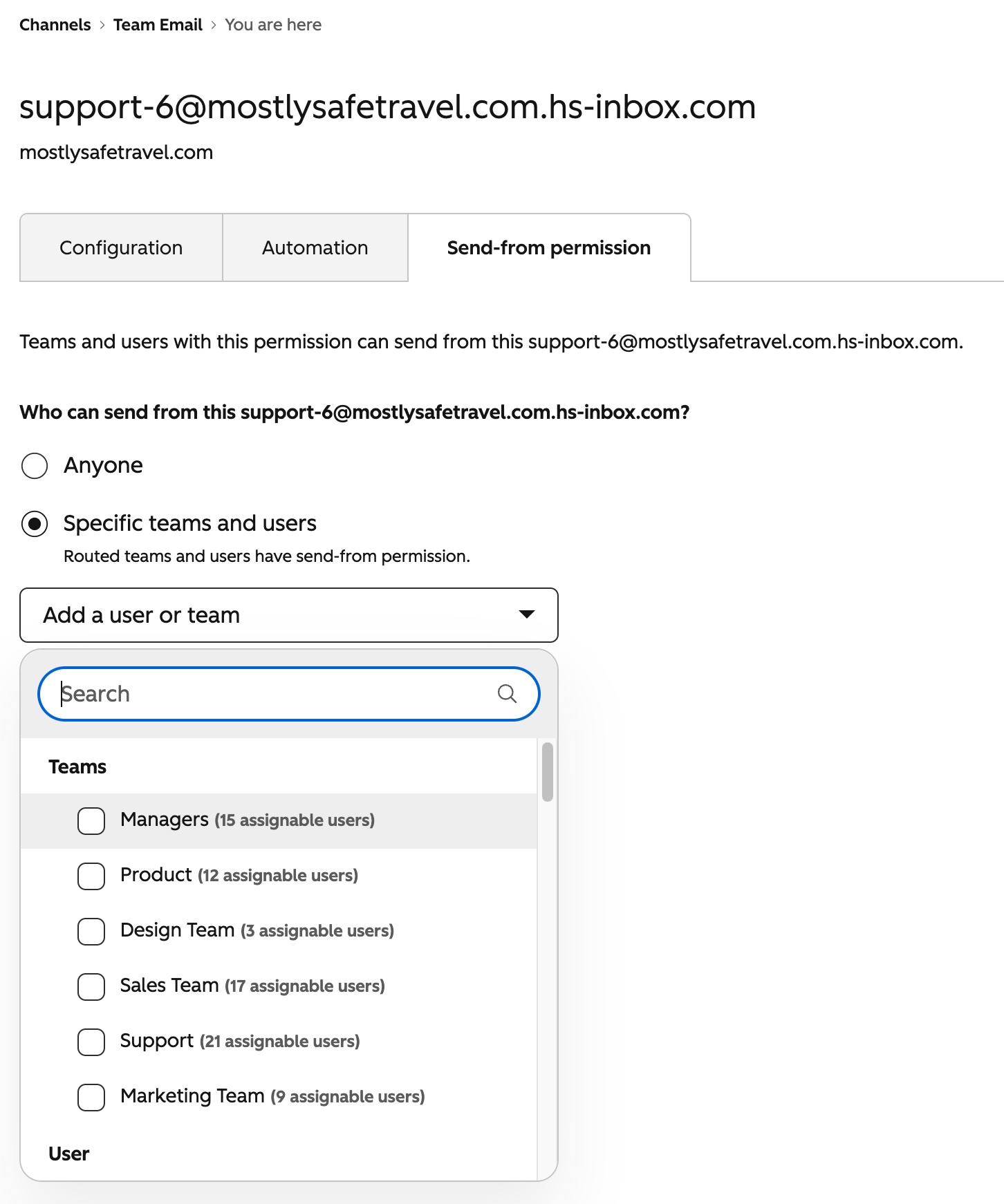
- Click into a Team Email, WhatsApp, or Custom channel account
- Under Send-from permission, restrict which users and teams can respond from that channel account. (Routed teams and users will automatically have send-from permissions)
Who gets it?
Service Pro + Enterprise



.png?width=193&name=jos%20(1).png)




