Note
This record includes updates regarding current development efforts for our existing or new products or services. These updates are not intended to be a promise or guarantee of future availability of products, services, or features but merely reflect our current plans based on factors currently known to us. They also are not intended to indicate when or how particular features will be offered or at what service tier(s) or price. These planned and future development efforts may change without notice.
What is it?
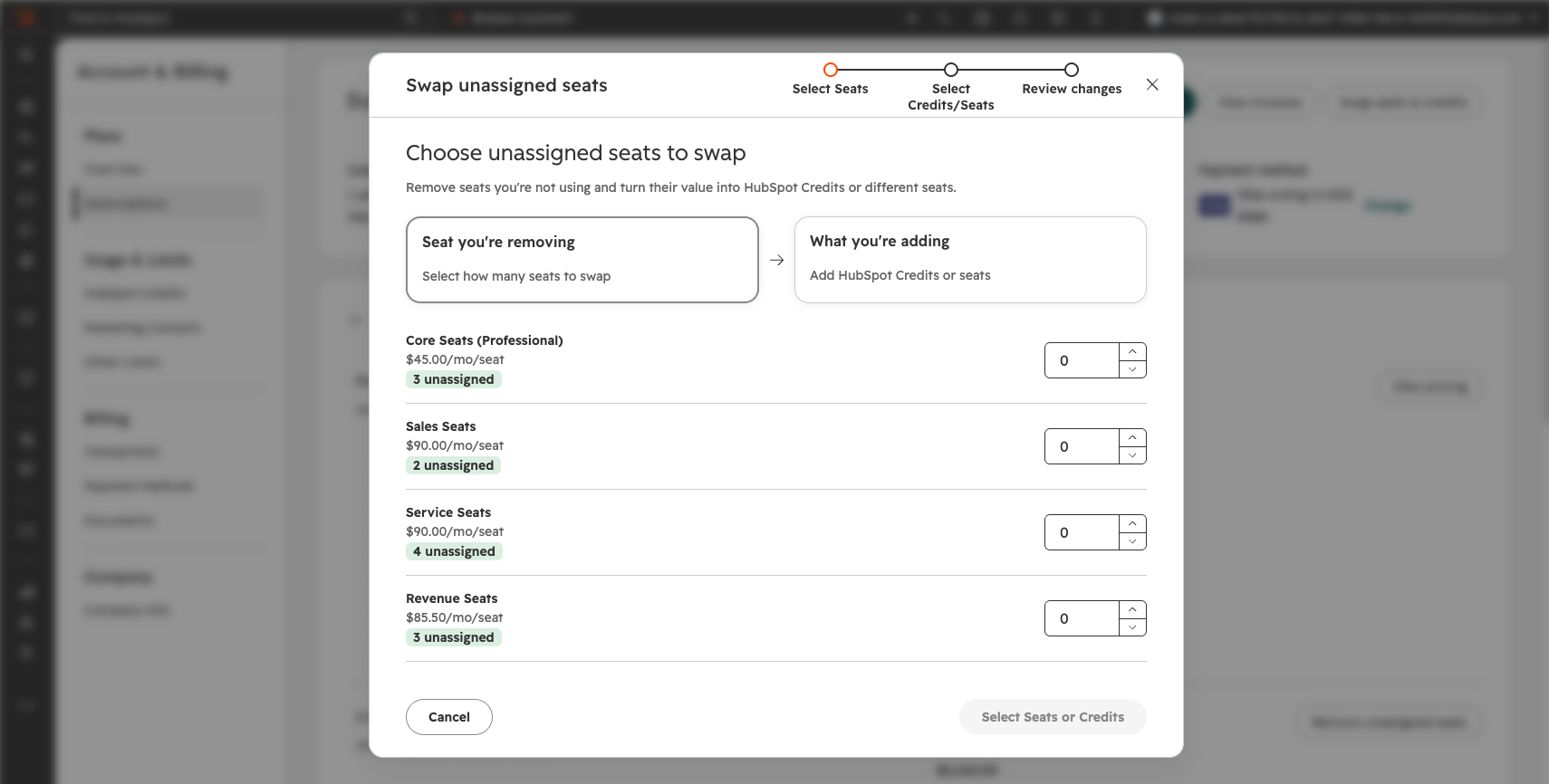
With this release, Super Admins can swap unassigned seats within their portal for HubSpot Credits, or for a different seat type, directly from their portal's Account & Billing > Overview > Subscription or Seats page within Users & Teams.
Previously, there was no self-serve way for customers to reallocate the spend associated with their unassigned seats. Any changes required working with their account team to offer that flexibility.
Why does it matter?
Customers want their committed spend to flex with them as their priorities shift. This update gives Super Admins more control over their HubSpot committed spend, so the spend sitting with unassigned seats can be put towards powering credit-consuming features.
How does it work?
- Super Admins can start a swap from Account & Billing > Overview > Subscriptions, or from the Seats page within Users & Teams.
- From there, they select unassigned seats and choose to swap them for credits or a different seat type. As quantities are adjusted, a live summary shows the updated seat count, monthly credit total, and any increase to monthly cost.
- After reviewing the summary, Super Admins complete checkout. The swap takes effect immediately, and any cost increase is prorated and shown at checkout before confirming.
Who gets it?
All hubs and tiers




.png?width=193&name=jos%20(1).png)




