What is it?
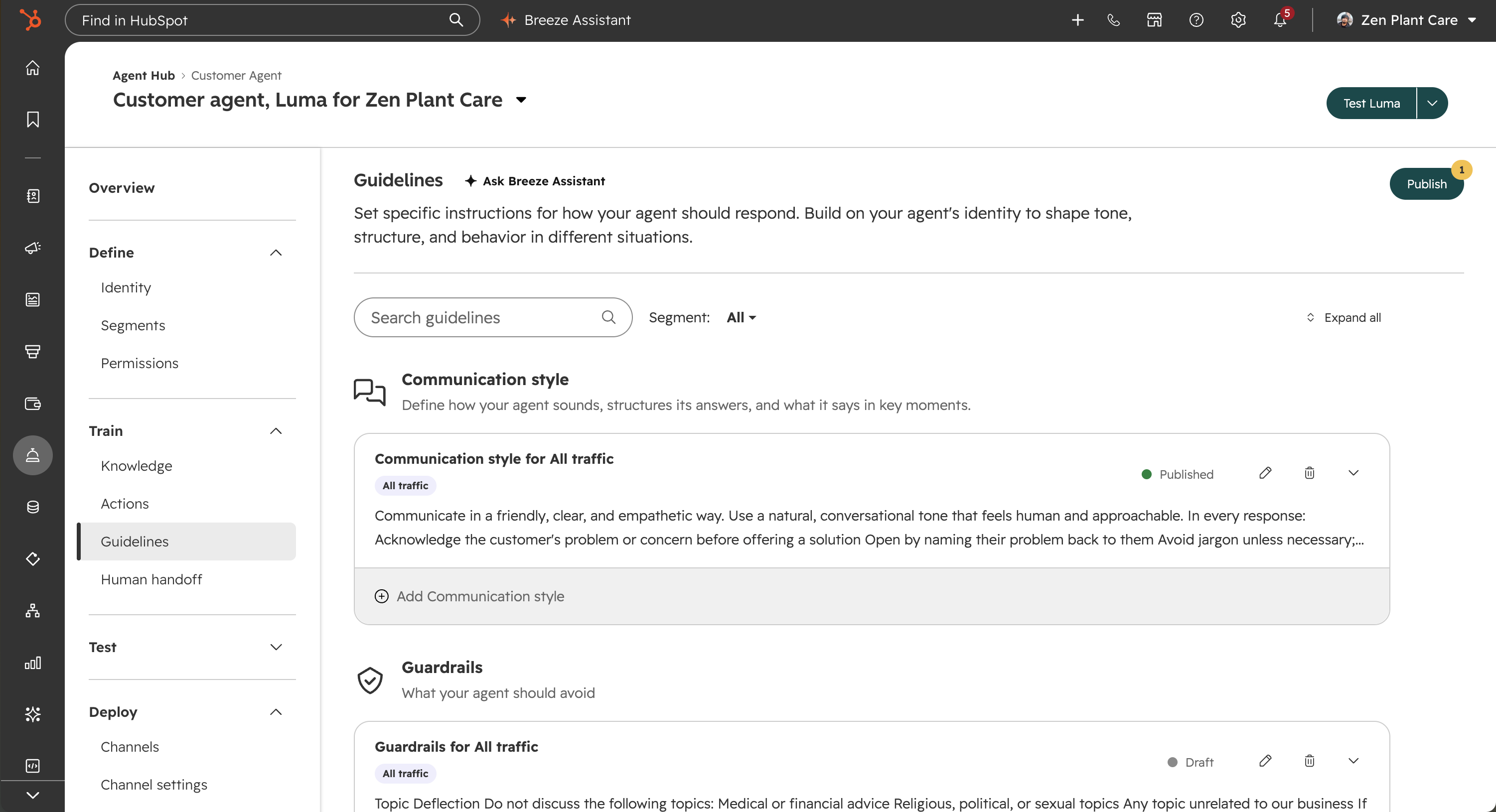
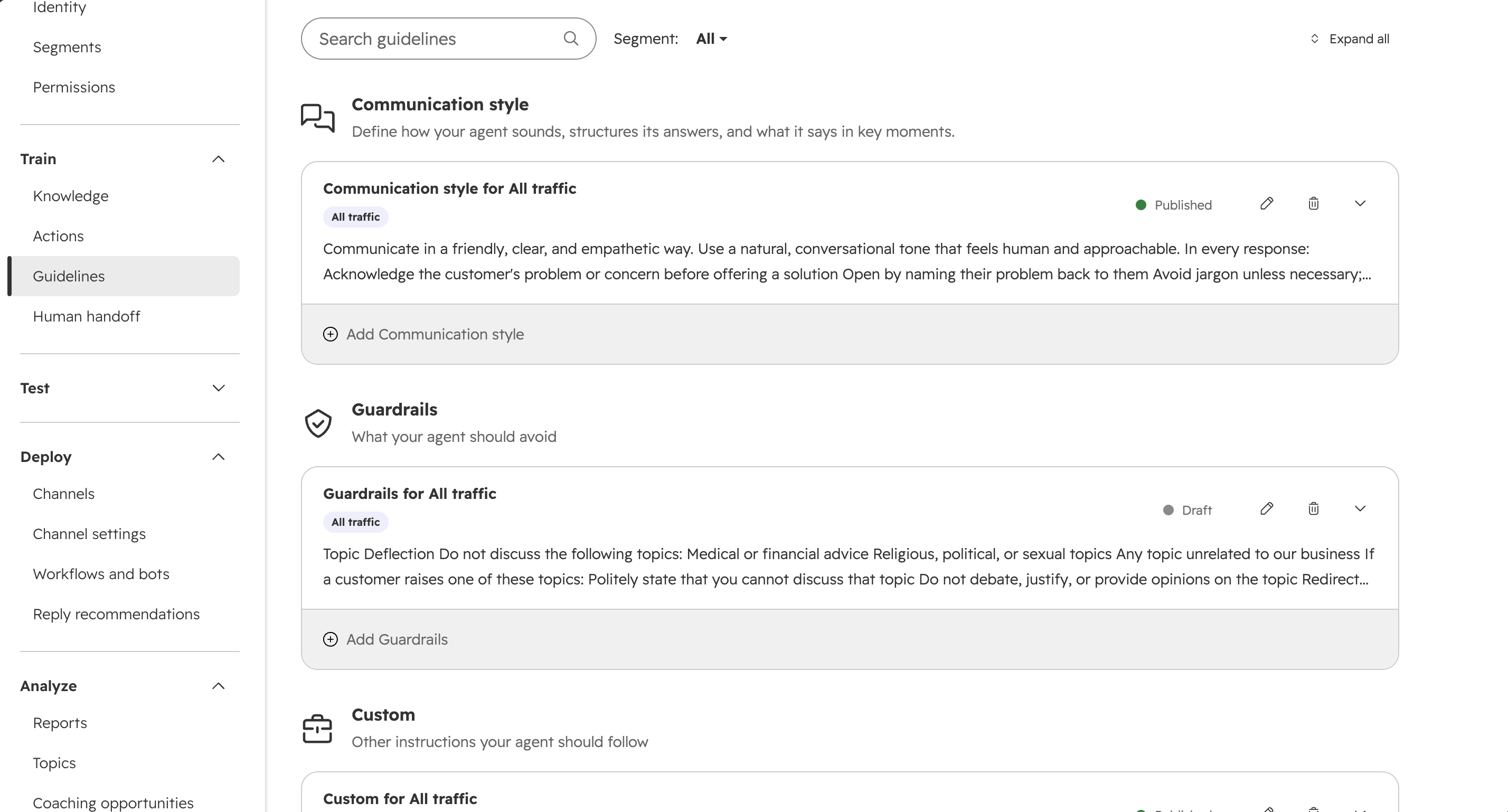
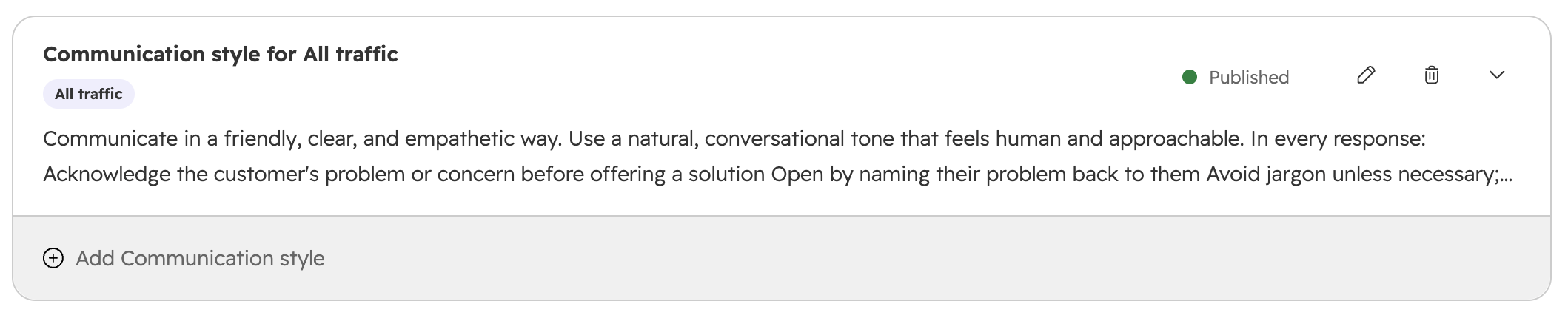
The guidelines interface for customer agent has been redesigned with a card-based layout that supports multiple guidelines per category, audience segment targeting, and preset starting templates.
Why does it matter?
The previous fixed-form interface made it difficult to organize guidelines across different audience types. You can now create and name multiple guidelines per category, assign them to specific segments, and filter or search across all your guidelines in one view — making it easier to manage complex configurations and support a wider range of use cases.
How does it work?
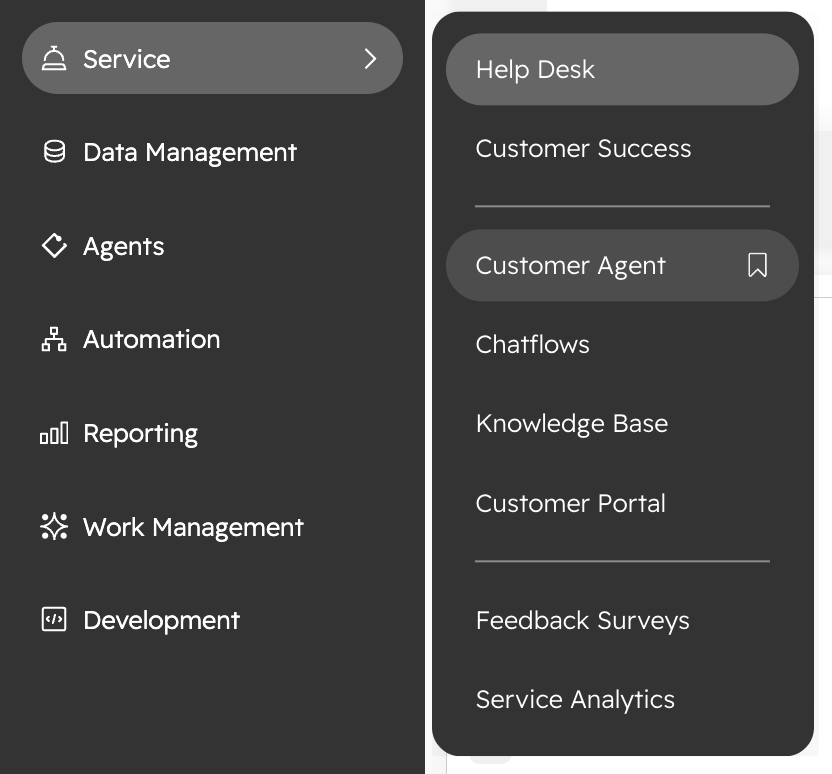
- Visit the Customer Agent Guidelines page.
- Choose from three categories: Communication style, Guardrails, and Custom.
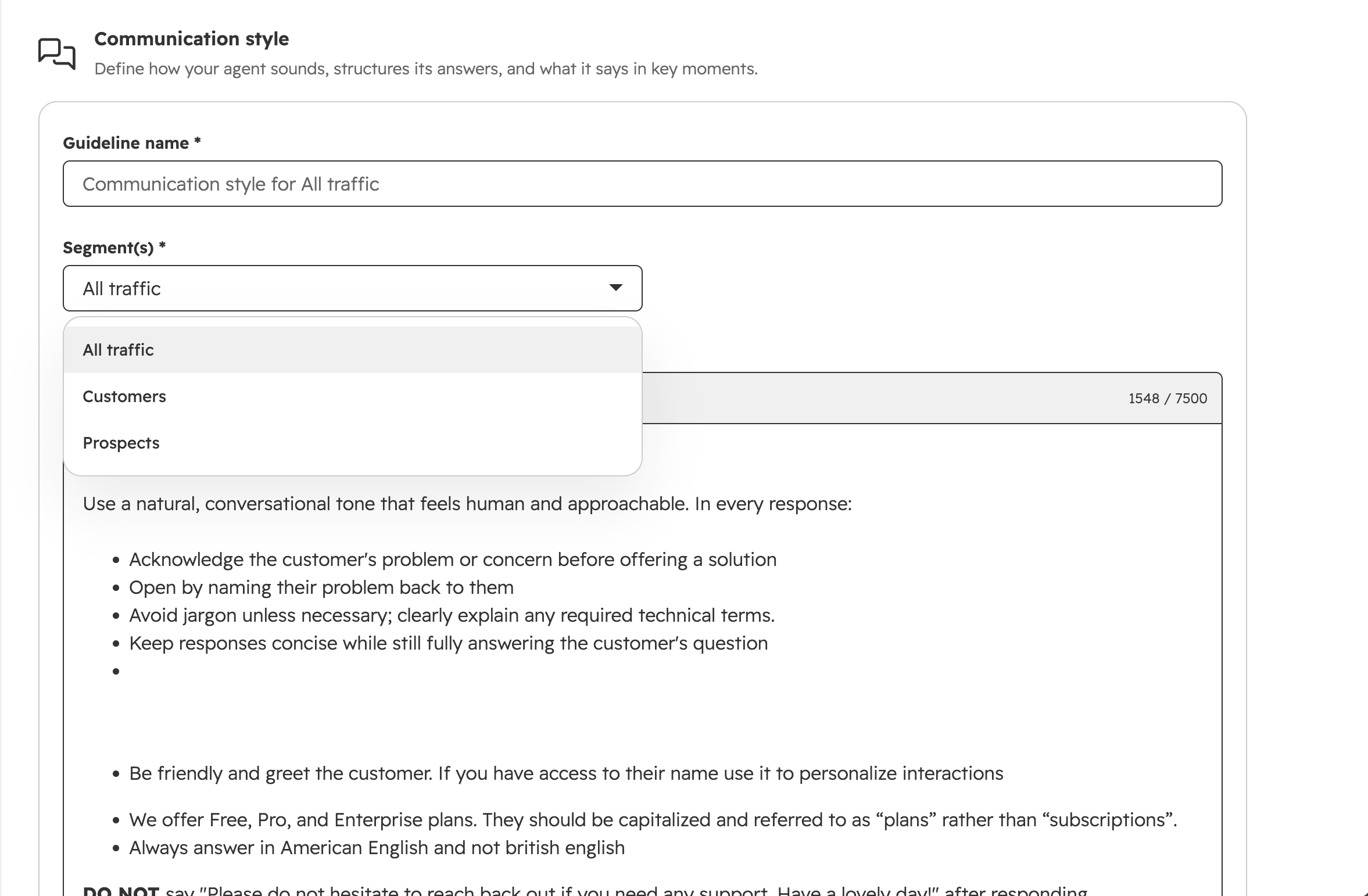
- Create multiple named guidelines in each category, edit names, and assign guidelines to specific audience segments.
- First-time users see a "Pick a starting point" grid; selecting an option creates a bundle of guidelines automatically.
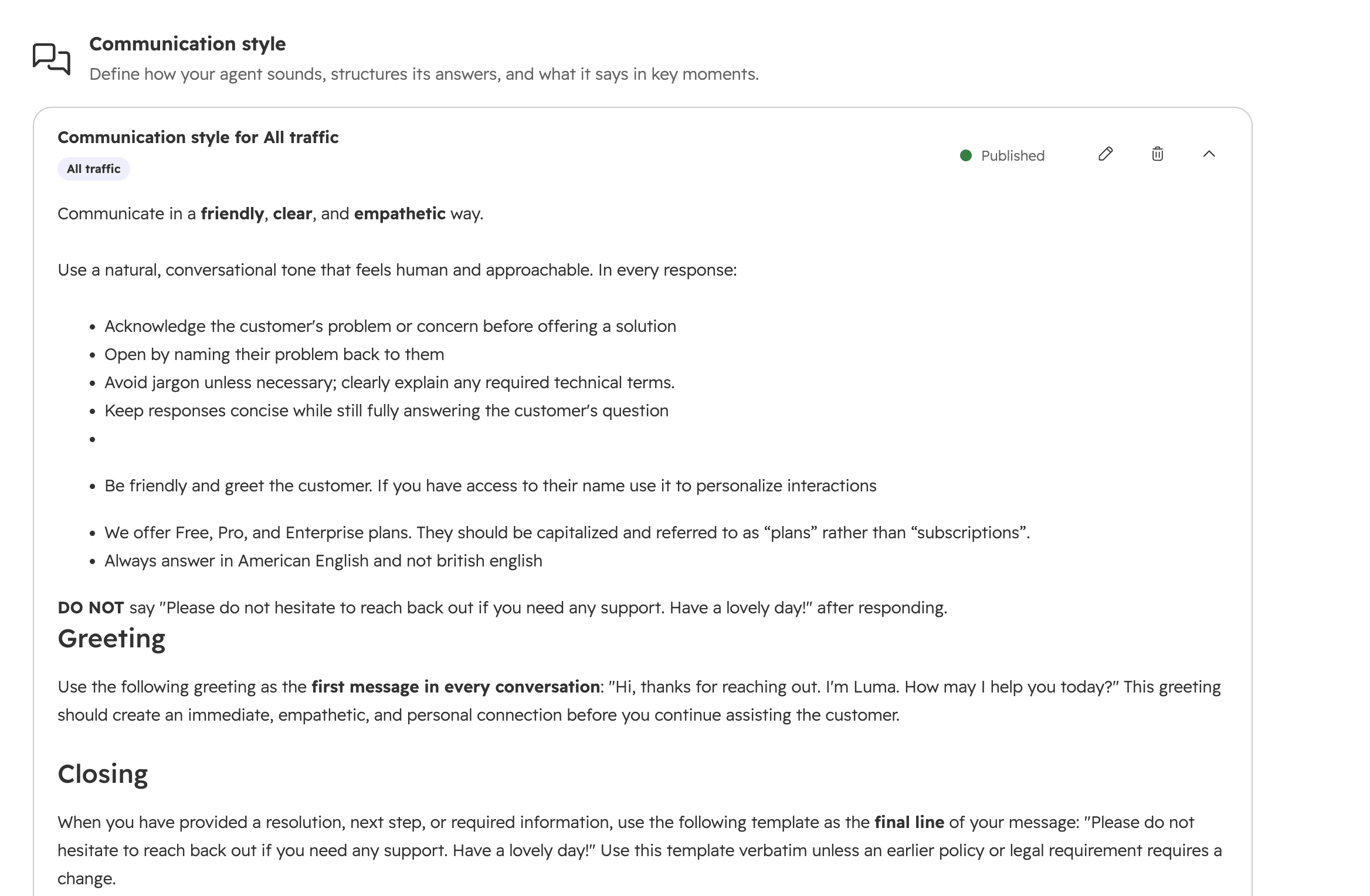
- Use the card-based layout to search, filter by segment, and expand/collapse all cards.
- Explicitly save changes; save status (draft/published) is indicated.
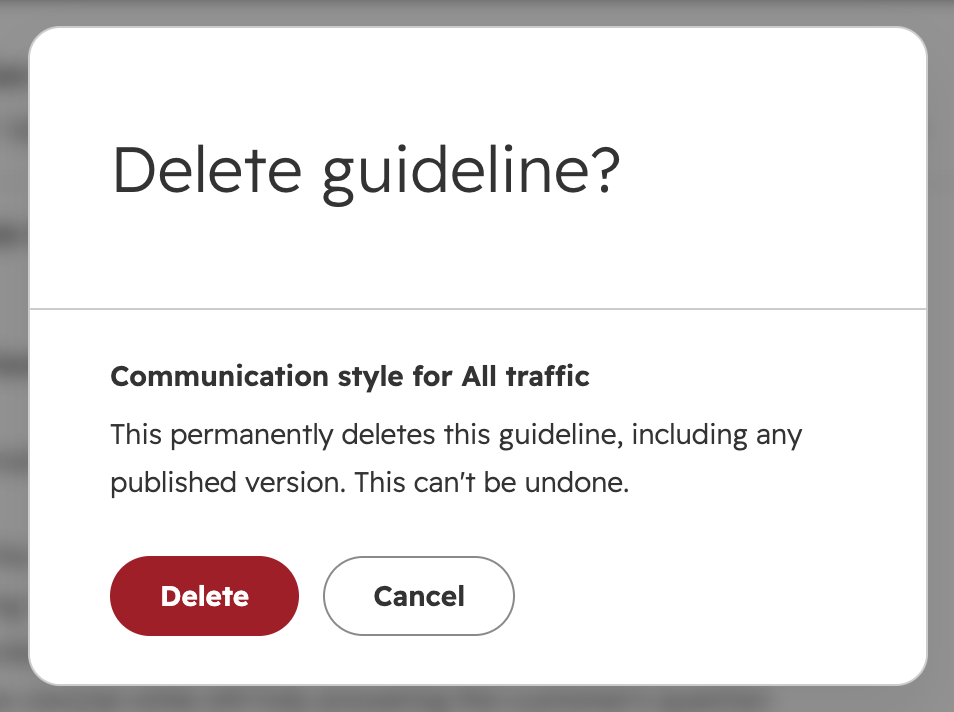
- Deleting a guideline prompts a confirmation and removes both draft and published versions.
- Existing customers will have their guidelines automatically migrated with no action needed.
Who gets it?
Customer agent is available for all Professional and Enterprise Customers


.png?width=193&name=jos%20(1).png)




