What is it?
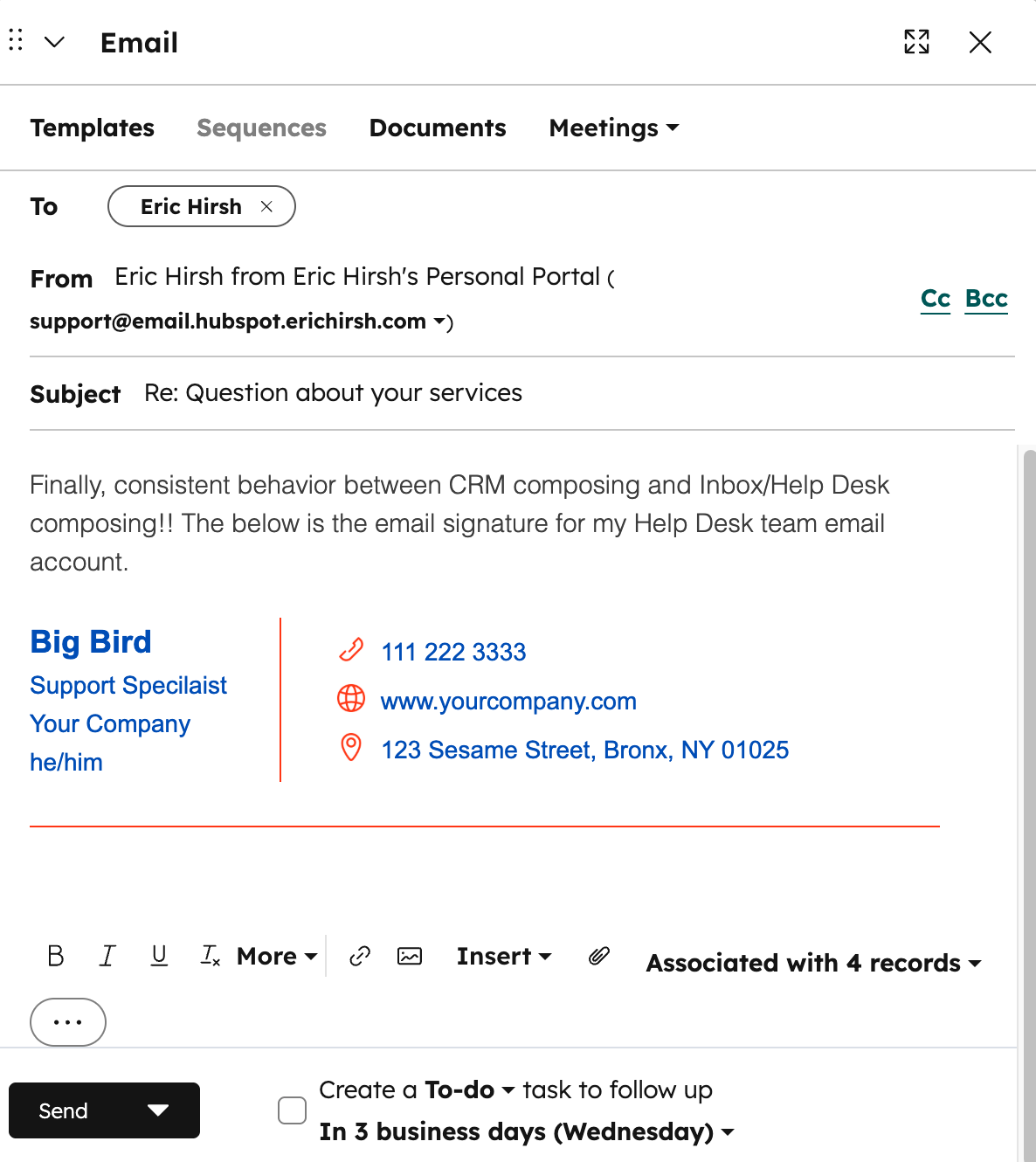
Team email account signatures are now used when sending a one-to-one from a team email address in the composer on a CRM record page.
Why does it matter?
Previously, when sending from a team email address via a CRM record (Contact, Company, Deal, Ticket) you could only use your personal email signature. This is confusing and inconsistent, as admin-configured team email signatures are always included when sending an email from Inbox or Help Desk.
How does it work?
When composing a one-to-one email on a CRM page, once you select a team email account as the from address, the signature will automatically update to be the one configured by an admin for that team email account.
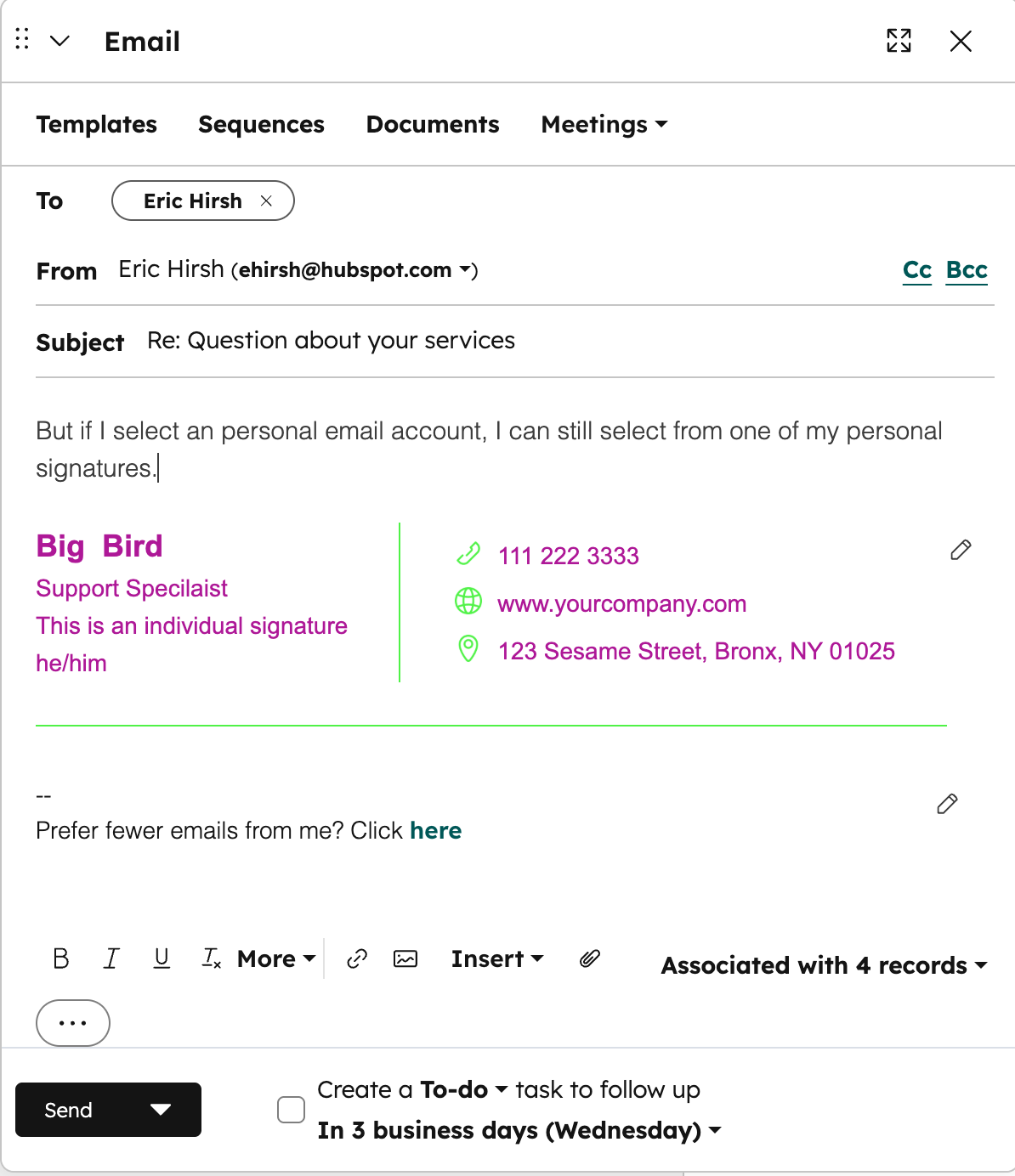
If you select one of your personal email accounts, it remains the case that your default personal email signature will appear and that you can change it to another signature if desired.
Who gets it?
All hubs and tiers





.png?width=193&name=jos%20(1).png)




