What is it?
Advanced Quote Approvals can now reference teams directly. Instead of updating the workflow whenever approvers change, admins can simply update the users within each team in Users & Teams, and the approval flow will stay in sync automatically.
Why does it matter?
This makes Advanced Approvals much easier to manage as teams change. Admins don’t need to keep going back into workflows every time someone joins, leaves, or switches teams. They can manage users in one place and the approval flow stays up to date.
How does it work?
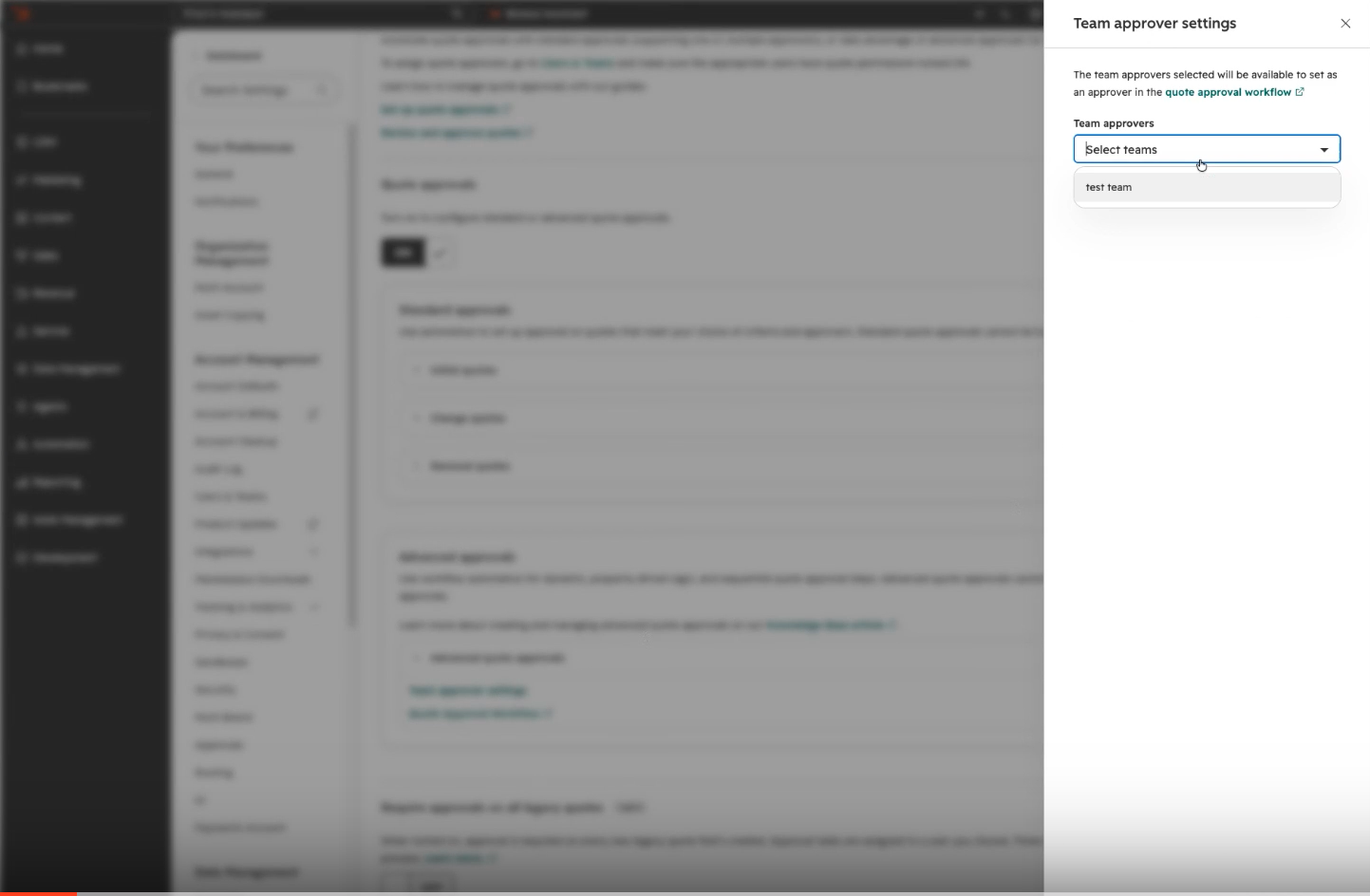
Navigate to Quotes -> Settings.
- - First select which teams should be available as approvers.
- - Once a team is enabled, it will appear as an option in the approver dropdown for Advanced Quote Approvals.
- - If that team is selected for an approval step, anyone on the team can approve the quote.
- - Being part of the team gives users the ability to approve quotes assigned to that team, but it does not change their individual approval permissions.
- - If someone is removed from the team, they’ll lose the ability to approve on behalf of that team unless they also have individual quote approval access in Users & Teams.
Who gets it?
Revenue Hub Enterprise



.png?width=193&name=jos%20(1).png)




