What is it?
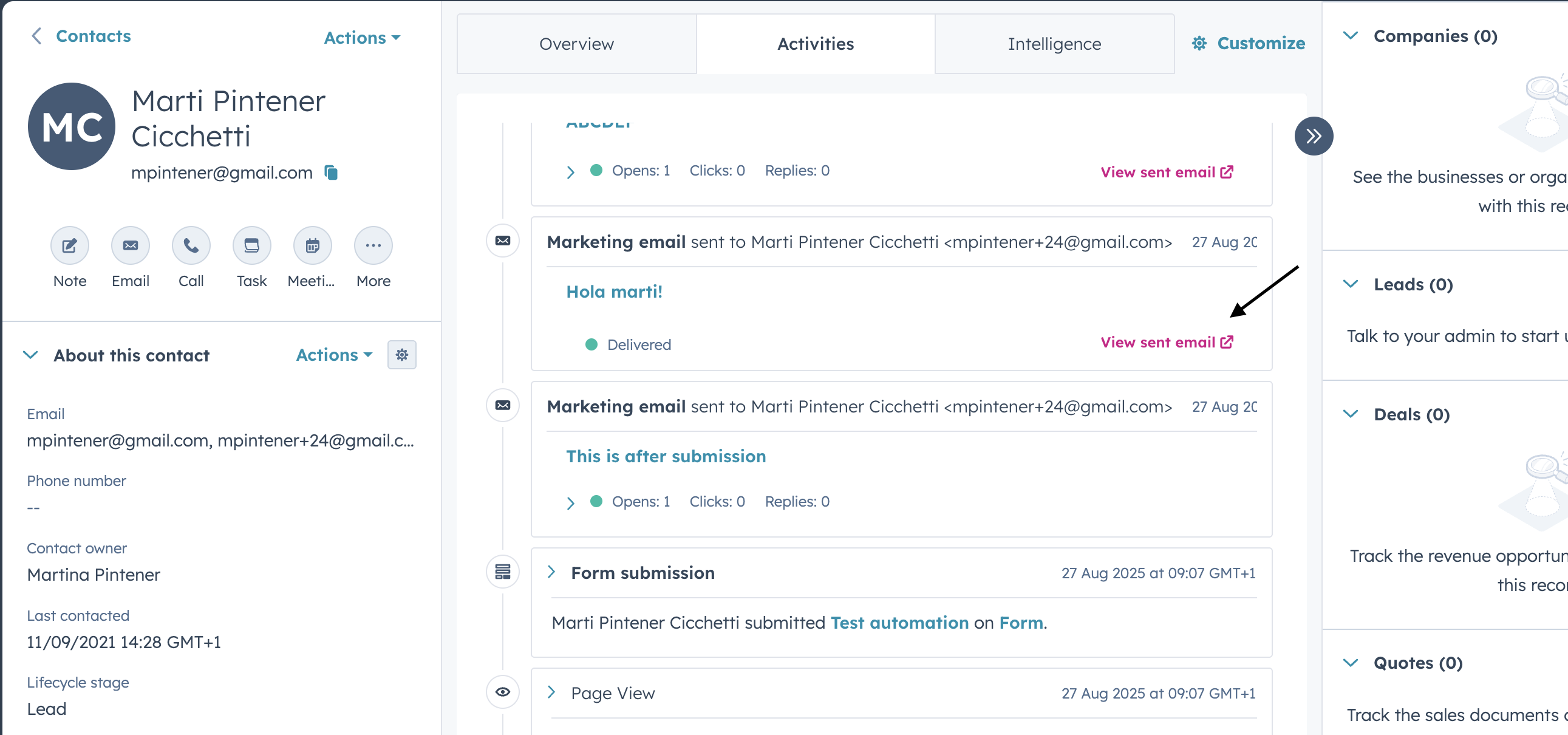
You can now view the exact personalized marketing email sent to each contact directly from their contact record. If you send an email using smart content, programmable email modules, or dynamic AI text tokens, you can access the fully-rendered version of what each contact received by clicking "View sent email" on their activity timeline. This view is available for 30 days after the email is sent.
Why does it matter?
When your team views a contact record, they can see that a marketing email was sent — but not what was actually in it. For highly personalized emails, this creates a visibility gap: sales reps don't know what products were recommended, what content was highlighted, or what messaging the contact received.
Now you can give your entire team visibility into the exact email each contact saw, enabling:
- Marketing and sales alignment: Sales gets the full context before they reach out, making follow-ups more relevant and informed.
- Verification of personalization efforts: Confirm that dynamic content, smart rules, and AI-generated text rendered correctly for specific recipients.
- Faster troubleshooting: Quickly identify and diagnose personalization issues by viewing the actual output on individual contact records.
How does it work?
- Navigate to a contact record in HubSpot.
- Find the marketing email activity on their timeline.
- Click View sent email to open the exact version of the email that contact received.
- The personalized email will be available to view for 30 days following the send date.
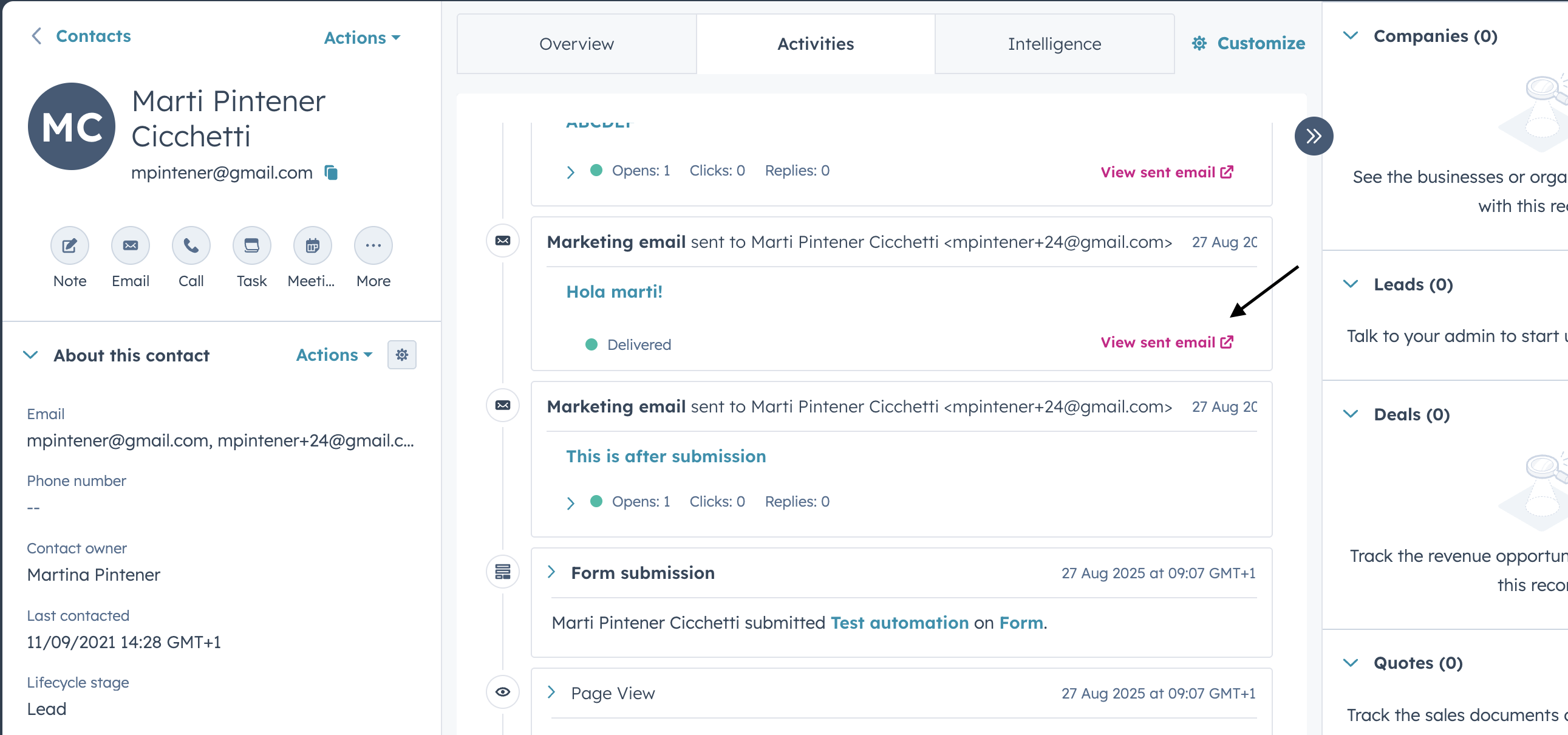
Looking for a permanent audit trail? If you need to retain copies of sent emails beyond 30 days for compliance purposes, we recommend using the BCC compliance copy feature instead.
Who gets it?
All hubs and tiers


.png?width=193&name=jos%20(1).png)




