What is it?
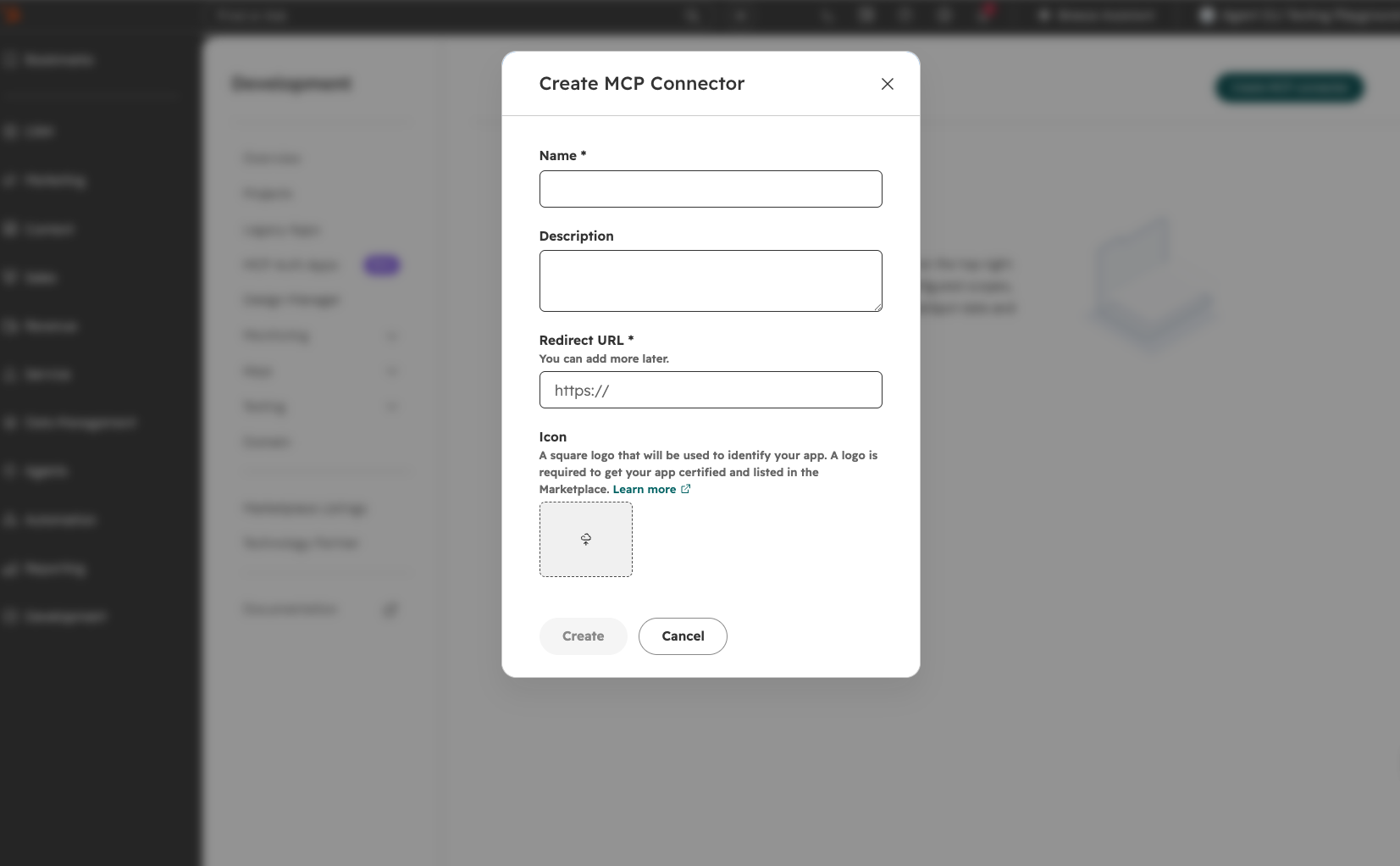
You can now build and manage your own HubSpot connectors through a new self-service interface in the HubSpot Developer Platform — bringing HubSpot's customer context into the software and AI-powered experiences you build.
Why does it matter?
Building HubSpot connectors previously required manual coordination and custom credential management at every step. The new UI changes that: you can create, configure, and manage connectors independently on your own timeline, without back-and-forth. That means a faster path to giving end users access to HubSpot's complete customer context wherever they work.
How does it work?
- Navigate to the new HubSpot connectors section of the HubSpot Developer Platform.
- Use the interface to create and manage your connectors, including modifying and maintaining connector settings.
- The platform generates OAuth 2.1 credentials to integrate external systems with the HubSpot MCP server.
- Manage permission requests from customers who install your connectors.
More information is available in our developer documentation.
Who gets it?
This is now generally available for all customers on all plans.



.png?width=193&name=jos%20(1).png)




