What is it?
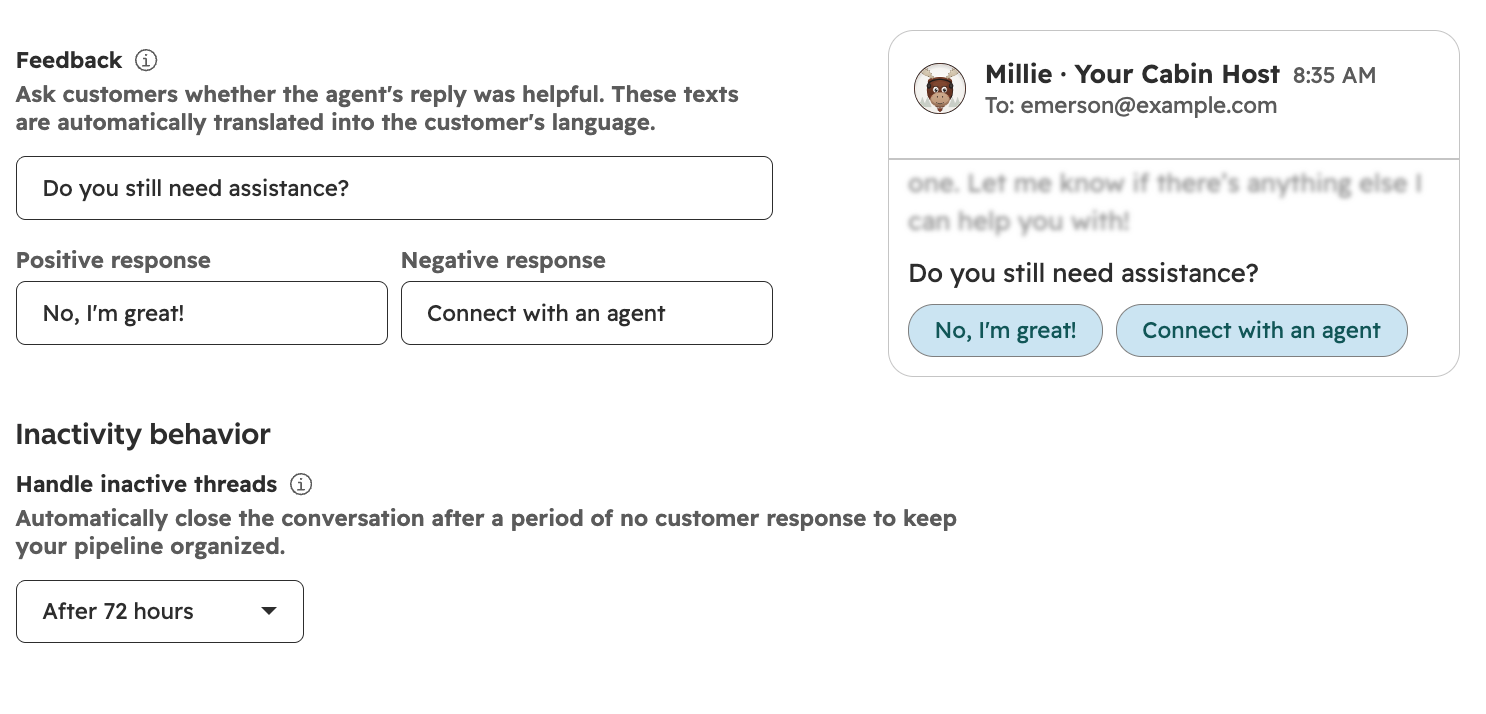
You can now customize the feedback question and response options that customer agent adds to the end of its email replies.
Why does it matter?
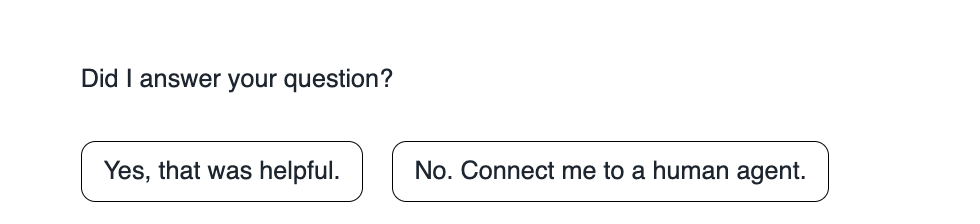
Before, customer agent would add a generic "Did I answer your question?" when it thought a question had been asked.
With this update, customer agent now adds a feedback prompt to every reply, and you can customize the response to be more aligned with your brand, roles, and processes.
Positive responses count toward feedback and reporting. Negative responses hand the conversation off to a human.
How does it work?
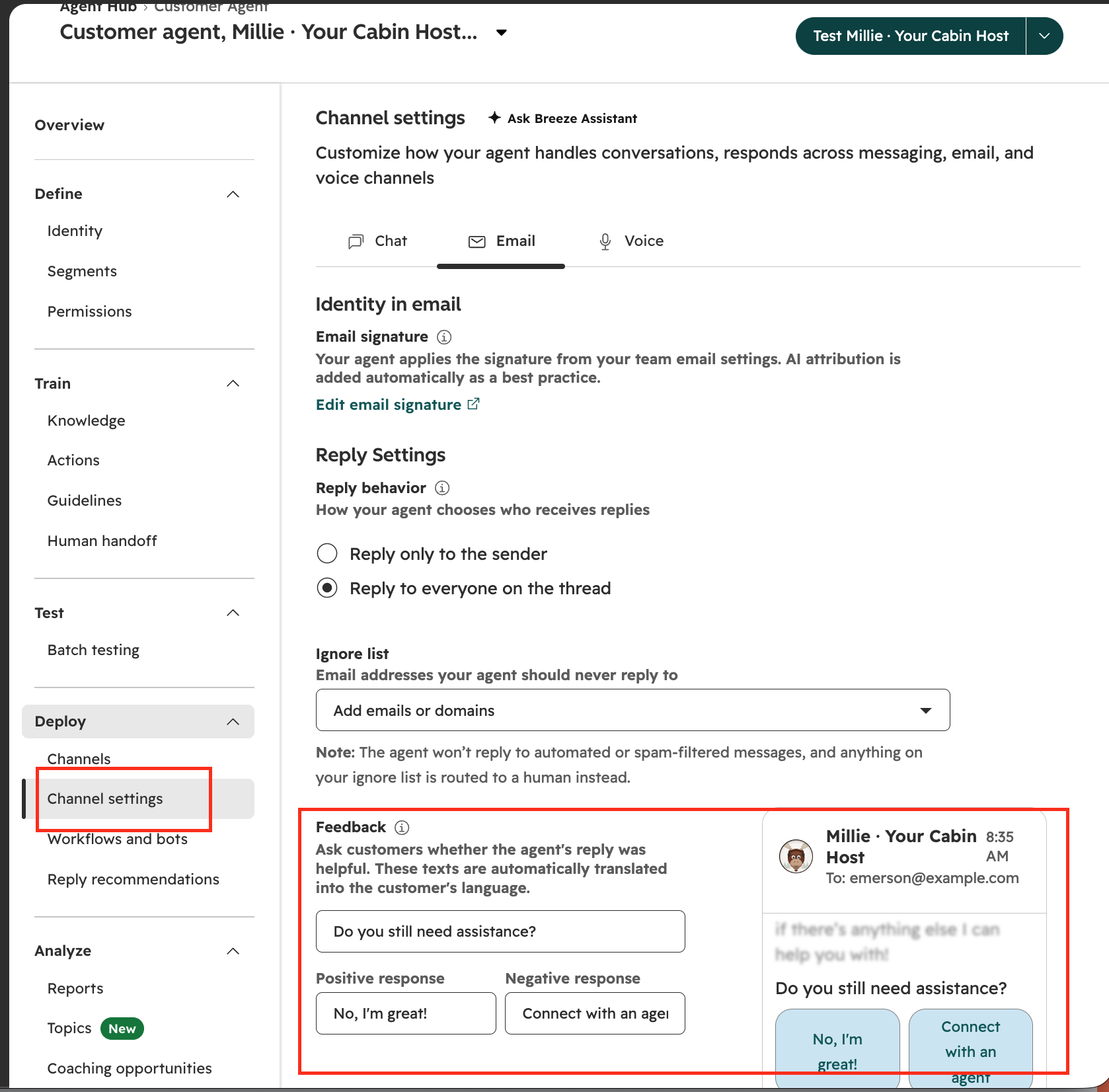
- Go to Deploy > Channel Settings.
- In the Email section, find the reply feedback settings.
- Edit the question, positive response, and negative response.
- Save your changes.
Who gets it?
This feature is available for customer agent in the following HubSpot products:
- - Smart CRM Professional and Enterprise
- - Marketing Hub Professional and Enterprise
- - Sales Hub Professional and Enterprise
- - Service Hub Professional and Enterprise
- - Content Hub Professional and Enterprise
- - Data Hub Professional and Enterprise