What is it?
Visitors can now attach PDF files directly within a Customer Agent conversation.
Why does it matter?
Customers often need to share a document to get the right help, a warranty, a contract, or a form. Without attachment support, they had to switch to email or describe the document in text, which created friction and led to context loss. PDF attachments let the conversation stay in one place, with full context available from the start.
How does it work?
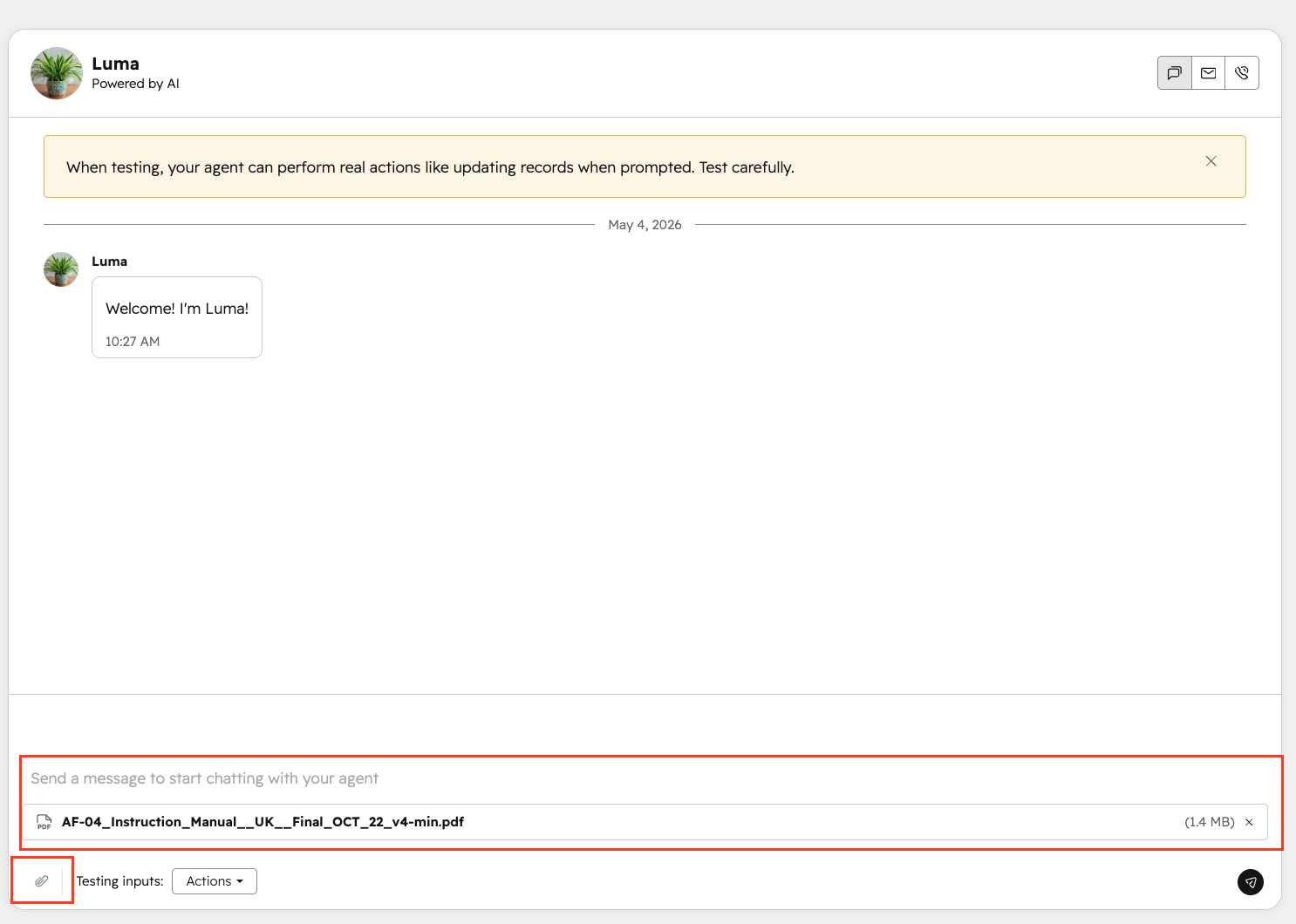
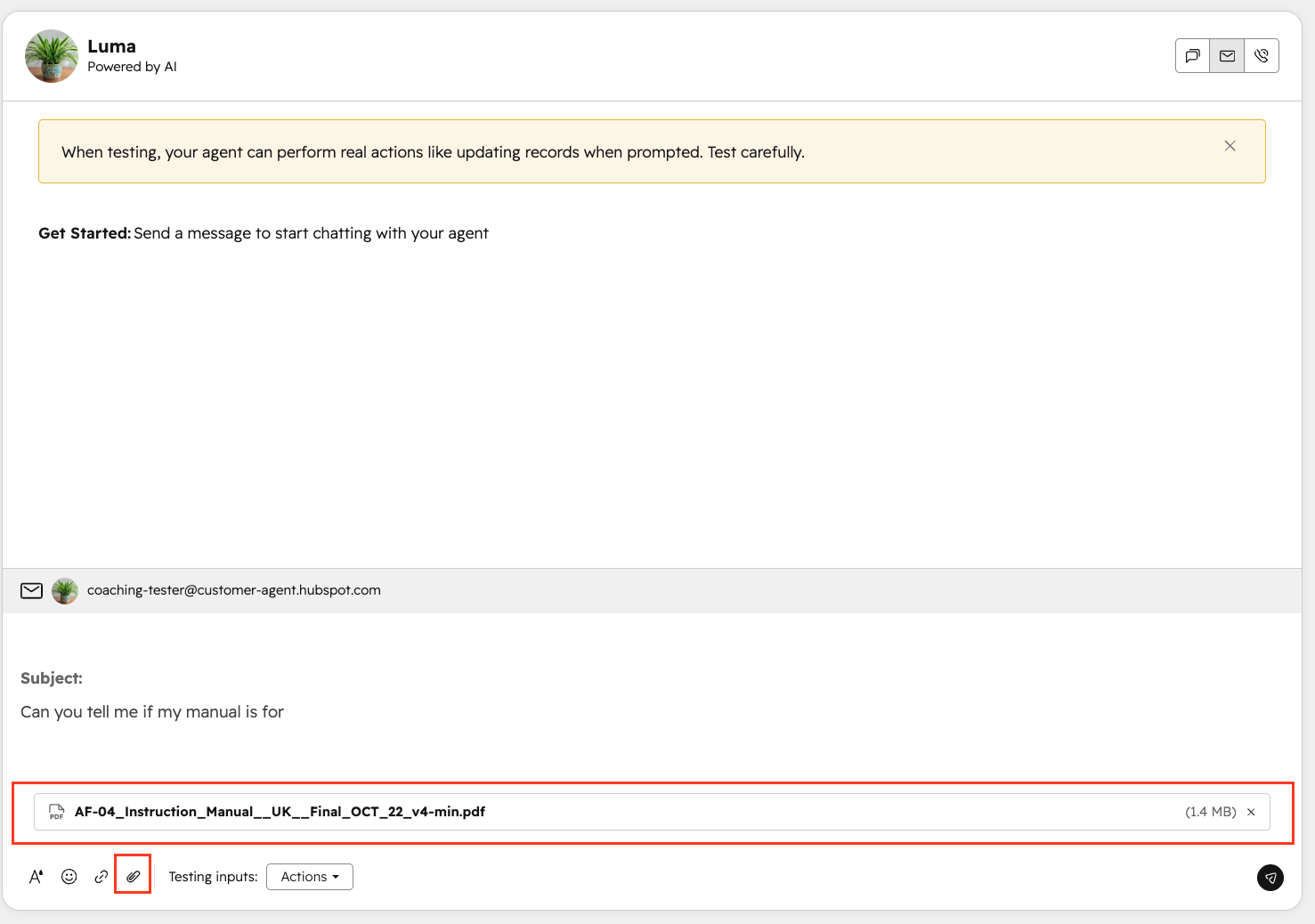
Visitors will see a file attachment option in the Customer Agent chat widget. They can attach any PDF up to 10MB, and it's submitted as part of the conversation thread. The file is immediately visible to both the AI agent and any human agents handling the conversation; no follow-up needed.
Who gets it?
HubSpot Credits, Content Hub Professional, Content Hub Enterprise, Marketing Hub Professional, Marketing Hub Enterprise, Data Hub Professional, Data Hub Enterprise, Sales Hub Professional, Sales Hub Enterprise, Service Hub Professional, Service Hub Enterprise, Smart CRM Professional, Smart CRM Enterprise



.png?width=193&name=jos%20(1).png)




