What is it?
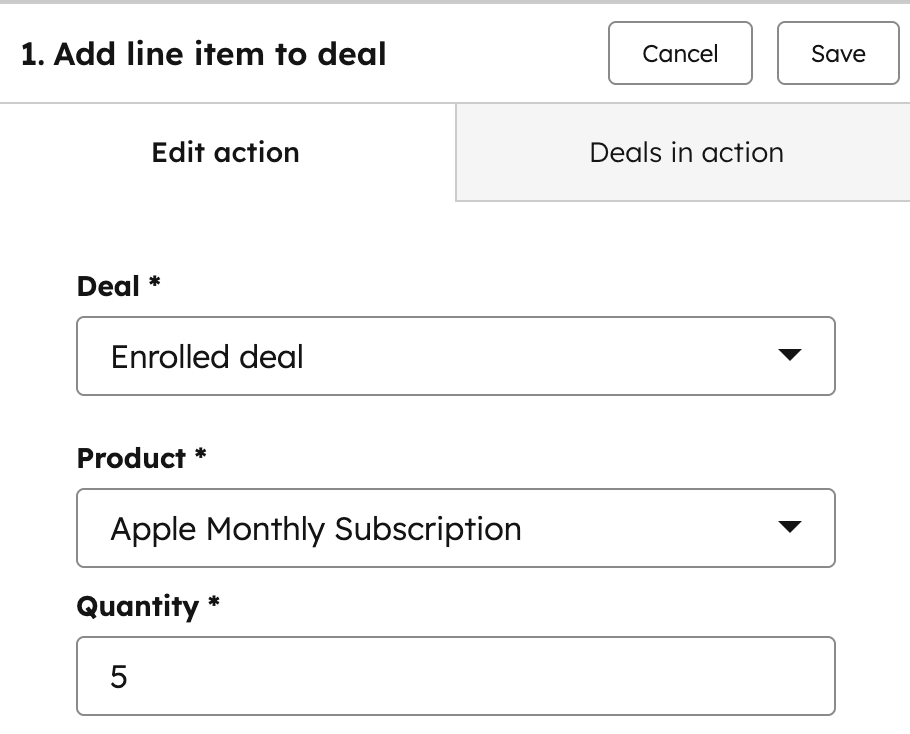
You now have access to a new workflow action that lets you automatically add line items to a deal.
Within a workflow, you can:
- - Select a specific product from your product library
- - Set a quantity
- - Automatically attach that line item to the deal when the workflow runs
This brings product and pricing logic directly into your automations. No manual deal updates required.
Why does it matter?
Before this, adding products to deals required manual work or post-automation cleanup. Now, you can:
- - Fully automate deal setup the moment a trigger fires
- - Ensure consistent products and quantities are applied every time
- - Reduce human error and save time for sales and ops teams
- - Build more advanced revenue workflows (e.g. auto-adding onboarding fees, setup packages, or standard bundles)
This is a huge unlock for automation, especially for teams standardizing how deals are created.
How does it work?
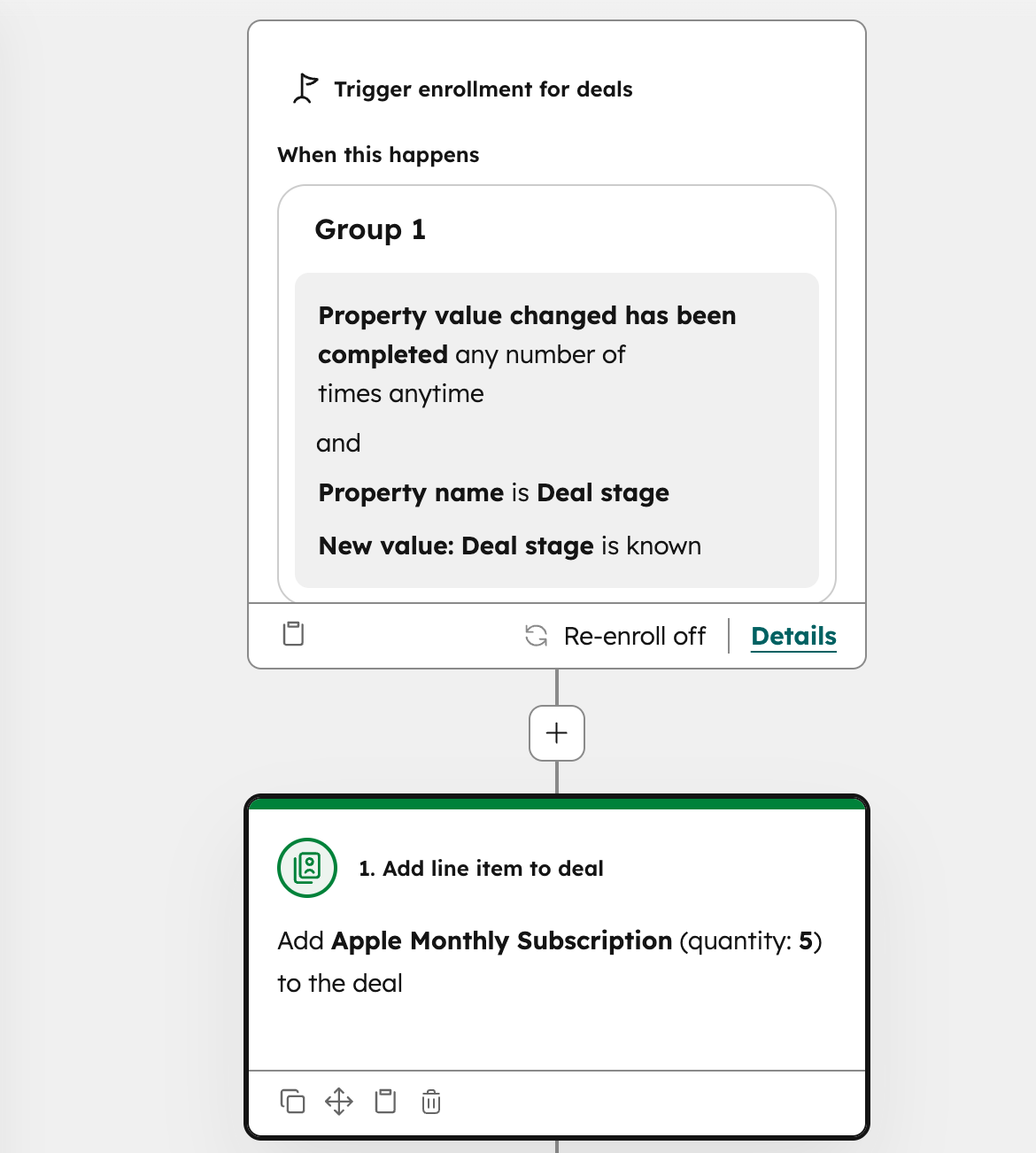
- Create or edit a Deal-based workflow
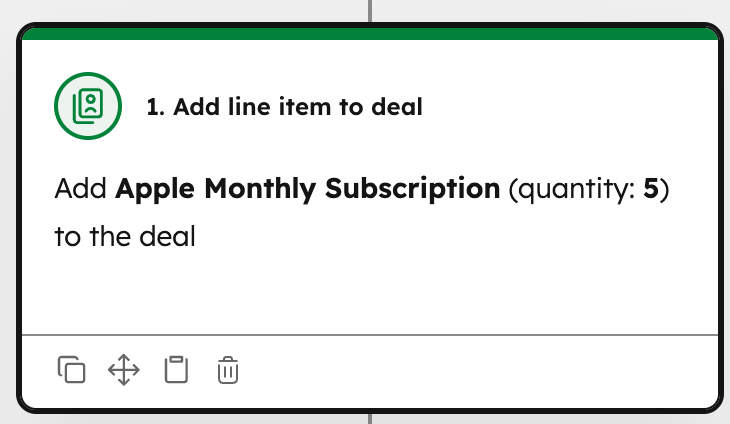
- Add the new Add line item to Deal action
- Select a product from the product library
- Set the default quantity
- Publish the workflow
When the workflow runs, a line item is created with the selected product and quantity and associated with the Deal automatically.
Who gets it?
Commerce Hub Professional, Commerce Hub Enterprise, Content Hub Starter, Content Hub Professional, Content Hub Enterprise, Marketing Hub Professional, Marketing Hub Enterprise, Data Hub Professional, Data Hub Enterprise, Sales Hub Professional, Sales Hub Enterprise, Service Hub Professional, Service Hub Enterprise, Smart CRM Professional, Smart CRM Enterprise





.png?width=193&name=jos%20(1).png)




