What is it?
Breeze Assistant now has a dedicated home in the Messages tab of the HubSpot app in Slack. The updated experience includes a cleaner layout and suggested prompts so you can get started without typing from scratch.
Why does it matter?
This update moves Breeze Assistant onto Slack's current, supported platform, making it easier to find and use. It also lays the groundwork for a more interactive Breeze Assistant experience in Slack in future releases.
How does it work?
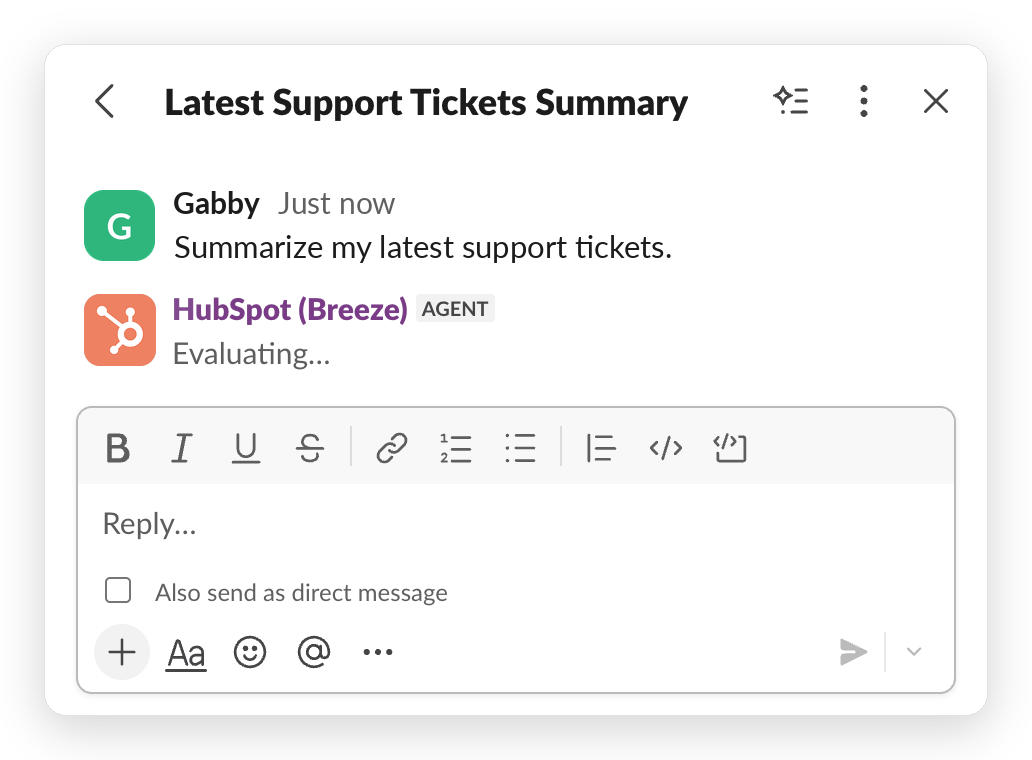
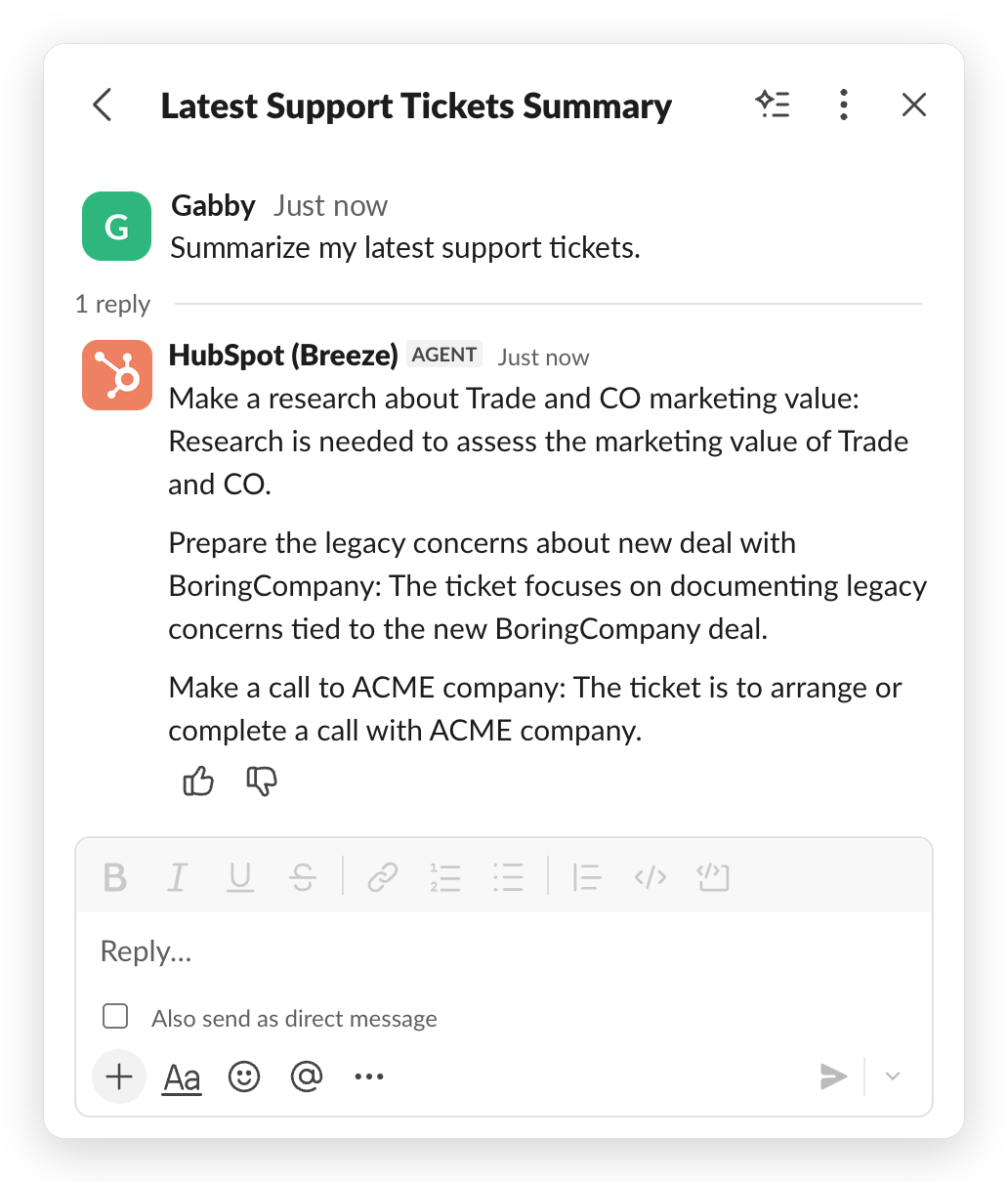
You'll find Breeze Assistant in the Messages tab of the HubSpot app in Slack. Suggested prompts appear at the top of the tab so you can start common tasks by choosing one instead of typing from scratch.
You can message Breeze Assistant directly and continue the conversation without re-mentioning it each time. In channels and threads, you'll still @mention Breeze Assistant each time you want it to respond.
To use the new experience, a workspace admin needs to reconnect the HubSpot Slack integration to grant the updated permissions it requires. Until then, everything you already do with Breeze Assistant continues to work as usual.
See Use Breeze Assistant in Slack in the knowledge base for more information.
Who gets it?
All customers using Breeze Assistant in Slack. Rolling out gradually.





.png?width=193&name=jos%20(1).png)




