What is it?
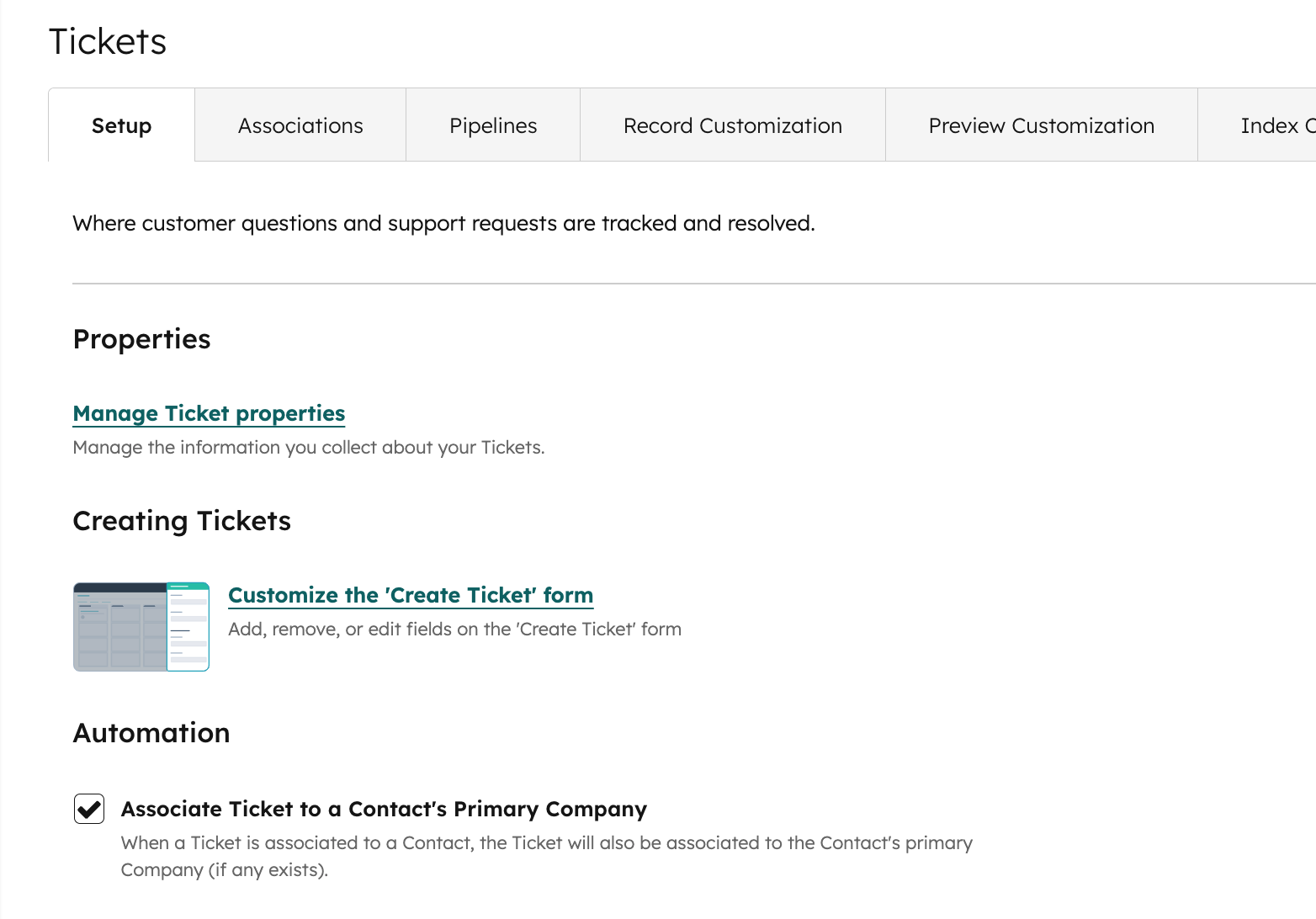
You can now configure whether HubSpot should automatically associate a ticket with it's associated contact's primary company. When a ticket is associated with a contact, HubSpot can now be configured to:
- Automatically associate the ticket with that contact’s primary company (default behavior)
- Not automatically associate it (you’d manage company associations manually)
Why does it matter?
This automation setting gives admins more control over how tickets connect across objects, making it easier to manage the CRM setup according to business needs and improves data accuracy and operational effectiveness.
How does it work?
To update this setting:
- Launch Settings
- Navigate to Data Management > Tickets > Setup
- Toggle the setting as desired
Who gets it?
All hubs and tiers





.png?width=193&name=jos%20(1).png)




