What is it?
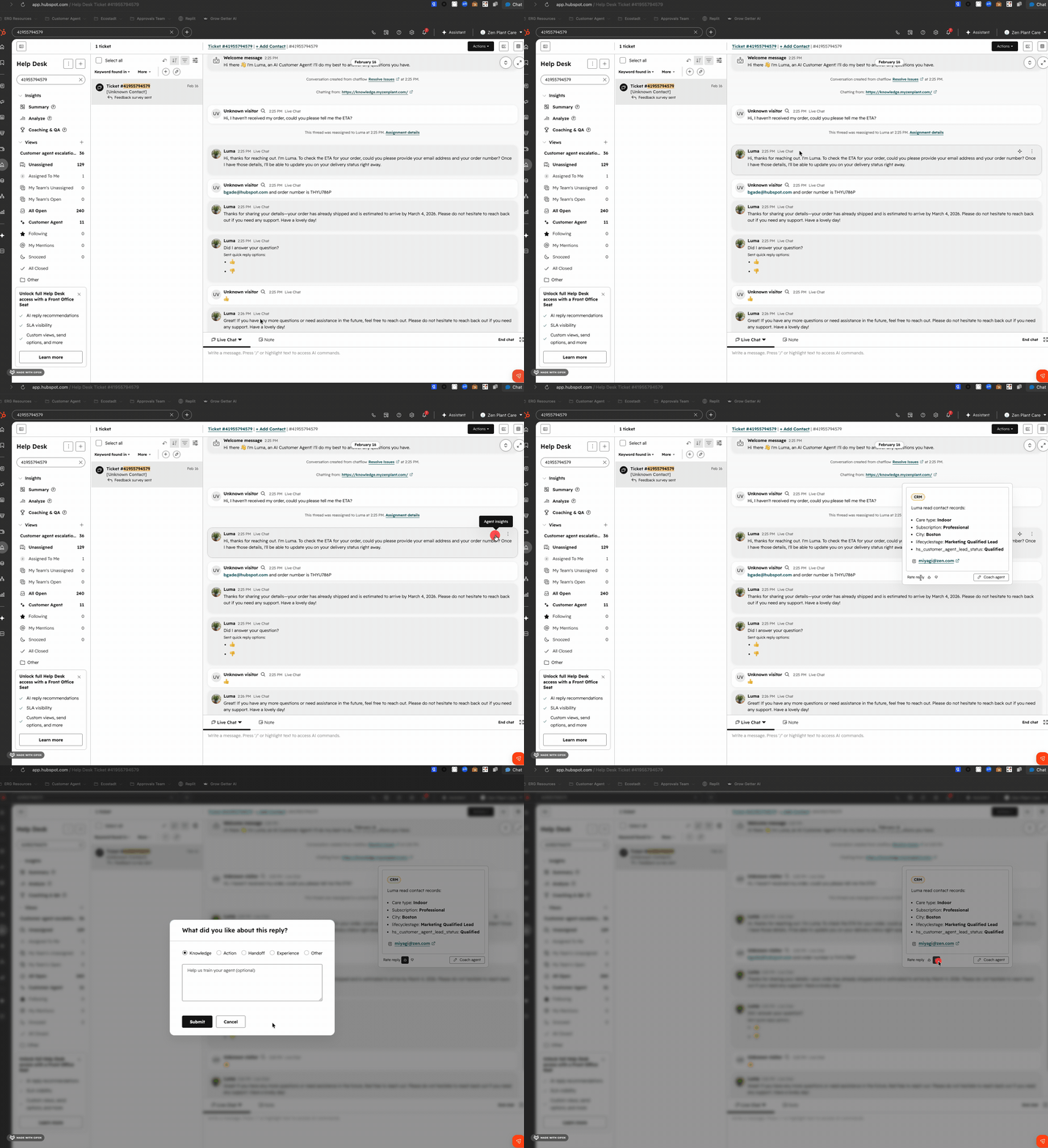
Support managers and admins can now view the reasoning, sources, and context behind each customer agent response directly in the help desk ticket view.
Why does it matter?
Without visibility into why the customer agent gave a specific answer, managers have no way to debug or coach agent behavior. This surfaces that context in-line so teams can trace, review, and improve responses directly from the ticket.
How does it work?
- Open any ticket in the help desk where the customer agent has responded.
- Click the AI sparkle icon in the top right of the customer agent response to open the insights panel.
- Review the agent's reasoning, sources, and context for that response.
No additional setup is required. The insights panel surfaces automatically for eligible tickets.
Who gets it?
Help Desk is available on Service Hub Professional & Enterprise





.png?width=193&name=jos%20(1).png)




