What’s changed?
What is it?
You can now discover and add the scoring rules most likely to drive conversion using AI-powered insights on historical conversion performance data. Build a more accurate, high-impact score in minutes and prioritize your best leads instantly.
Why does it matter?
Before, getting started with lead scoring meant guessing which rules to add. Without data-backed insights, it was hard to know which engagement events actually drove conversions or how many points to assign them.
Now, Discover Rules leverages your portal’s historical conversion data to show which actions have actually driven contacts and companies to reach a goal stage. No more starting from scratch or relying on assumptions - score based on proven performance.
How does it work?
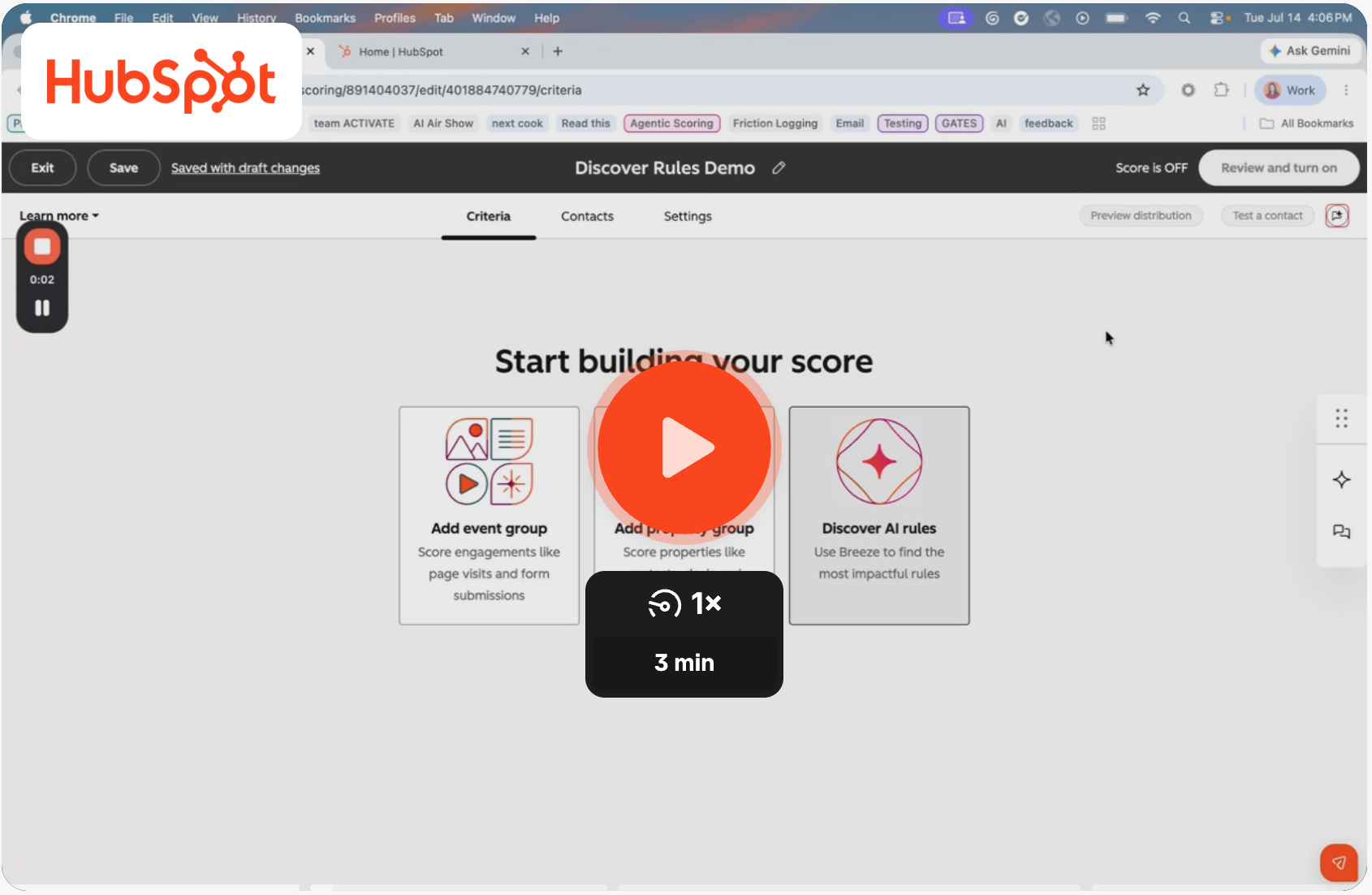
Check out this quick 🎥 video demo to learn more!
Want to provide quick feedback or a live demo on this feature instead? Book 15 minutes with Lead Scoring Product Manager Melody Cooke here!
Written Steps:
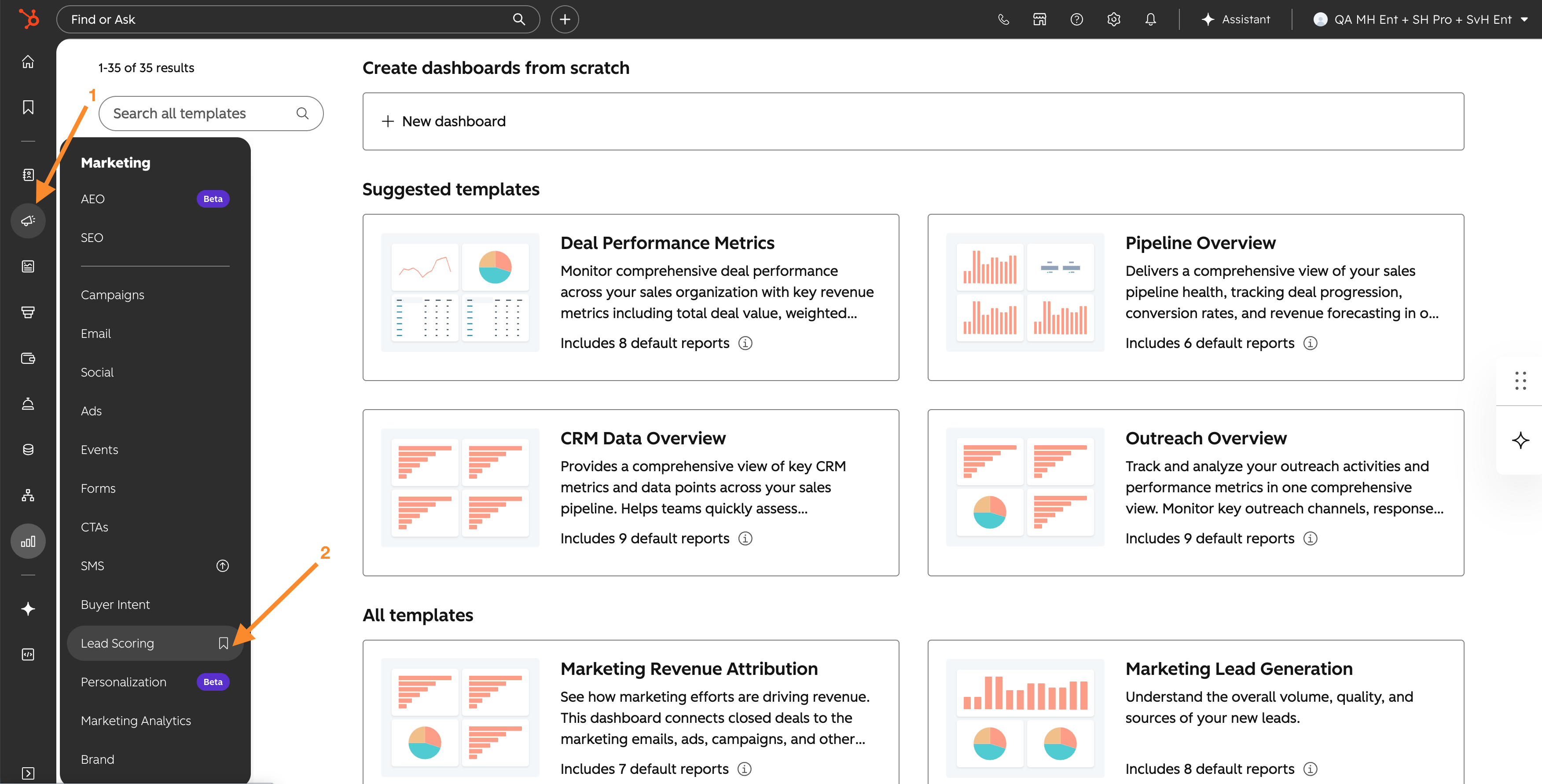
- Navigate to Marketing > Lead Scoring.
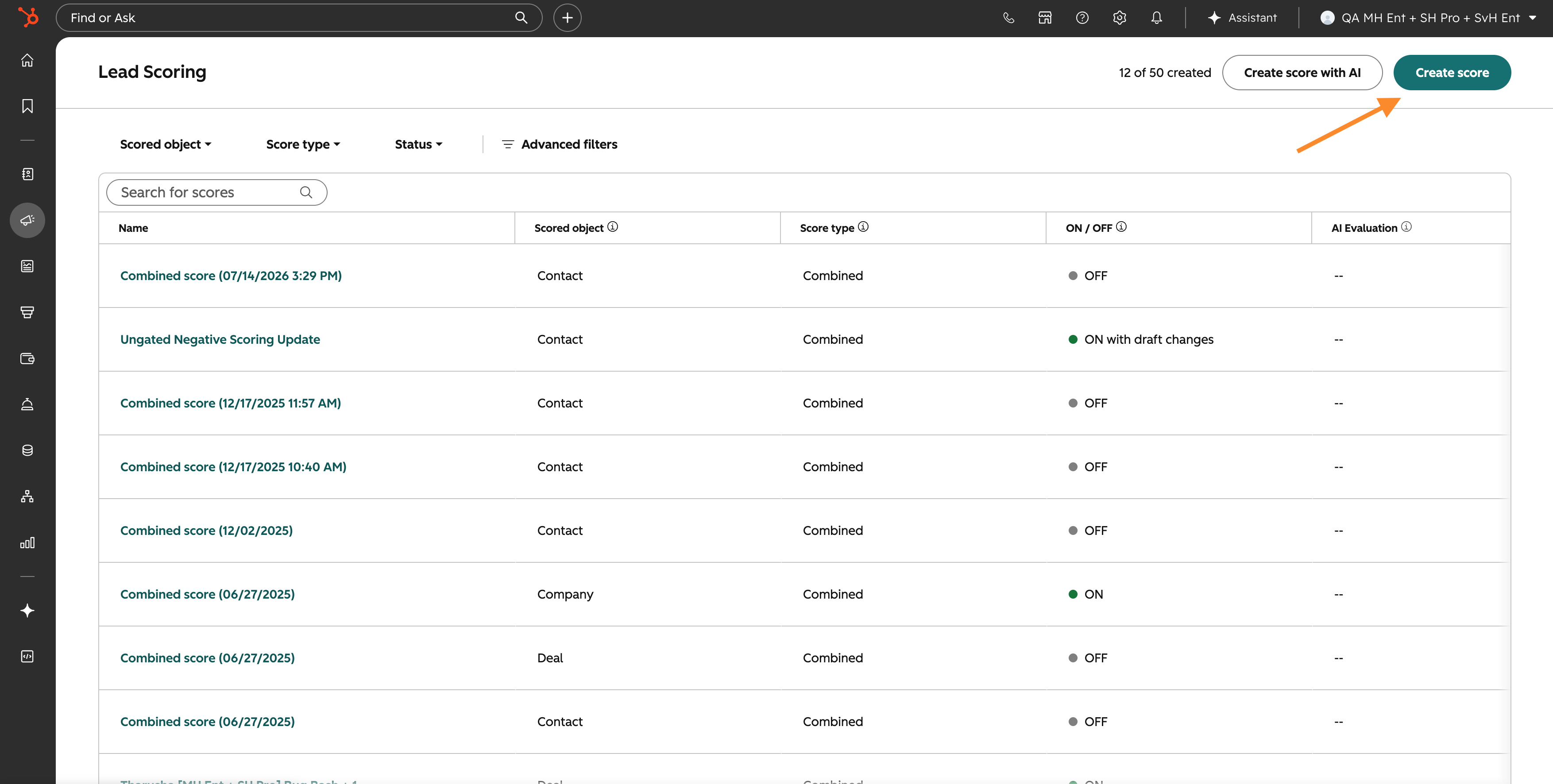
2. Click “Create score” at the top right, select Combined or Engagement for Contacts or Companies, or Deal score, and click “Create”.
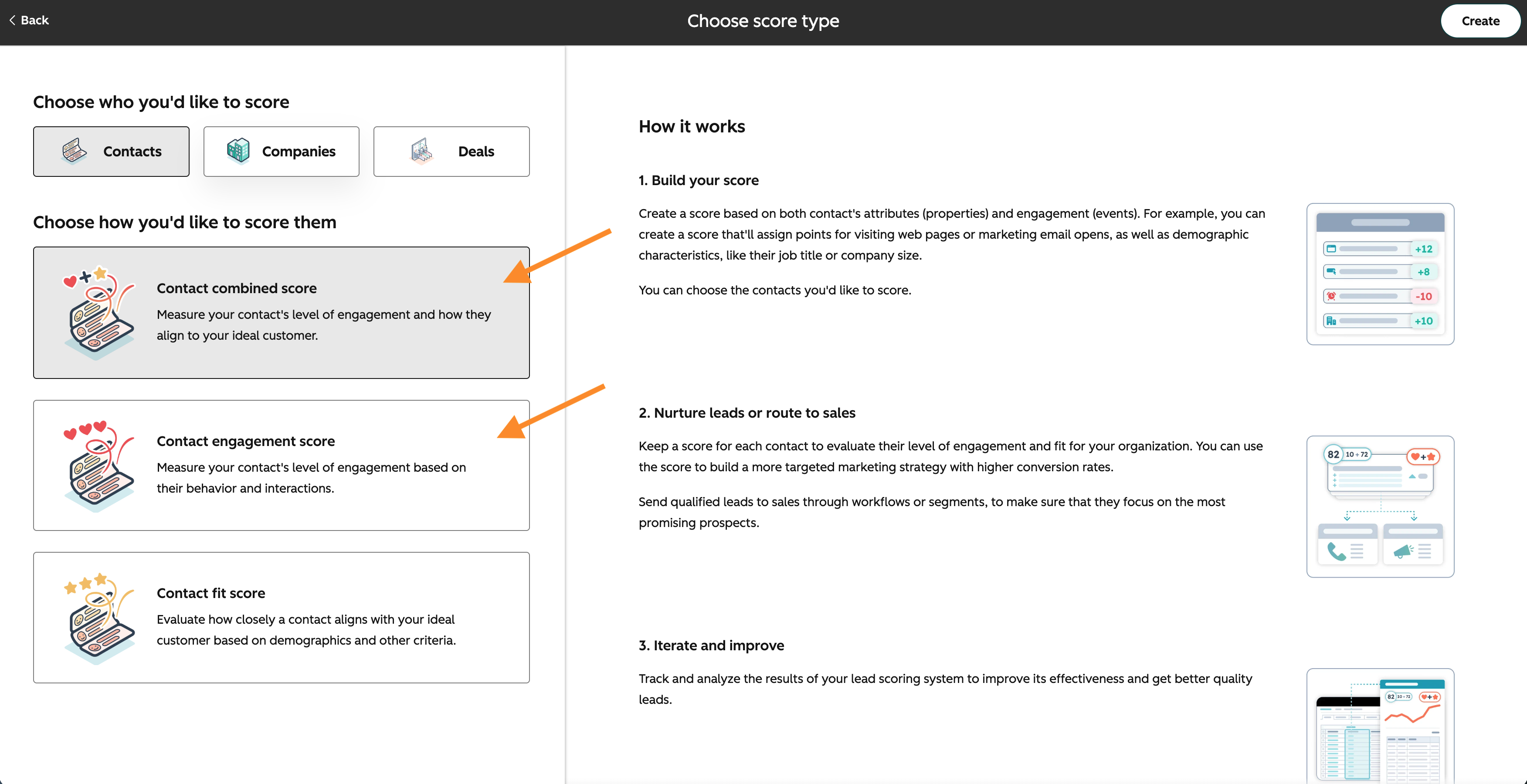
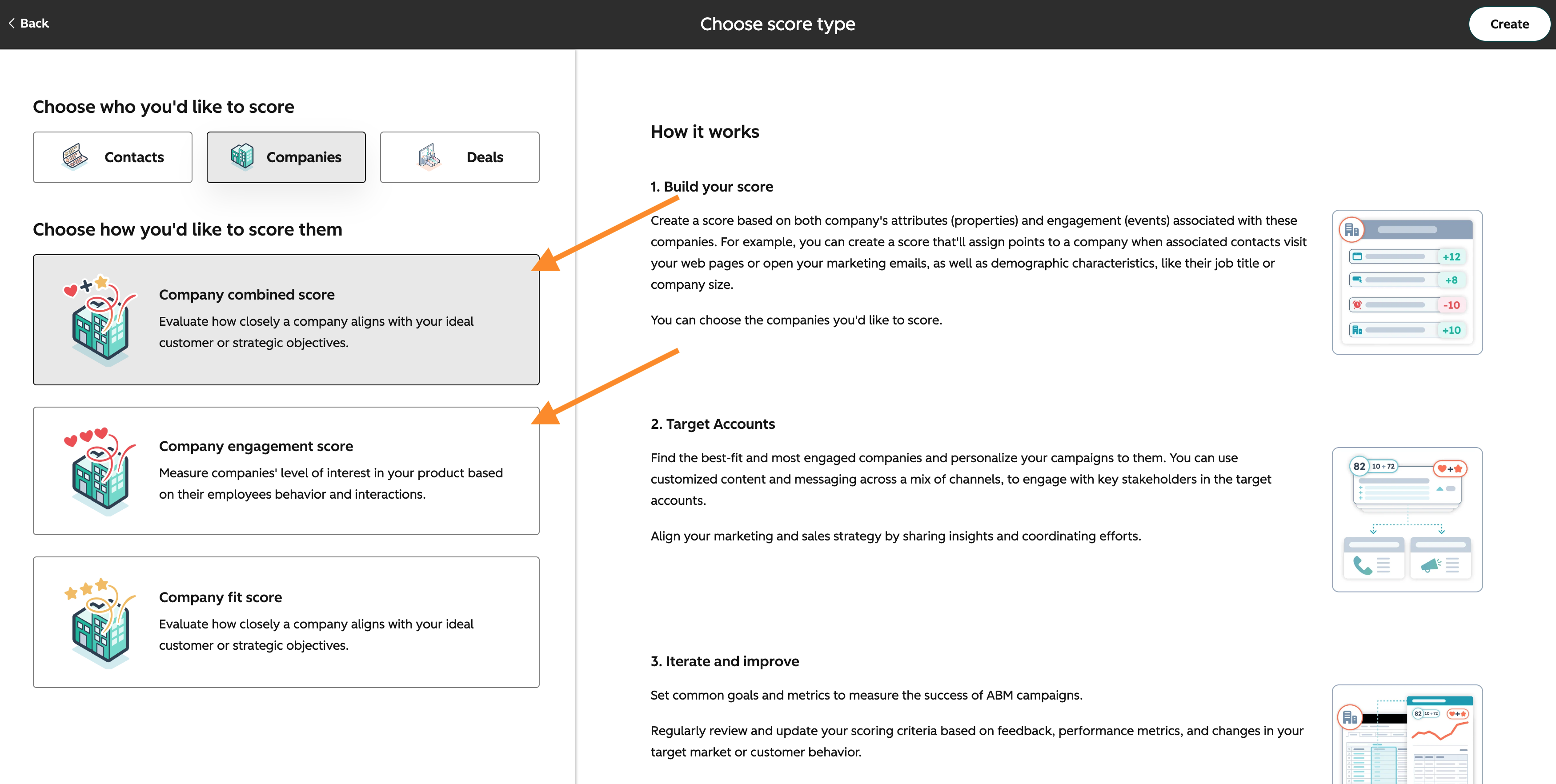
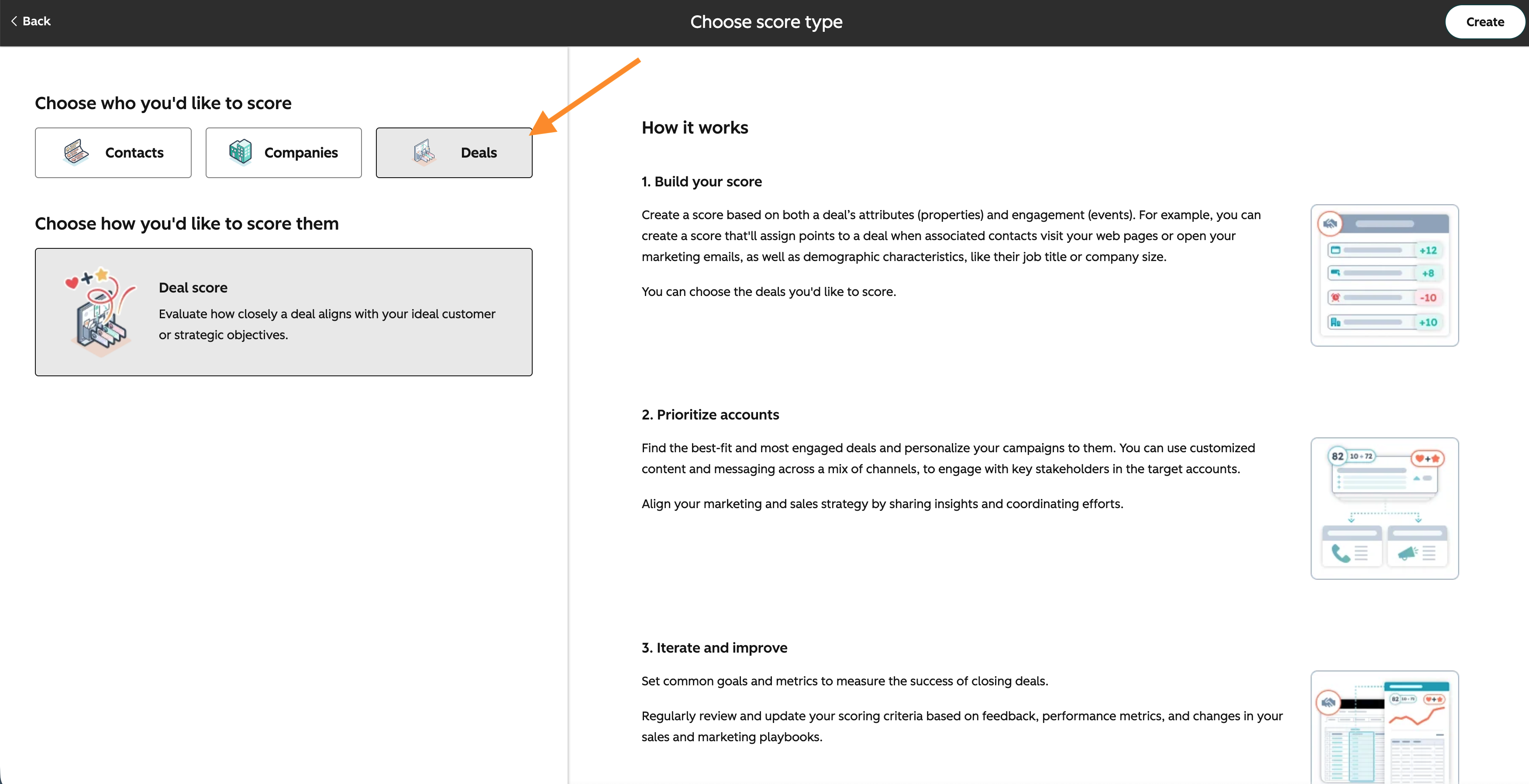
3. Within the score, click “Discover AI rules”.
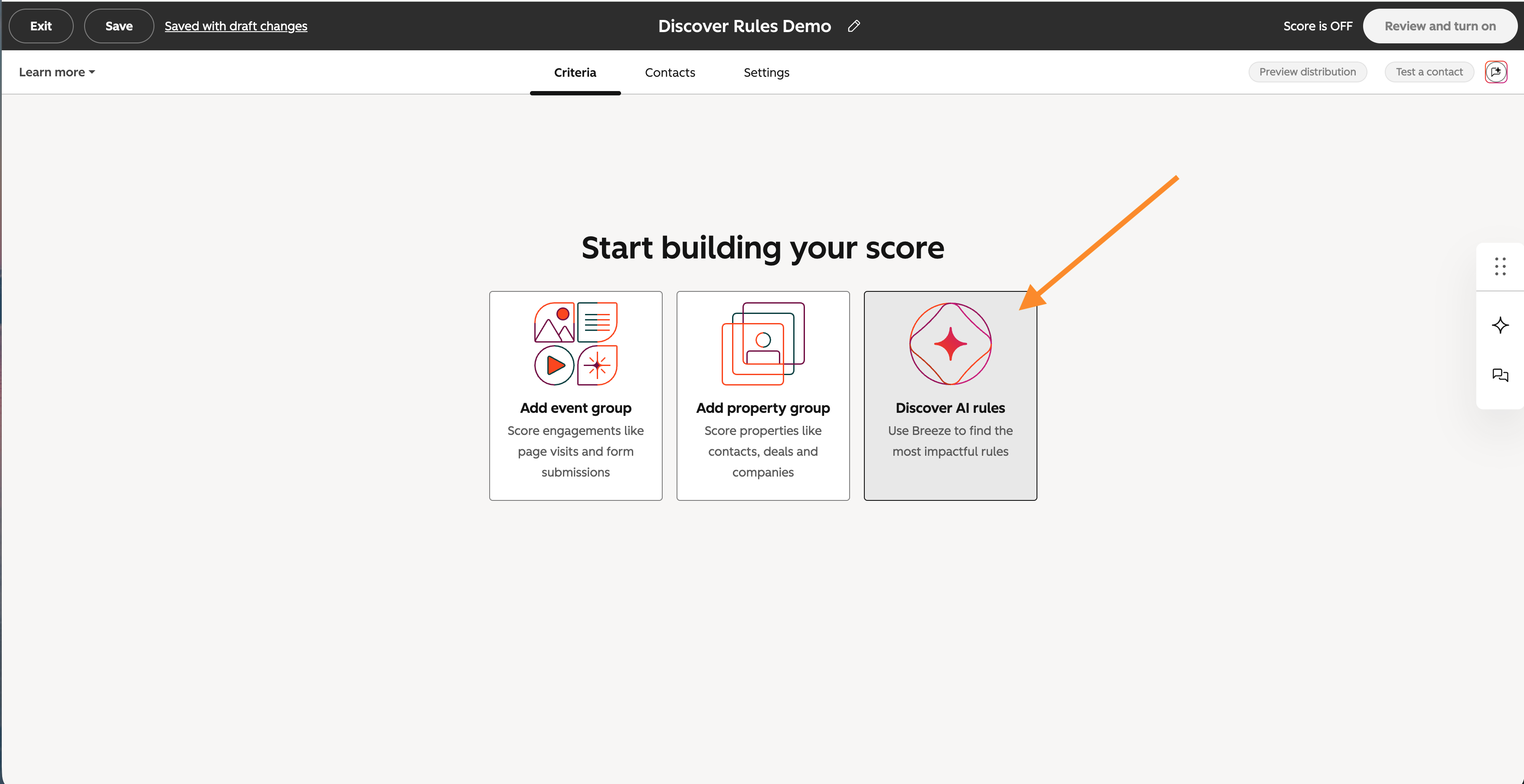
4. A panel will appear and you can select “Contacts” or “Companies” for the object type and choose a “Goal stage” to filter insights.
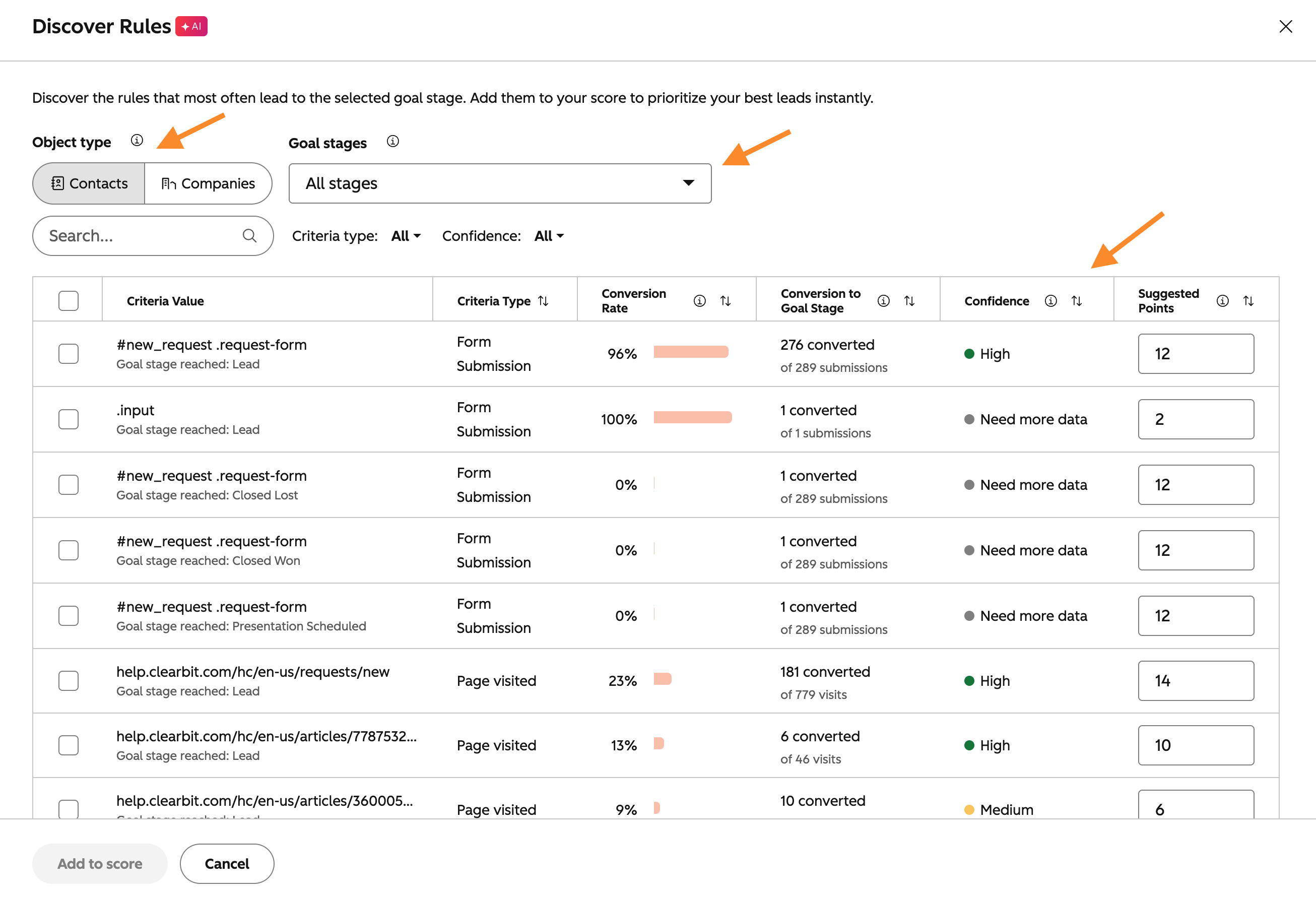
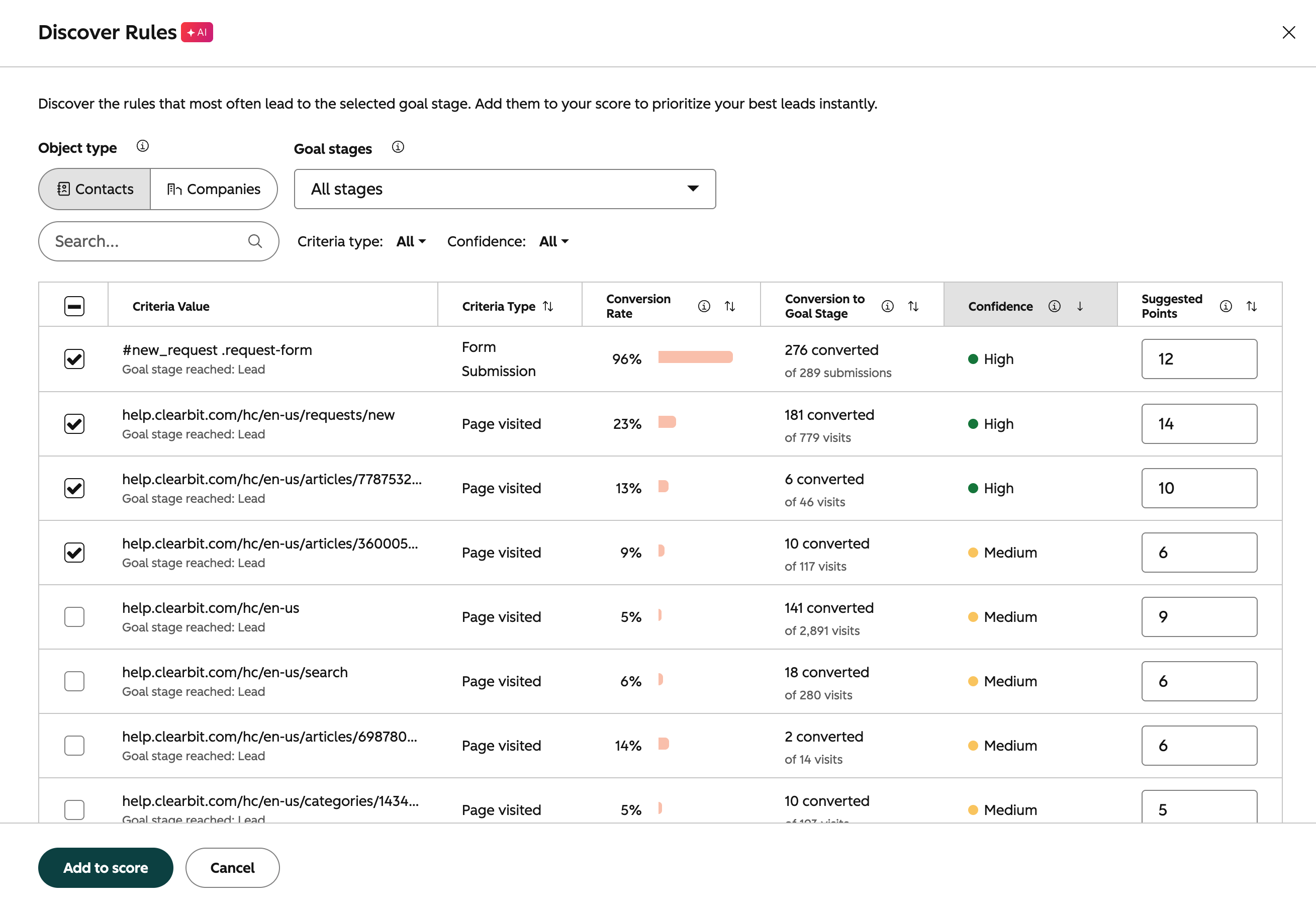
5. Browse and sort the table with the filters and column headers. Each row displays a criteria value (scoring rule) for the specific goal stage, conversion rate, total conversion count, confidence level, and suggested points.
6. Check the boxes next to the criteria values (rules) that you want to add and click “Add to score”.
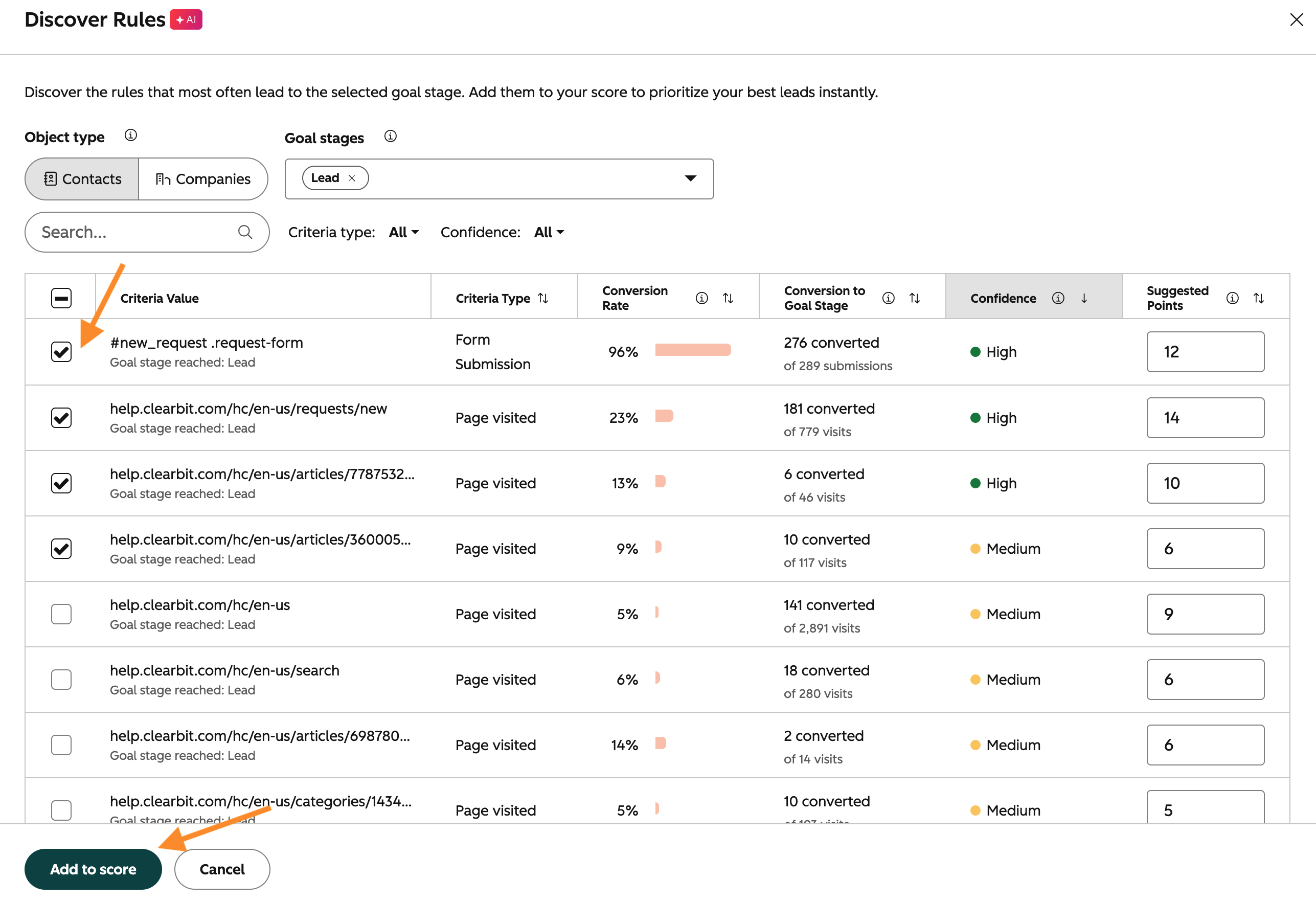
In the above example for the second row, “181 converted of 778 visits” means that 181 contacts of the total 779 contacts who visited the page “help.clearbit.com/hc/en-us/request/new” converted into the “Lead” goal stage.
Note:
- - Supported event types: Form submission, Page visited, Opened email, Workflow enrolled, Clicked link in email, Updated email subscription status, CTA click, Marketing Event Attended, Marketing Event Registered, Bounced email, Media Played, Email Delivered
- - Timeframe: Includes the last 90 days of activity and conversions are counted up to 14 days prior to reaching the goal stage
- - Existing criteria values: Already-added criteria values (rules) will appear pre-selected with their existing points in the table.
- - Total counts: The table will display total counts of engagement data if no conversation data is available for "Goal stage reached: NONE".
Who gets it?
Sales Hub Enterprise, Marketing Hub Enterprise, Sales Hub Professional, Marketing Hub Professional





.png?width=193&name=jos%20(1).png)




