What is it?
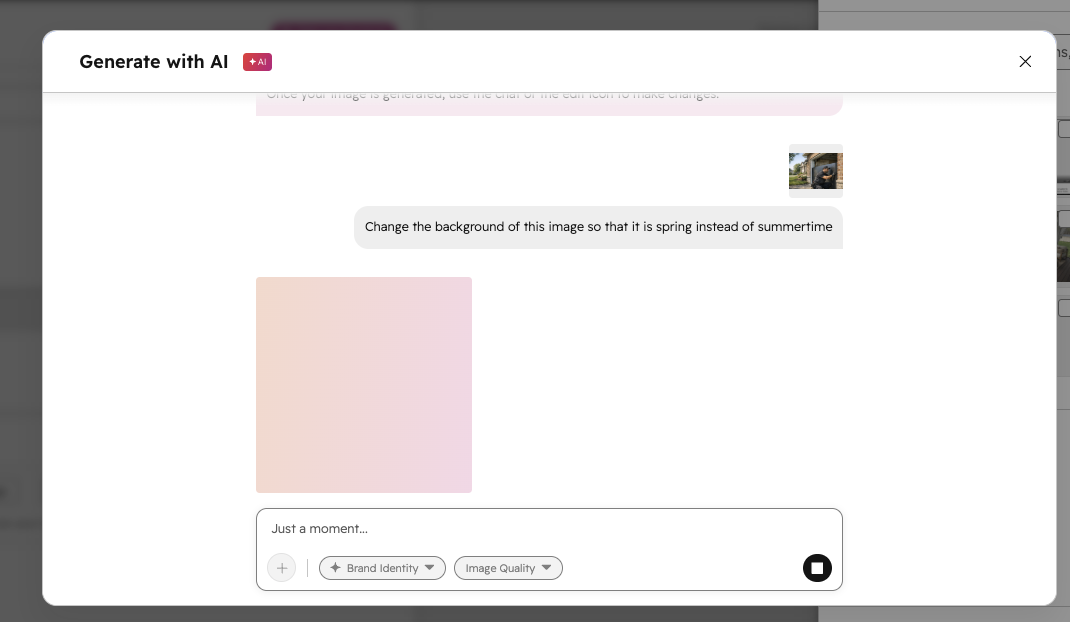
HubSpot's new conversational AI Image Generation tool in the file picker now runs on GPT Image 2.0, OpenAI's latest image generation model. The upgrade brings noticeably better output quality, including more accurate text rendering within images, multilingual support, and better prompt adherence.
Read OpenAI's announcement here.
Why does it matter?
One of the most common frustrations with AI image generation is accuracy: prompts that get ignored, text that renders as garbled characters, or edits that warp the original image in unexpected ways. GPT Image 2 addresses these directly: it follows instructions more precisely, renders readable text inside images, and preserves visual details (like facial likeness) when making edits rather than regenerating from scratch.
How does it work?
- Open any content editor or asset manager in HubSpot that uses the file picker. For example, from the social composer, click Add image from the Add media area, then click Generate image at the bottom of the file picker.
- Type a text prompt describing the image you want.
- You can optionally click the + icon to generate an image based on a reference image, or make edits to an existing image with AI.
- You can also adjust output quality and turn on Brand identity to generate images that better match your brand colors and personality.
- When you generate an image, HubSpot will automatically use GPT Image 2.0.
Who gets it?
This feature is available for Content Hub Starter, Content Hub Professional, and Content Hub Enterprise.





.png?width=193&name=jos%20(1).png)




