What is it?
The refresh function on reports works faster than it did before.
Why does it matter?
The ability to refresh the data in your reports in real time is important, particularly when you want to verify recent updates to your data or troubleshoot discrepancies. Each refresh initiates a new query, ensuring you always see the most current data.
How does it work?
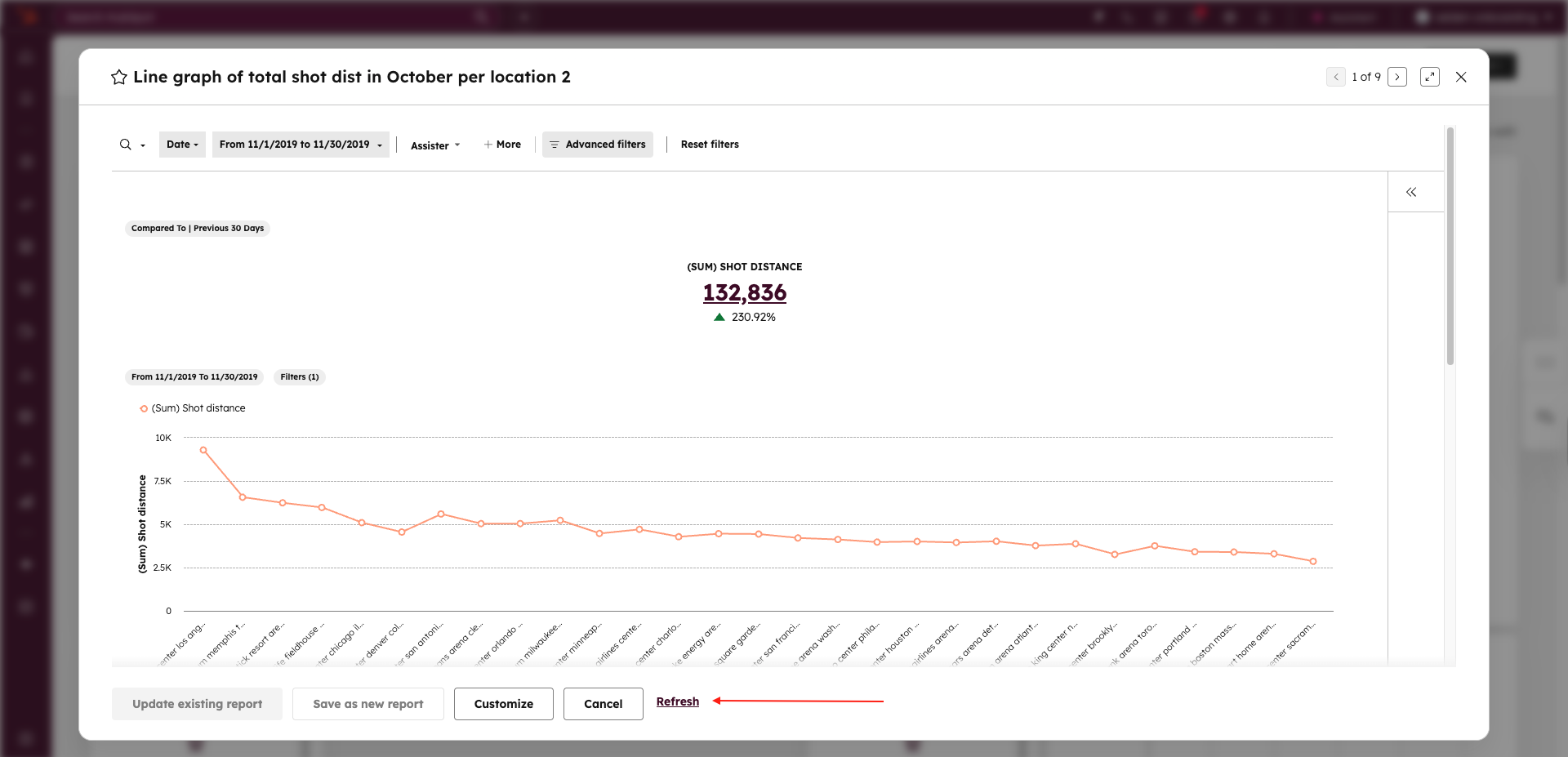
- Navigate to Reports or an Analyze tab in a report. You can also refresh from a report within a dashboard.
- Locate the Refresh button at the bottom of the report.
- Click Refresh to clear old data and retrieve the latest results from your CRM.
- You can refresh as often as needed.
Note: Frequent refreshes or large reports may take longer to load.
Who gets it?
All hubs and tiers





.png?width=193&name=jos%20(1).png)




