What is it?
Description
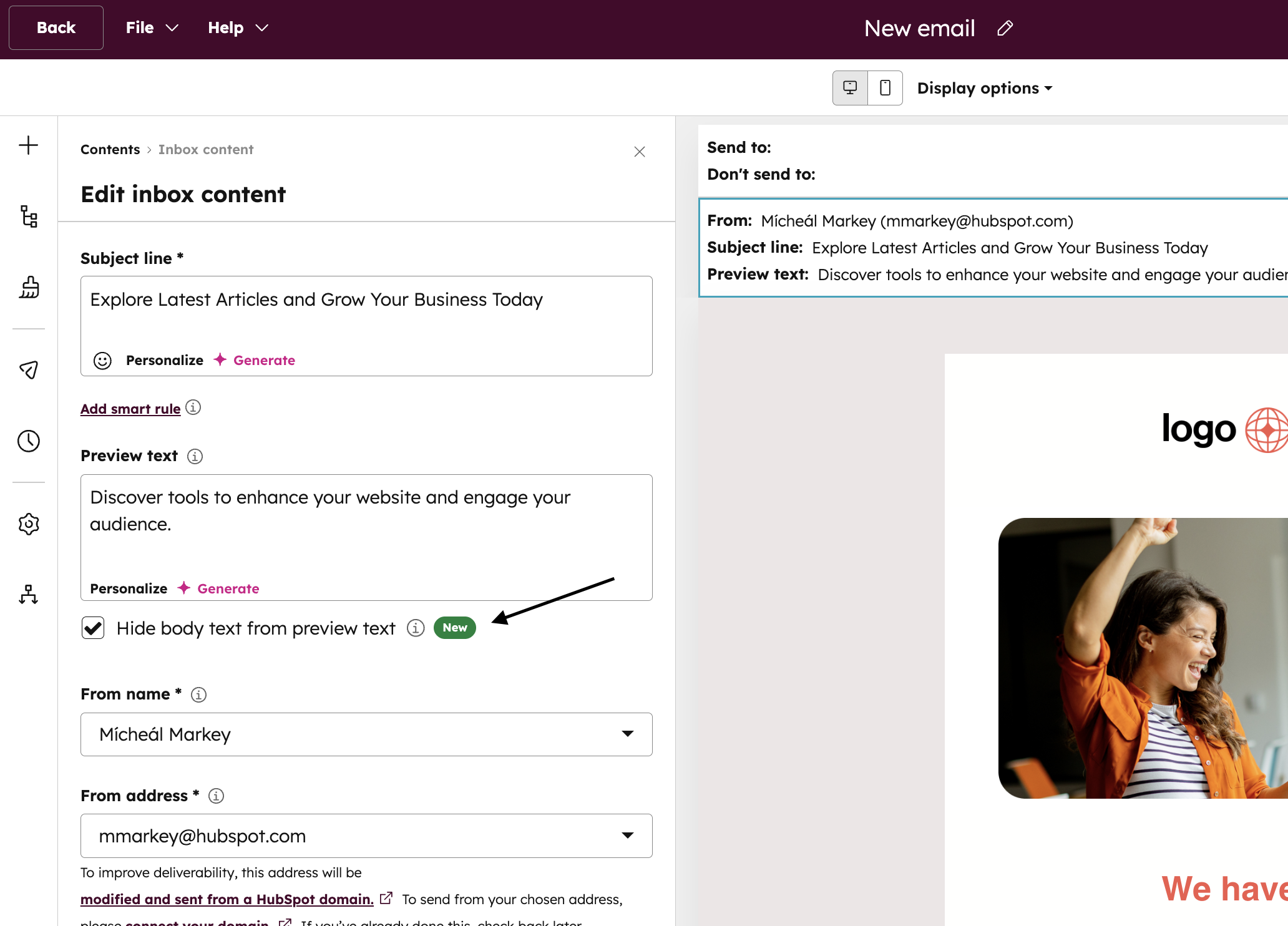
A new option to only show your recipients the defined preview text for your Marketing Emails without automatically filling extra space with email body content.
Why does it matter?
Email Marketers need control over what appears in the inbox preview to avoid clutter and ensure their intended message is clear and enticing, as auto-filling from the email body can confuse or deter recipients.
How does it work?
Today, if the preview text provided in the Email Editor is shorter than the maximum allowed by the recipient's email client like Gmail, Outlook or Yahoo, the email client will start to display content from the email body.

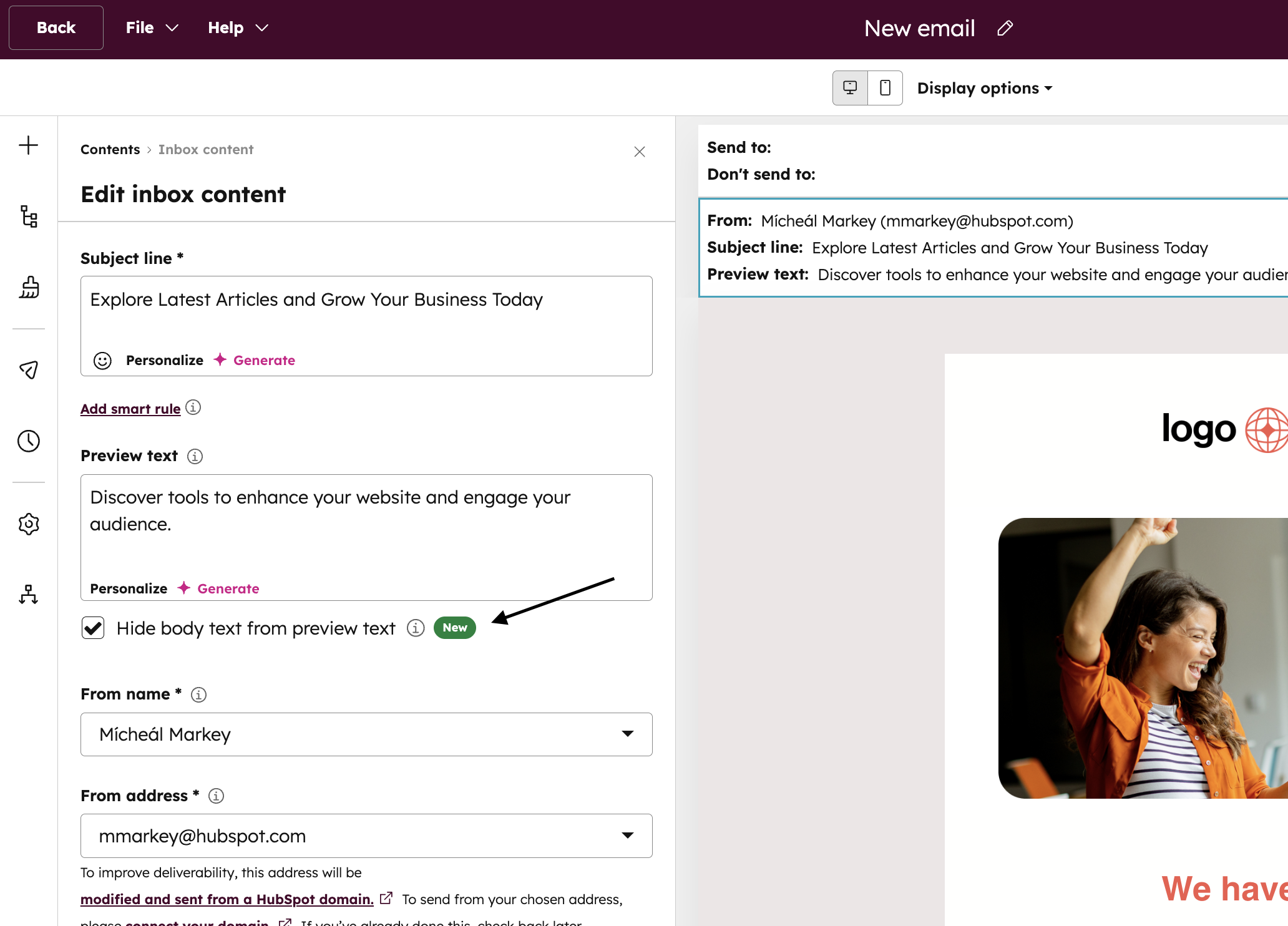
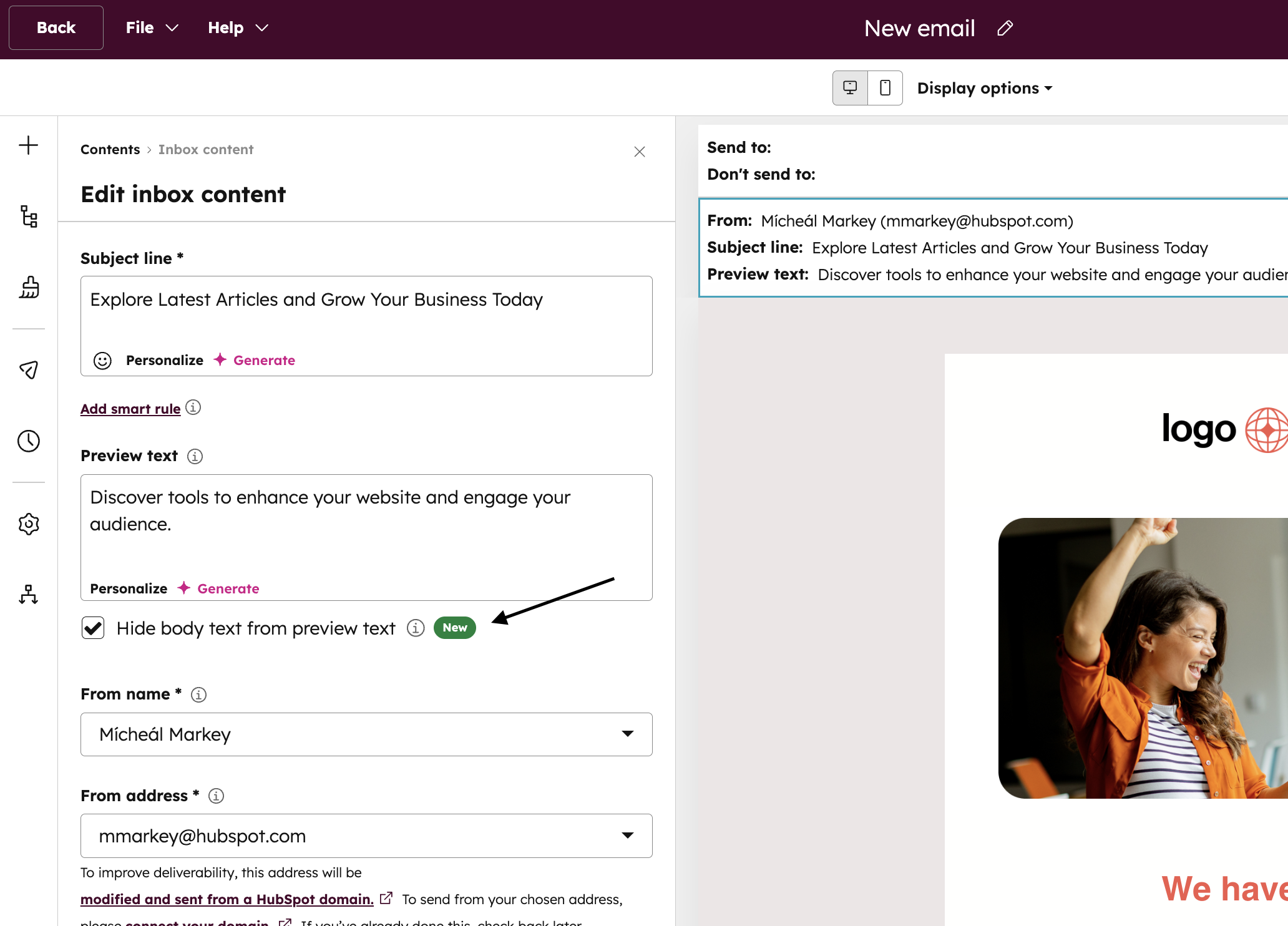
When the Hide body text from preview text option is selected, no additional text from the email body will be surfaced in the inbox, only the defined preview text is shown.

This new setting can be found inside the Marketing Email Editor under the Preview Text field.
Who gets it?
All hubs and tiers





.png?width=193&name=jos%20(1).png)




