What is it?
You can now set up Multi-Account Management (MAM) with any Enterprise subscription. Previously, MAM required Marketing Hub Enterprise on at least one portal.
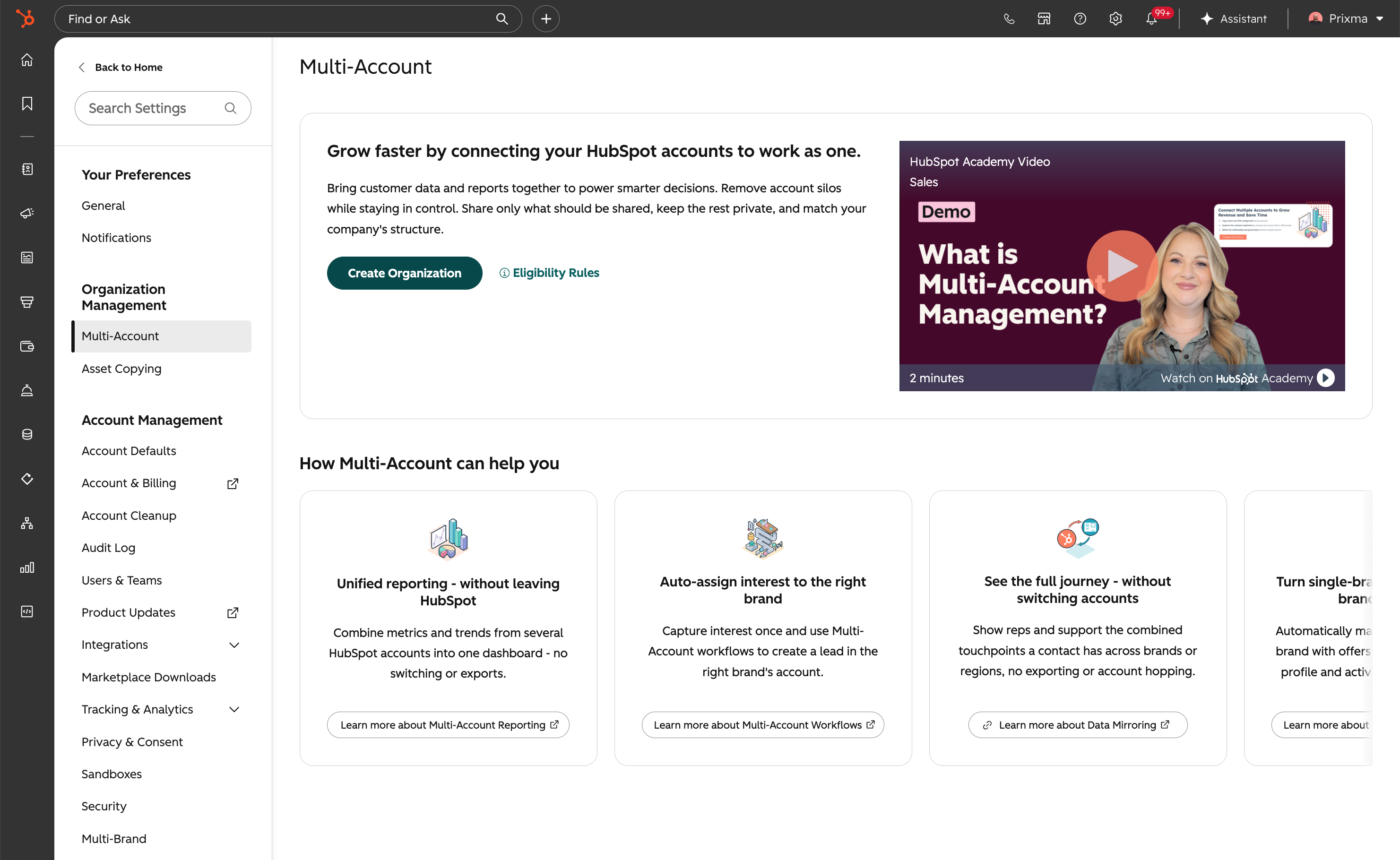
Watch this Academy video to learn more about Multi-Account Management and how it can help your multi-org business.
Why does it matter?
This change removes a barrier for organizations that don't use Marketing Hub Enterprise but still need to manage multiple HubSpot accounts. More teams can now use MAM to unify reporting, copy assets across portals, and automate cross-account workflows.
How does it work?
To set up a MAM organization, you'll need:
- - An Enterprise subscription on at least one account (any hub)
- - Connected accounts on Professional or above
- - All accounts in the same hosting location (cross-region support is coming soon)
- - Super Admin access on all accounts you want to connect
To create your organization:
- In an Enterprise portal, click the settings icon in the top navigation bar.
- In the left sidebar, under Organization Management, click Multi-Account.
- Click Create organization.
- Select the Professional or above portals you want to connect and click Next. Connected portals must be on the same data center, and you must be a Super Admin on each one.
- Configure connections for each portal to enable asset copying, data mirroring, multi-account workflow actions, and reports. Note: portals with sensitive data settings enabled can't share data across the organization.
- Click Next to review, then Finish configuration to complete setup.
Learn more about how to setup Multi-Account Management for your multi-org business.
Watch this Academy video to learn more about Multi-Account Management and how it can help your multi-org business.
Who gets it?
This feature is available for all hubs at Professional and Enterprise tiers.





.png?width=193&name=jos%20(1).png)




