What is it?
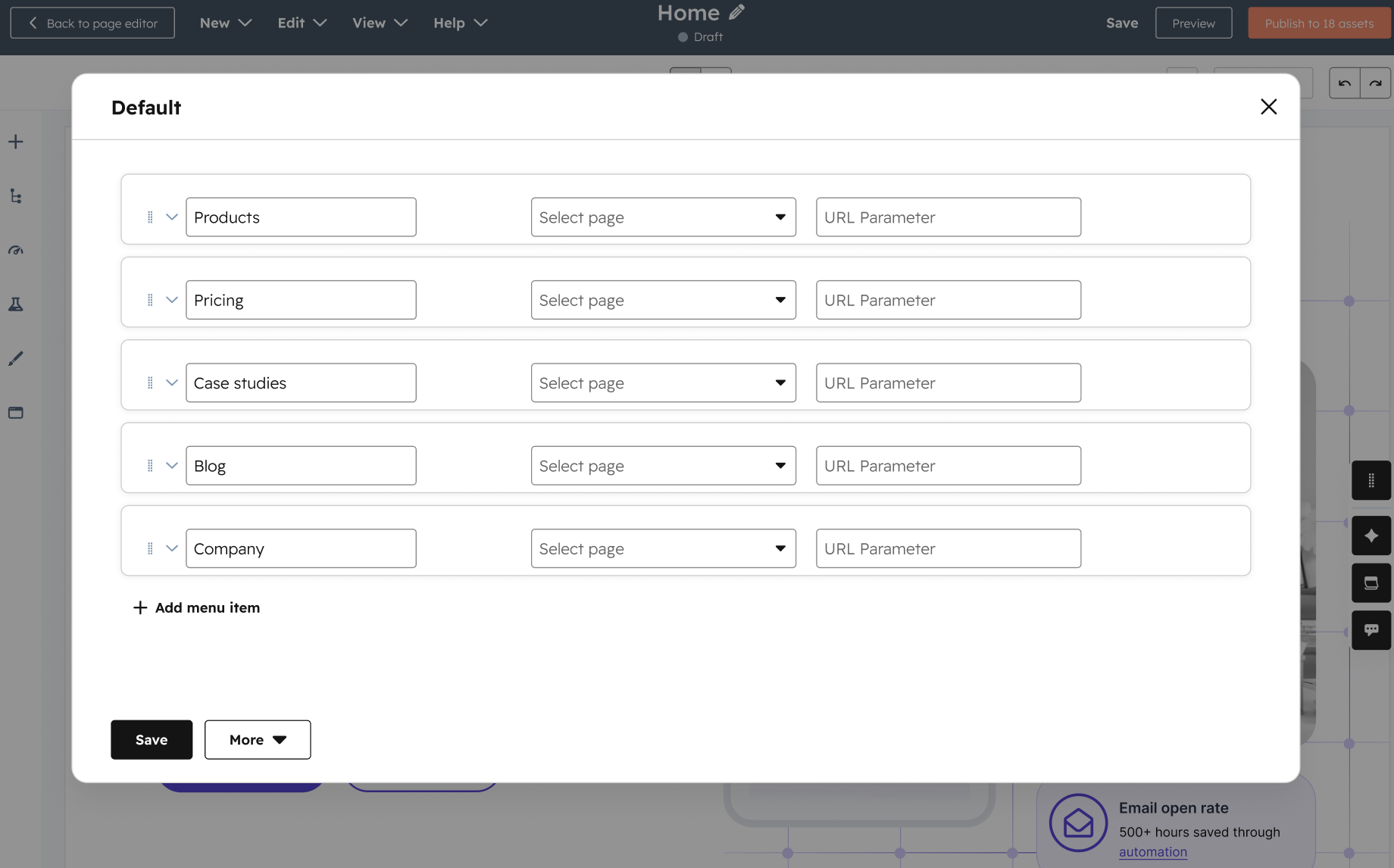
Access advanced menus and navigation settings directly within the Global Content Editor. With this update, you no longer need to leave and go to Settings to make changes to the menus you use on your website.
Why does it matter?
This streamlines the process of creating headers and footers while reducing context switching, making your website building experience more efficient.
How does it work?
A convenient modal opens directly within the Global Content Editor, giving you immediate access to key navigation settings.
Who gets it?
Available to all hubs and tiers





.png?width=193&name=jos%20(1).png)




