What is it?
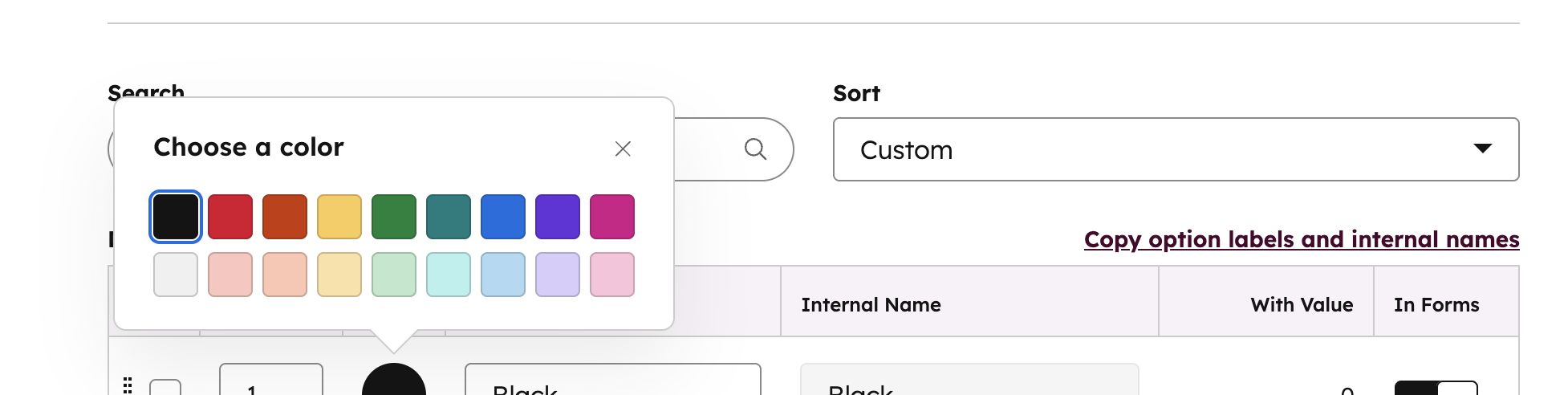
You can now style your property options with even more flexibility. We’ve added light variants for every color—perfect for cleaner, more subtle labeling. Plus, there's a new color in the palette: teal.
Why does it matter?
Color-coded property options make it easy to scan index tables and record pages for quick insights. With both light and dark variants, you now have more control over how information is visually prioritized:
- Use light variants for a cleaner, more subtle look—great for properties that are important but don’t need to dominate the page (like Category, or Stage).
- Use dark variants to draw attention to high-impact values—ideal for signaling blockers or next steps (like Urgent, Blocked, or Ready to Close).
How does it work?
Settings>Properties>Edit Property>Field Type>Option display mode
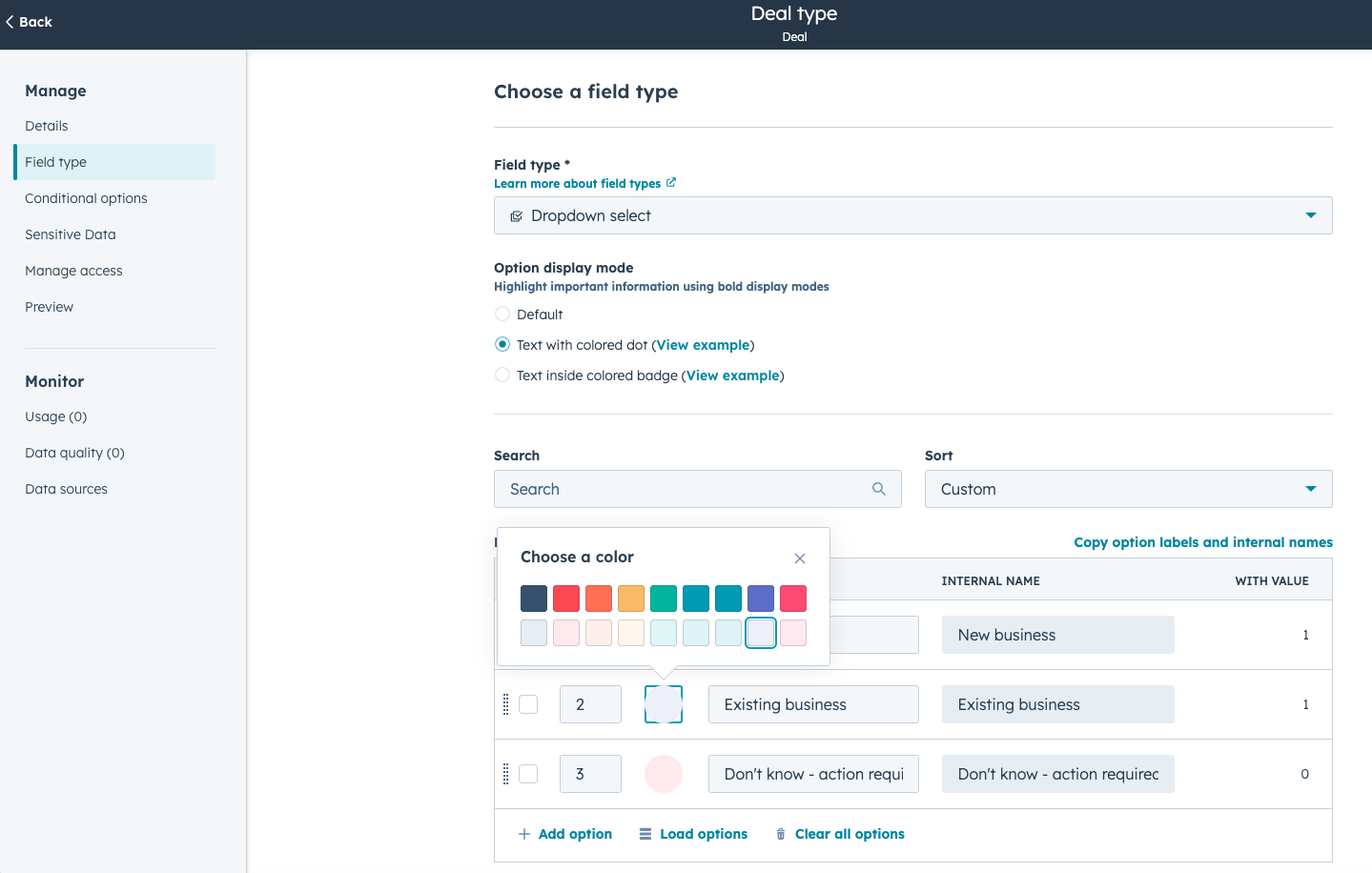
- For multi-value enumeration properties, users can choose ‘text inside colored tag.’
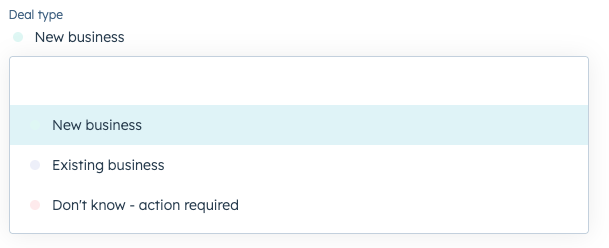
- For single-value enumeration properties, users can choose the ‘text with colored dot’ or ‘text inside colored badge’ display options.
Who gets it?
All hubs and tiers





.png?width=193&name=jos%20(1).png)




