What is it?
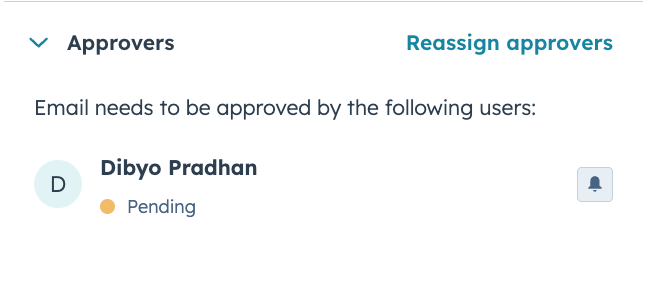
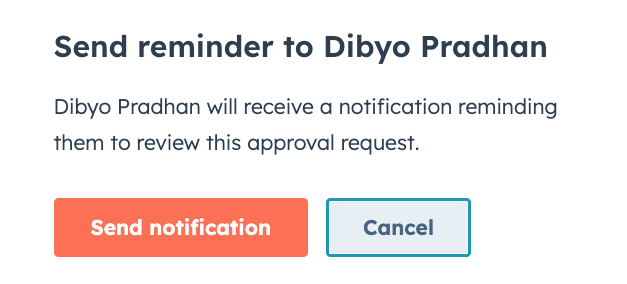
You can now send a reminder notification to approvers directly from the Approvals panel using the bell icon — no need to chase them down in a separate channel.
Why does it matter?
One-Click Approval Reminder helps teams unblock work when approvals get stuck. Instead of tracking down approvers in separate channels, requesters can nudge them directly from the Approvals panel, keeping reviews moving and reducing delays to publishing or sending.
How does it work?
In the Approvals panel for a pending request, you'll now see a bell icon next to each approver. This is available automatically for portals using Approvals; no additional setup is required.
Who gets it?
Content Hub Enterprise, Marketing Hub Enterprise





.png?width=193&name=jos%20(1).png)




