What is it?
The marketing events object now uses the standard CRM record page layout, including notes, timeline, and CRM cards.
Why does it matter?
You can now manage marketing events more efficiently and consistent with other CRM objects. This update addresses the frustration of missing standard record page functionalities, improving usability and adoption.
You'll be able to:
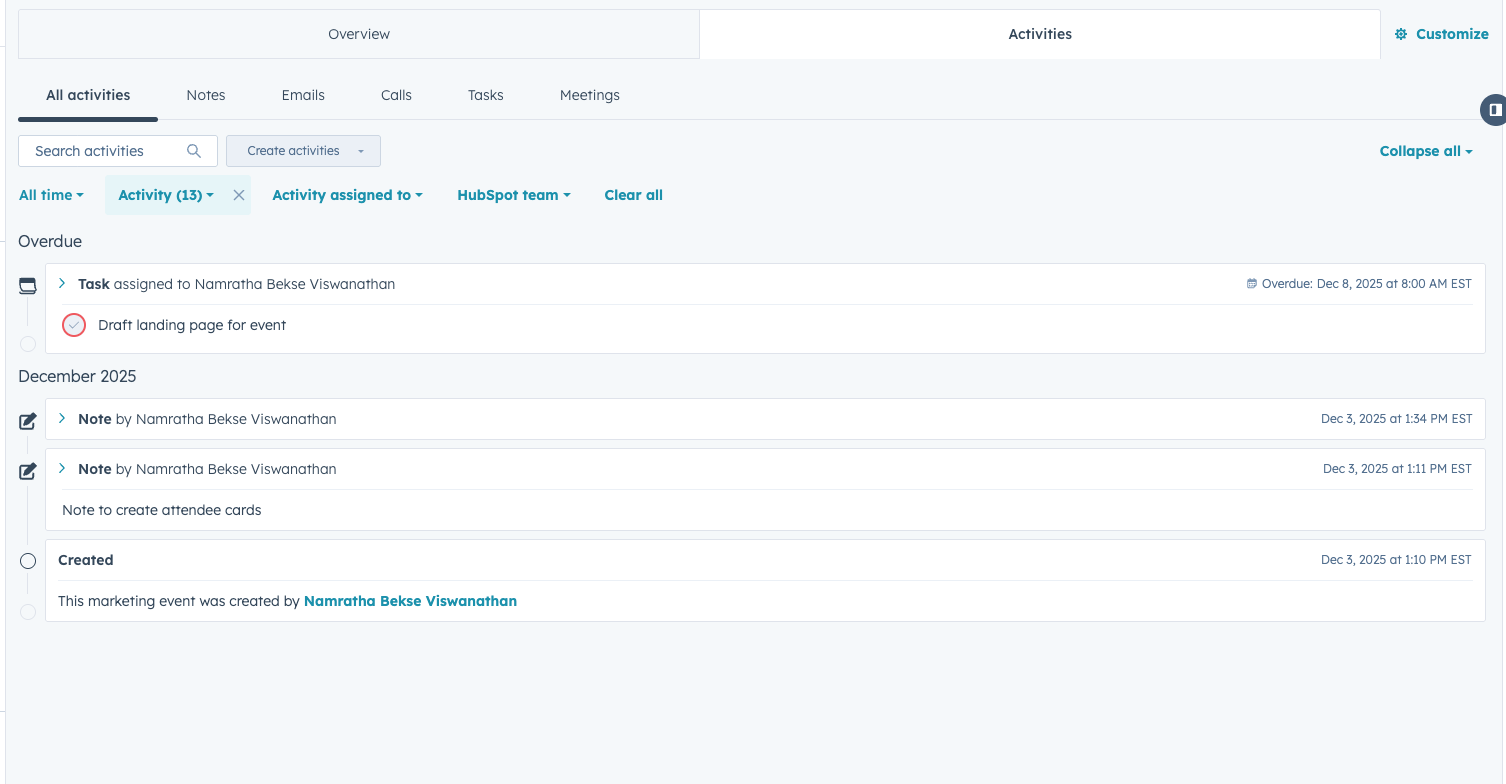
- Log notes, tasks, and calls directly on event records
- View a comprehensive event timeline
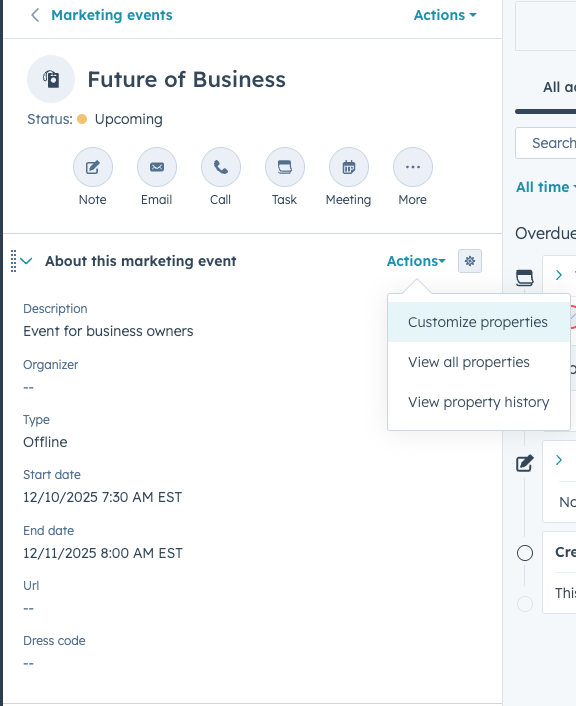
- Customize record page layout and displayed properties
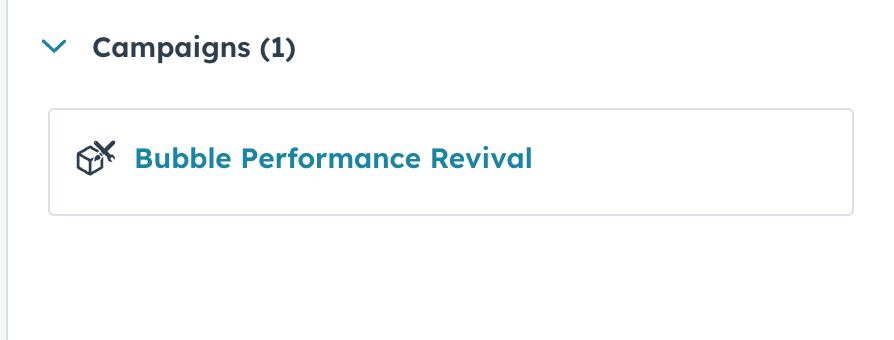
- Associate campaigns easily
How does it work?
To access the new marketing events layout:
- Go to Navigation > Marketing > Events
- Click on a specific event to open its record page
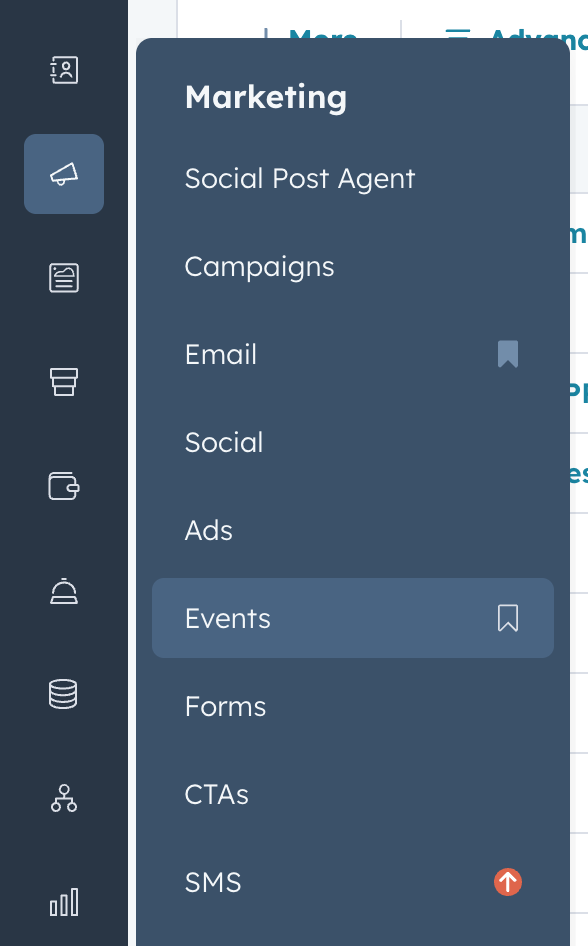
Key features:
- Standard CRM record page features (notes, tasks, calls)
- Activities tab with notes and event timelines
- Customizable property display
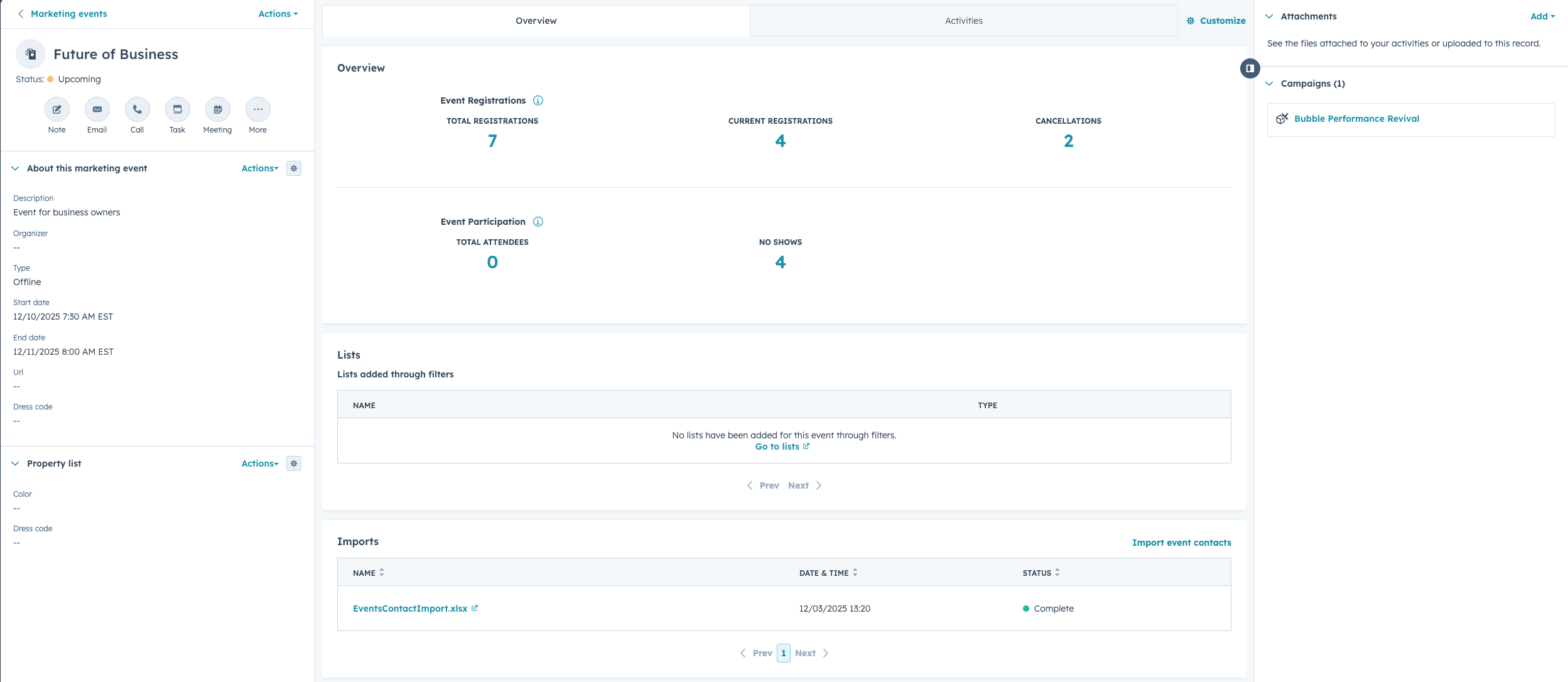
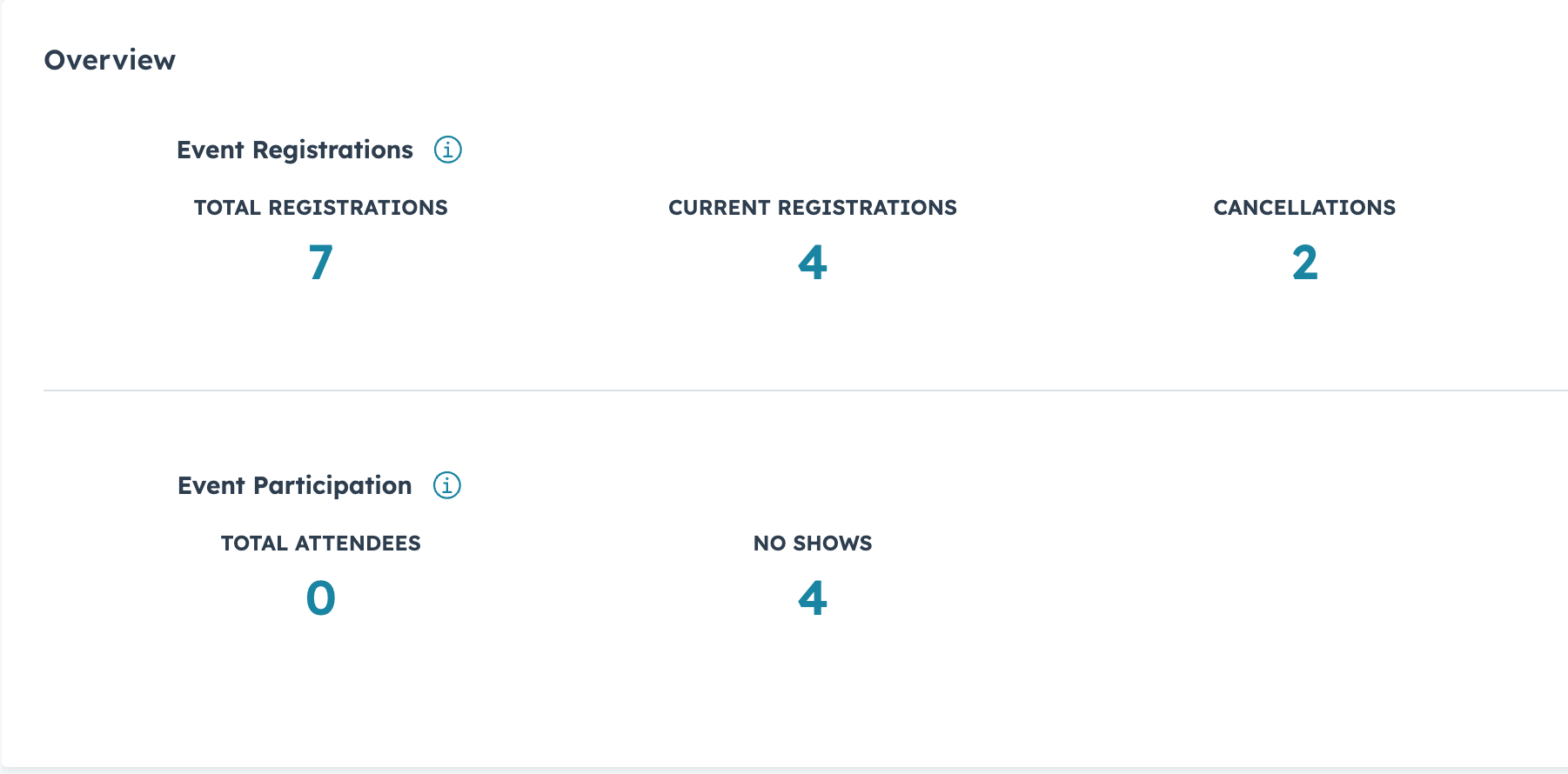
- Overview tab with event registration and participation details
- Easy Campaign and Marketing Event association. Steps include:
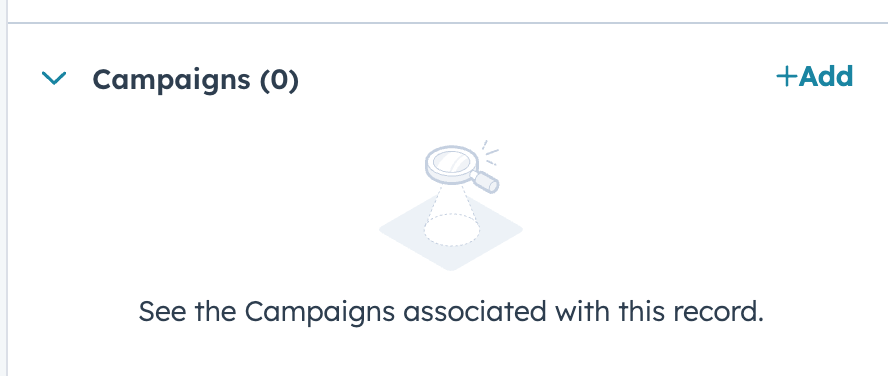
- Find the Campaign association card on the top-right
- Click +Add
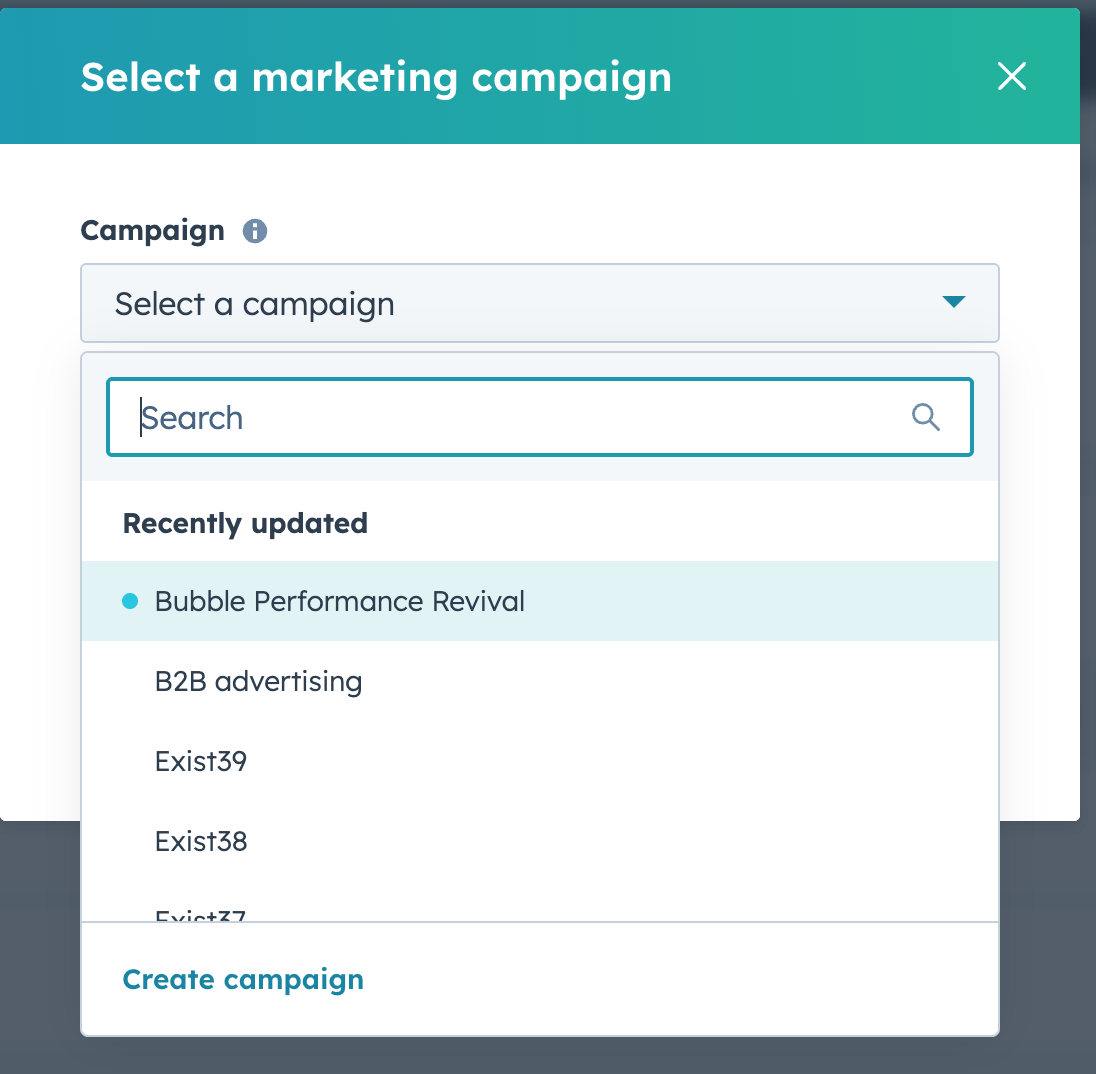
- Select a campaign from the dropdown list
Who gets it?
This feature is available for all HubSpot products and tiers.





.png?width=193&name=jos%20(1).png)




