Note
What is it?
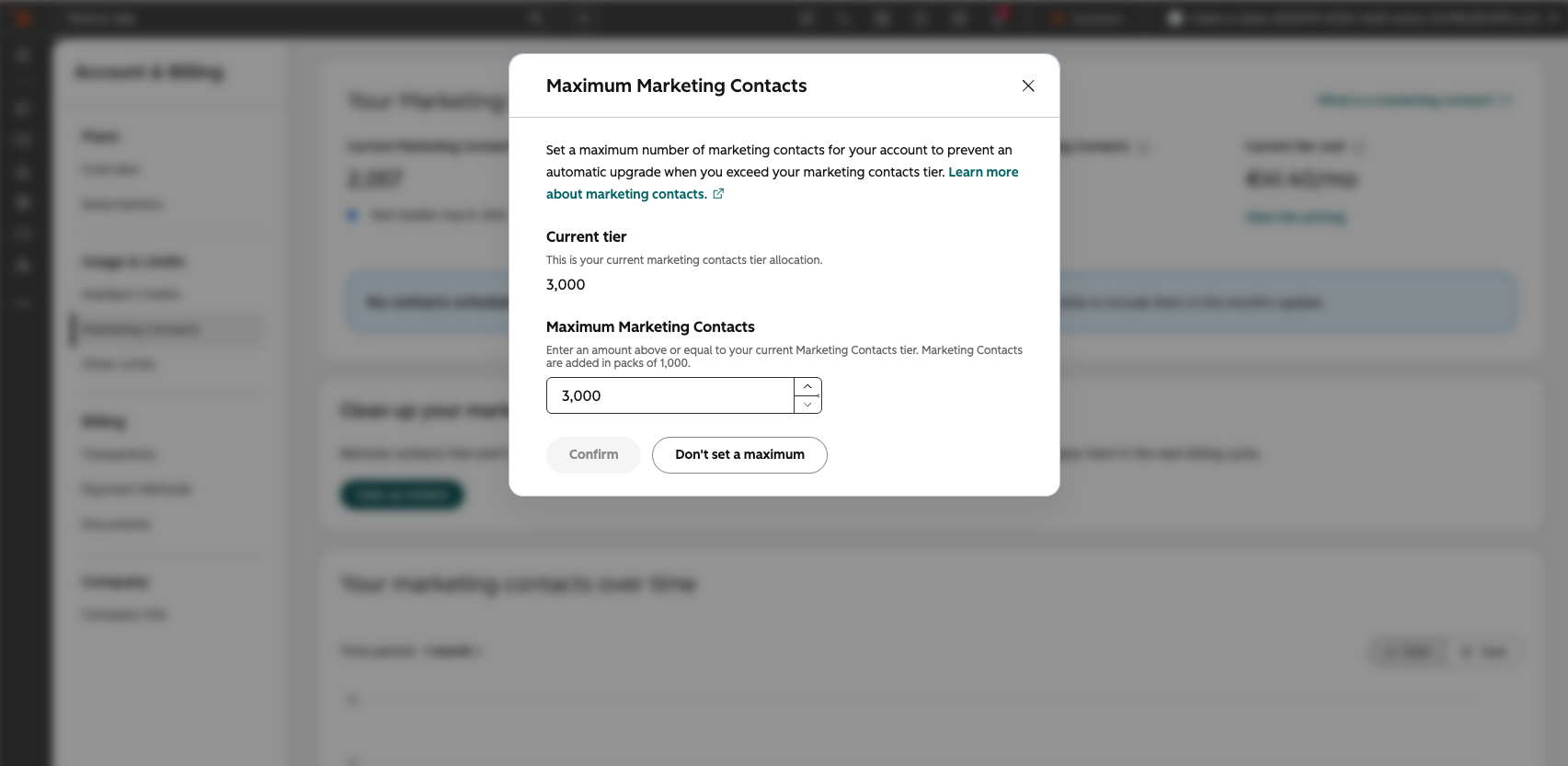
With this release, super admins and any users with 'Modify Billing' permission can now set a maximum marketing contact limit on their portal's Marketing Contacts page within Account & Billing. Once reached manual imports and automated features will no longer set contacts as marketing. Previously, there was no way to cap marketing contacts, leaving portals vulnerable to unexpected tier auto-upgrades.
Why does it matter?
Customers need greater control over their marketing contact usage to avoid unexpected tier upgrades. When admins can set a maximum, they can confidently manage their contact base without the risk of surprise charges.
How does it work?
Super admins and any users with 'Modify Billing' permission can set a Maximum Marketing Contacts limit from the Account & Billing -> Marketing Contacts page under Maximum Marketing Contacts. Once set, any imported contacts — manual or automated — that would push the portal over the maximum are set as non-marketing.
Once a maximum is hit, users will see messaging in-app stating "You've reached your set Maximum Marketing Contacts". Super admins, workflow owners and users with 'Modify Billing' permission will also be notified through email. Users without the required permissions are prompted to request a maximum increase or add contacts as non-marketing.
Who gets it?
Marketing Hub All Tiers, Customer Platform All Tiers





.png?width=193&name=jos%20(1).png)




