What is it?
You can now customize fonts, colors, and styling for each quote template in the quote template editor.
Why does it matter?
Previously, all quote templates used a single style determined by the quote theme. This means you can now make styles different for each template, giving you more flexibility to match your brand or create distinct looks for different offerings.
How does it work?
To customize template level styling:
- Go to Settings > Objects > Quotes > Quote Templates.
- Create or edit a quote template.
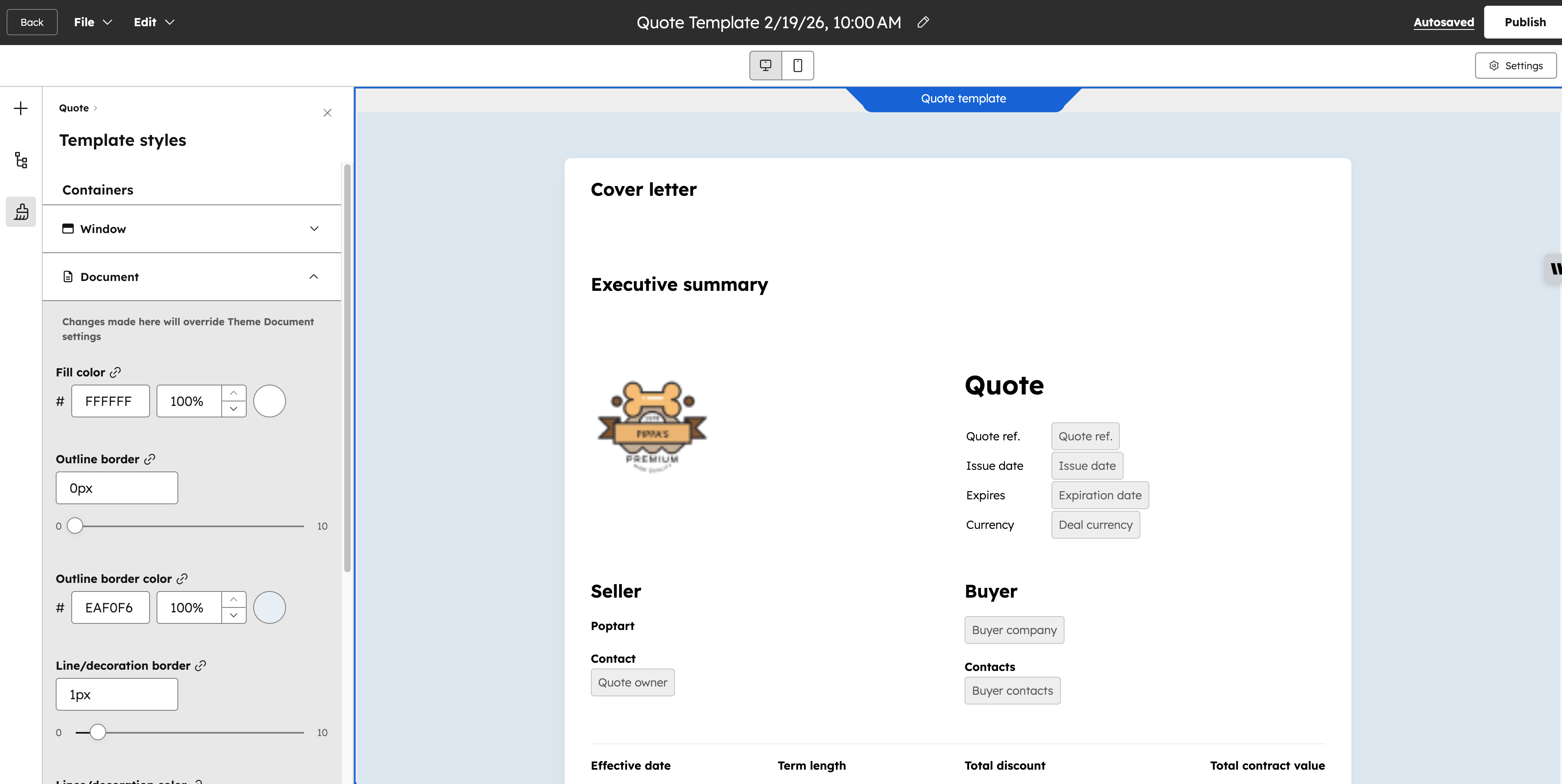
- Once inside the editor, click the "Template Styles" brush icon on the left side pane.
-
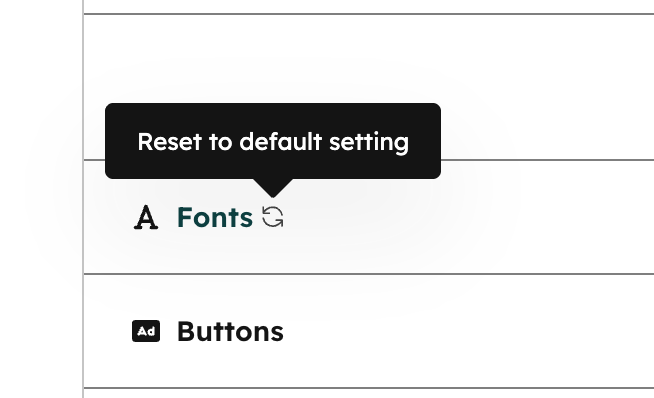
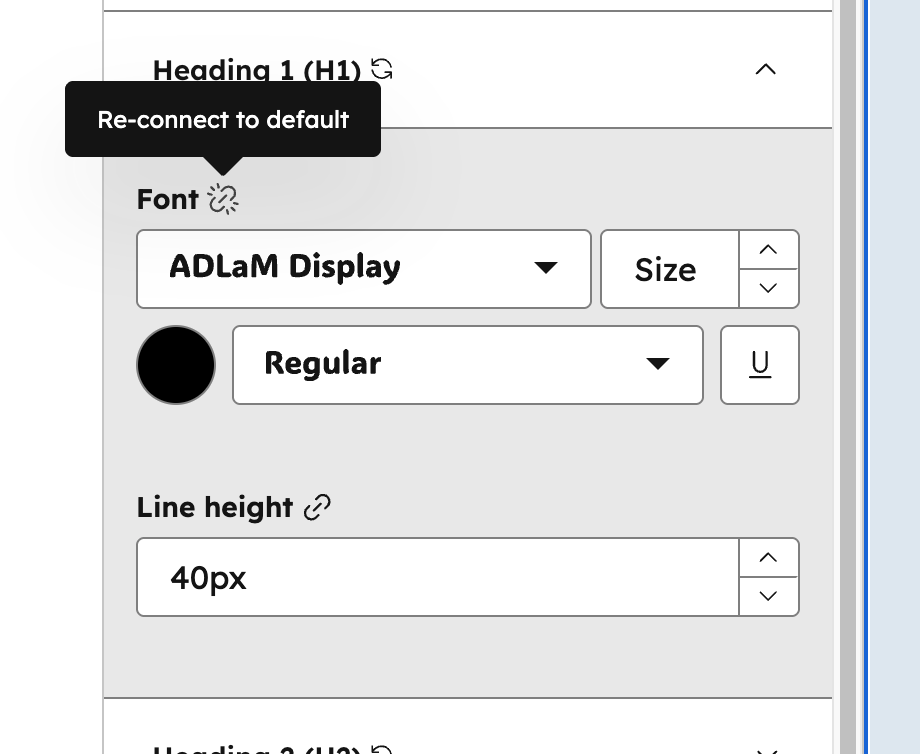
- Change any style elements you want. Overridden elements can be reset by re-linking to the default.
-
Who gets it?
Commerce Hub Professional, Commerce Hub Enterprise





.png?width=193&name=jos%20(1).png)




