What is it?
Email testing lets you see exactly how your agent will respond to customer emails. You do not need an email channel connected to test. You can preview the full email conversation - from the customer's initial question through your agent's response - just as it would appear in a real inbox.
Why does it matter?
Email is different from chat. Customers expect thorough, well-written responses, and you don't get the chance to ask follow-up questions in real-time. Before email testing, you had two options:
- Turn on email and cross your fingers
- Test in chat and guess how it would translate to email
Now you can make sure your agent gets it right - professional tone, complete answers, proper formatting. This matters even more because email responses are permanent and visible.
How does it work?
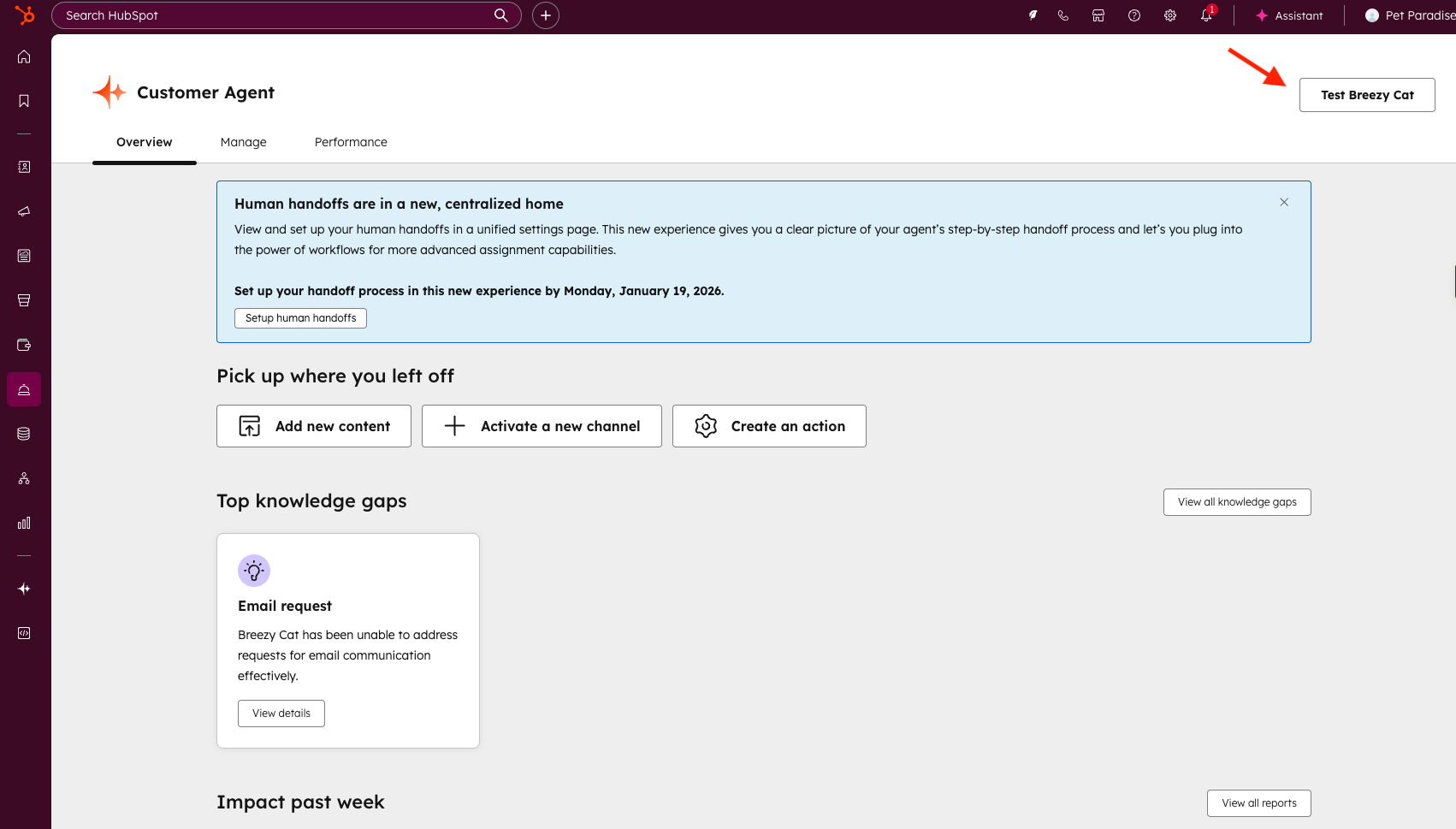
- Navigate to your testing environment from the main Overview page or any Customer Agent tab by clicking "Test [Your Customer Agent Name]" on the top right
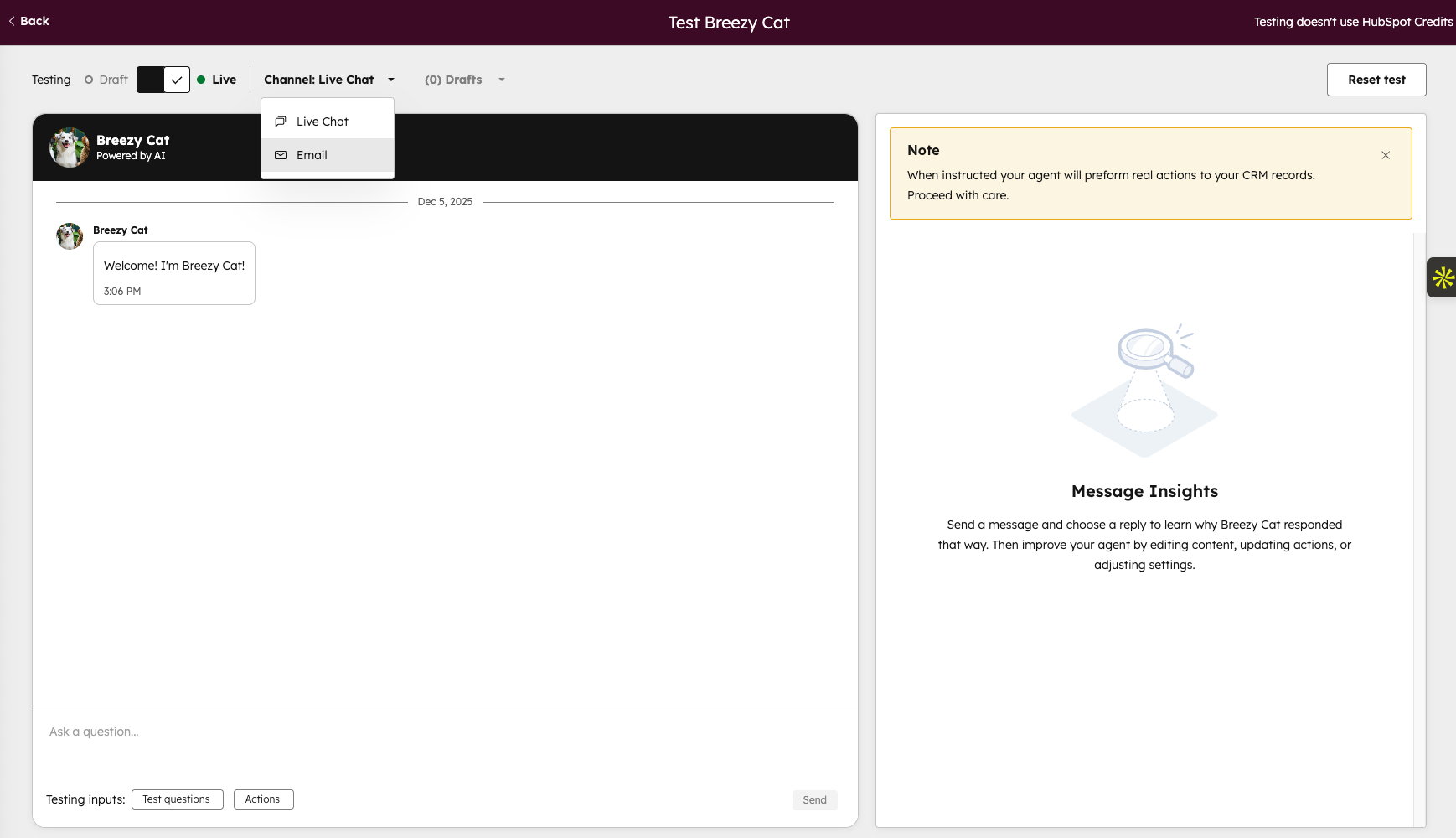
- Select "Email" as your channel in the testing area
-
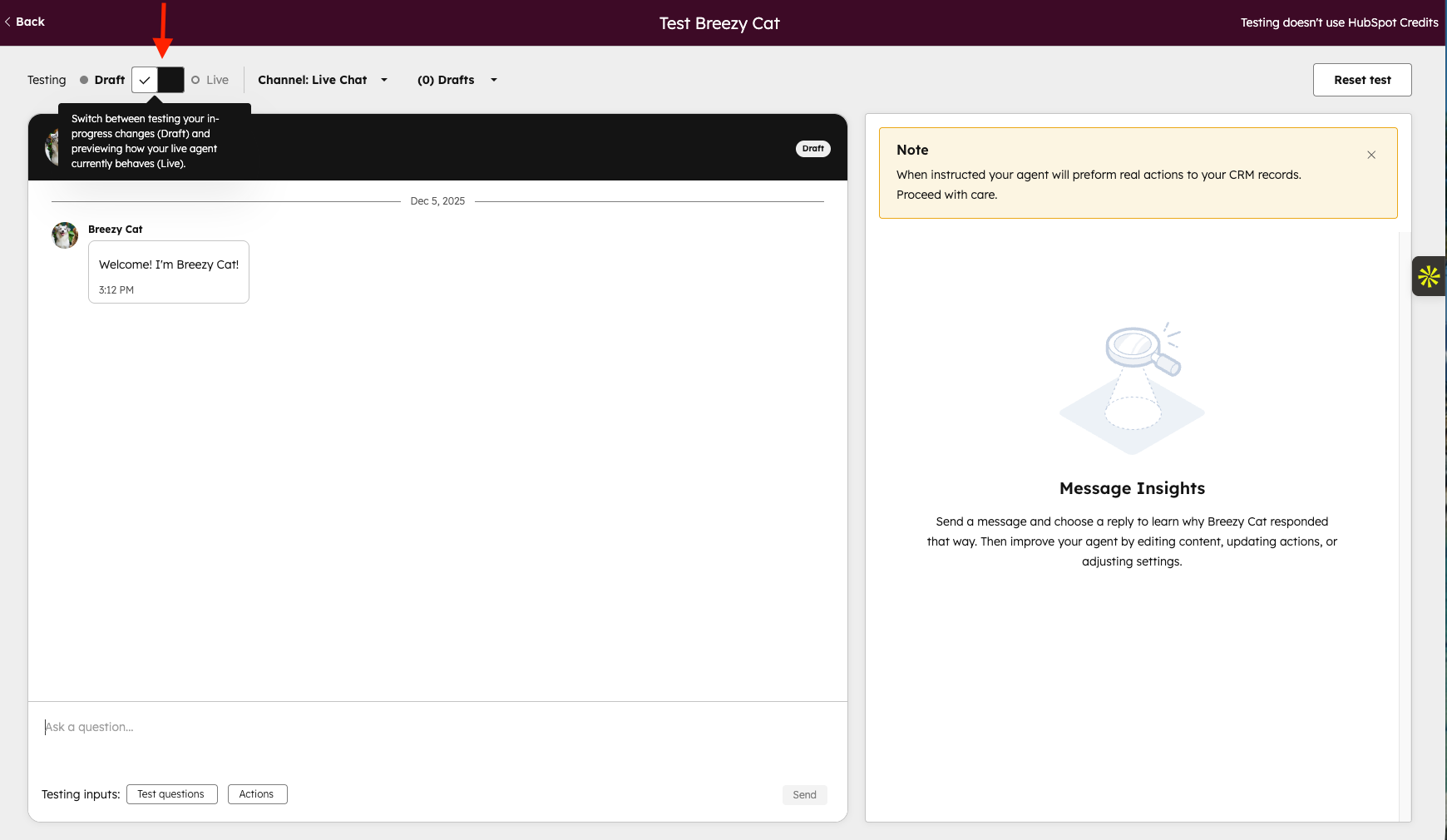
- Choose to test live (current version)
-
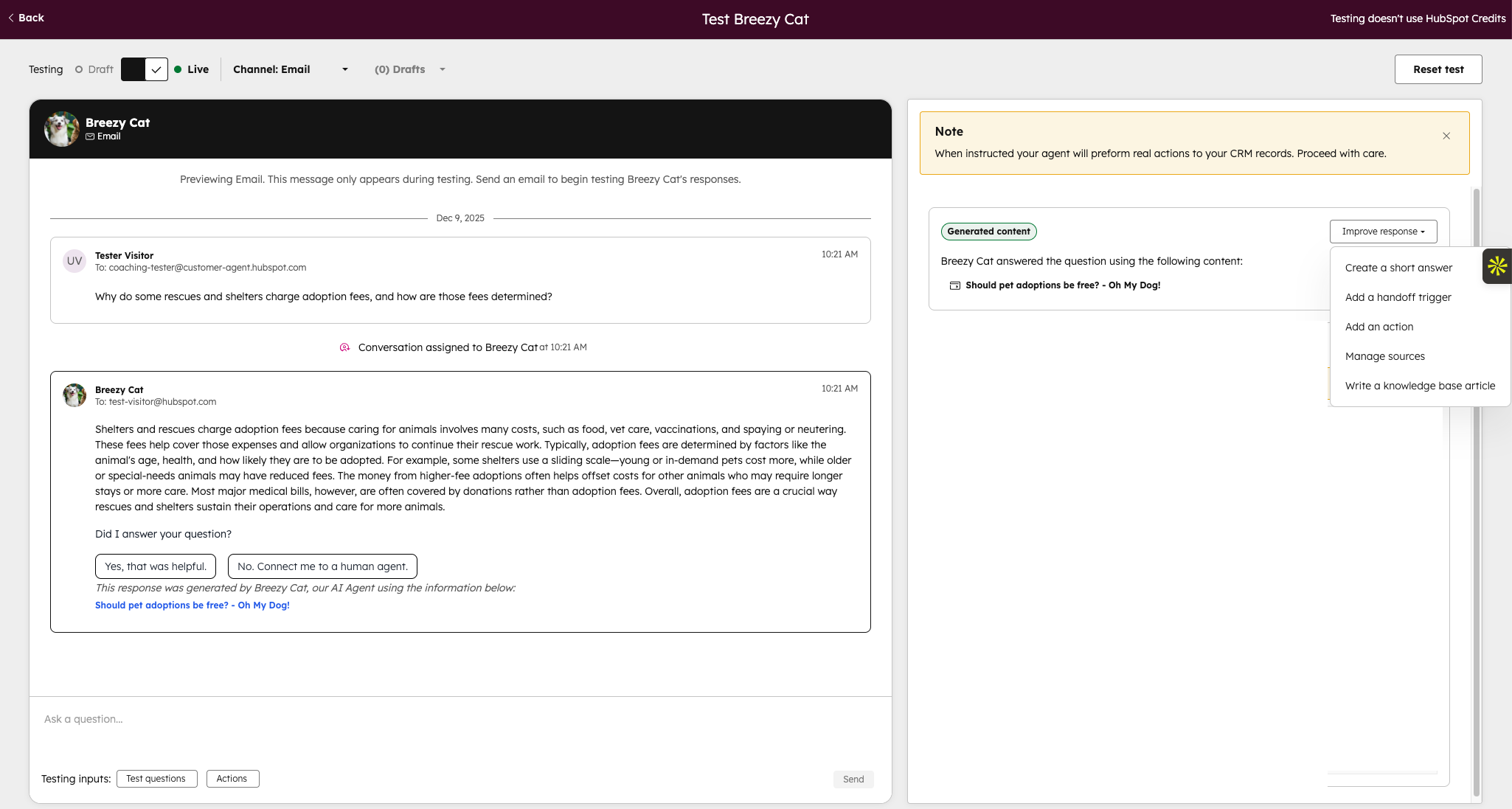
- Write a sample customer email with a question just like one you'd receive
- Hit send and watch how your agent responds
- Review the full email thread to see if the response hits the mark
- See which knowledge sources your agent used and improve responses by either "creating a short answer", add a handoff trigger when you want the agent to handoff to a human agent, "add an action", "manage sources", or write a "new knowledge base article".
- Try different customer questions, adjust your agent's setup, and test again until you're confident
Who gets it?
HubSpot Credits, Professional Customer Platform, Enterprise Customer Platform, Content Hub Professional, Content Hub Enterprise, Marketing Hub Professional, Marketing Hub Enterprise, Data Hub Professional, Data Hub Enterprise, Sales Hub Professional, Sales Hub Enterprise, Service Hub Professional, Service Hub Enterprise





.png?width=193&name=jos%20(1).png)




