What is it?
Description
The Add to Dashboard panel has been updated with a smart layout that surfaces report recommendations and organizes your report options more clearly.
Why does it matter?
Finding the right report to add to a dashboard used to mean scrolling through an undifferentiated list. The updated panel puts relevant recommendations at the top and organizes the rest of your reports in a clearer structure, so you spend less time searching and more time working with the data that matters to you.
How does it work?
Recommended reports are based on the content of your dashboard as well as the activity in your account.
To use, open any dashboard and click Add report. The panel opens with three sections:
- Recommended for you: Breeze surfaces reports based on the content already on your dashboard and your activity in HubSpot, such as saved pages and frequently used tools.
- My reports: Your existing saved reports.
- Ready-made templates: Pre-built report templates you can add directly.
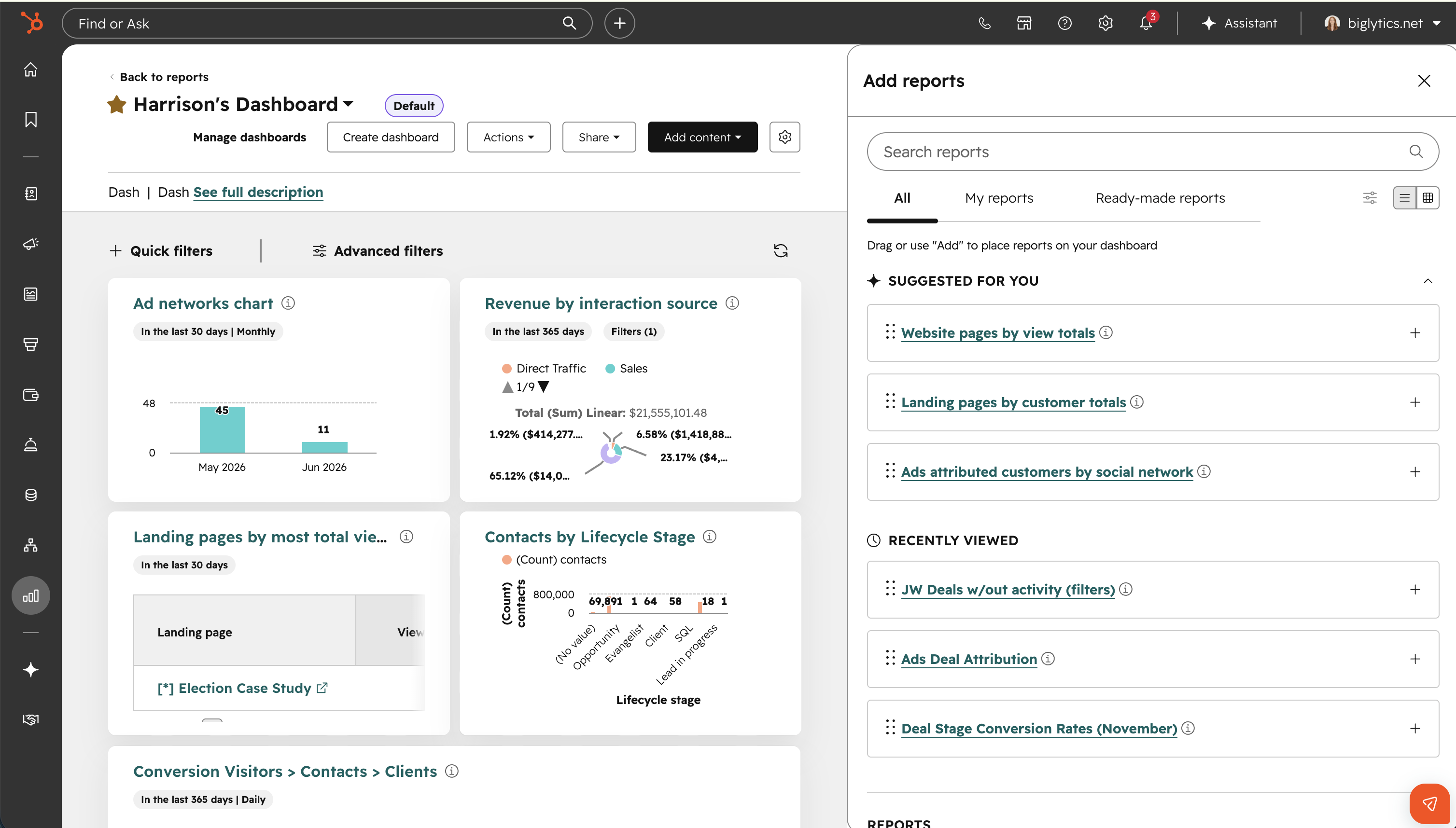
To preview a report before adding it, hover over the report title to see a preview or switch to Grid view to browse all reports in preview mode.
Who gets it?
All hubs and tiers





.png?width=193&name=jos%20(1).png)




