What is it?
An update to the template selection screen when creating a website page.
Why does it matter?
The current experience differs from our updated landing page flow, creating inconsistencies and confusion when creating page content.
How does it work?
1. Click 'Get started' or 'Create' depending on if there is existing website page content in the portal or not
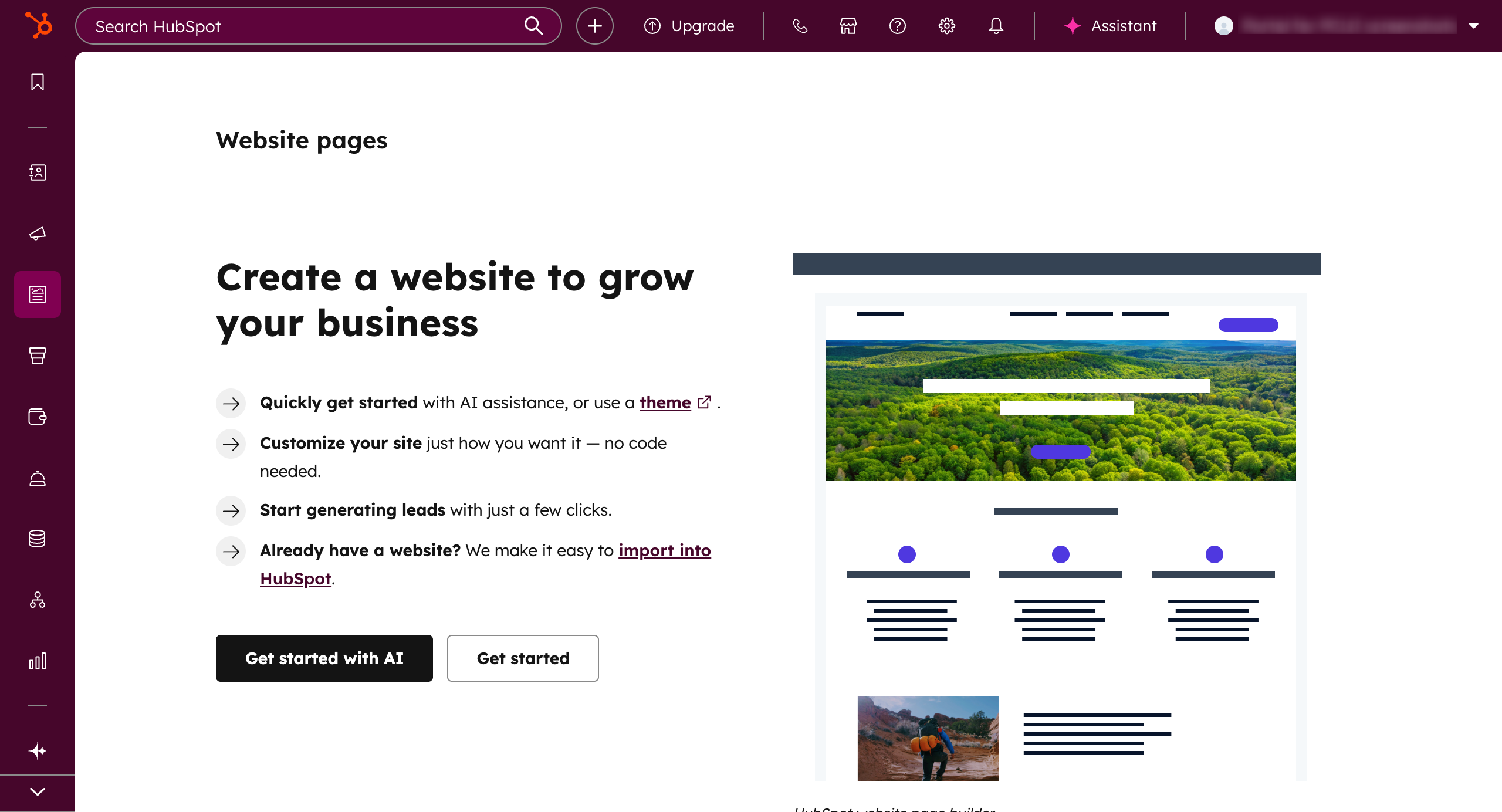
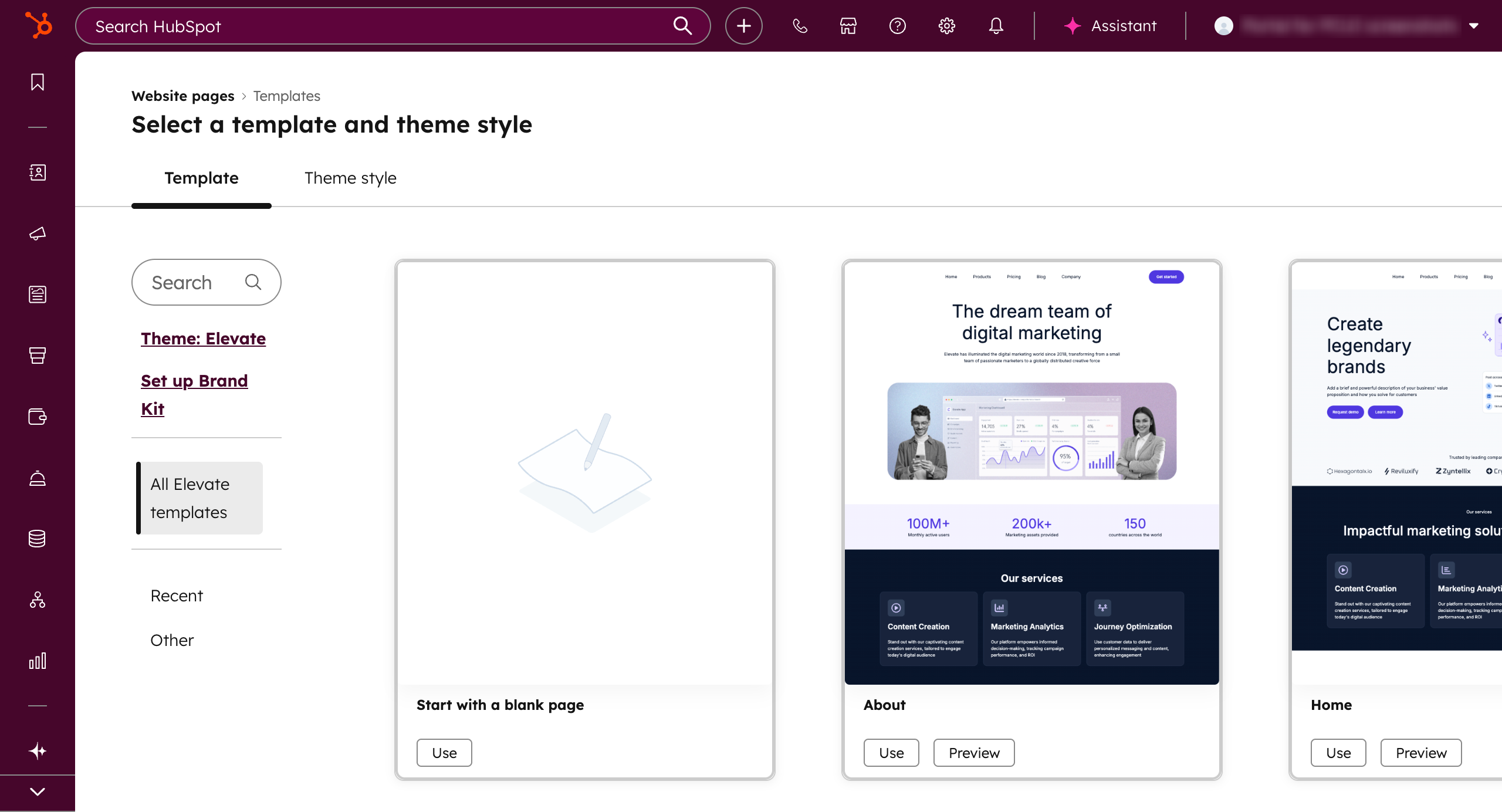
2. After initiating the flow, you will be redirected to the template selection screen. From here, you can:
- select the filters or search to find a template
- search by all, blank, recently used, or other
- switch the theme if preferred
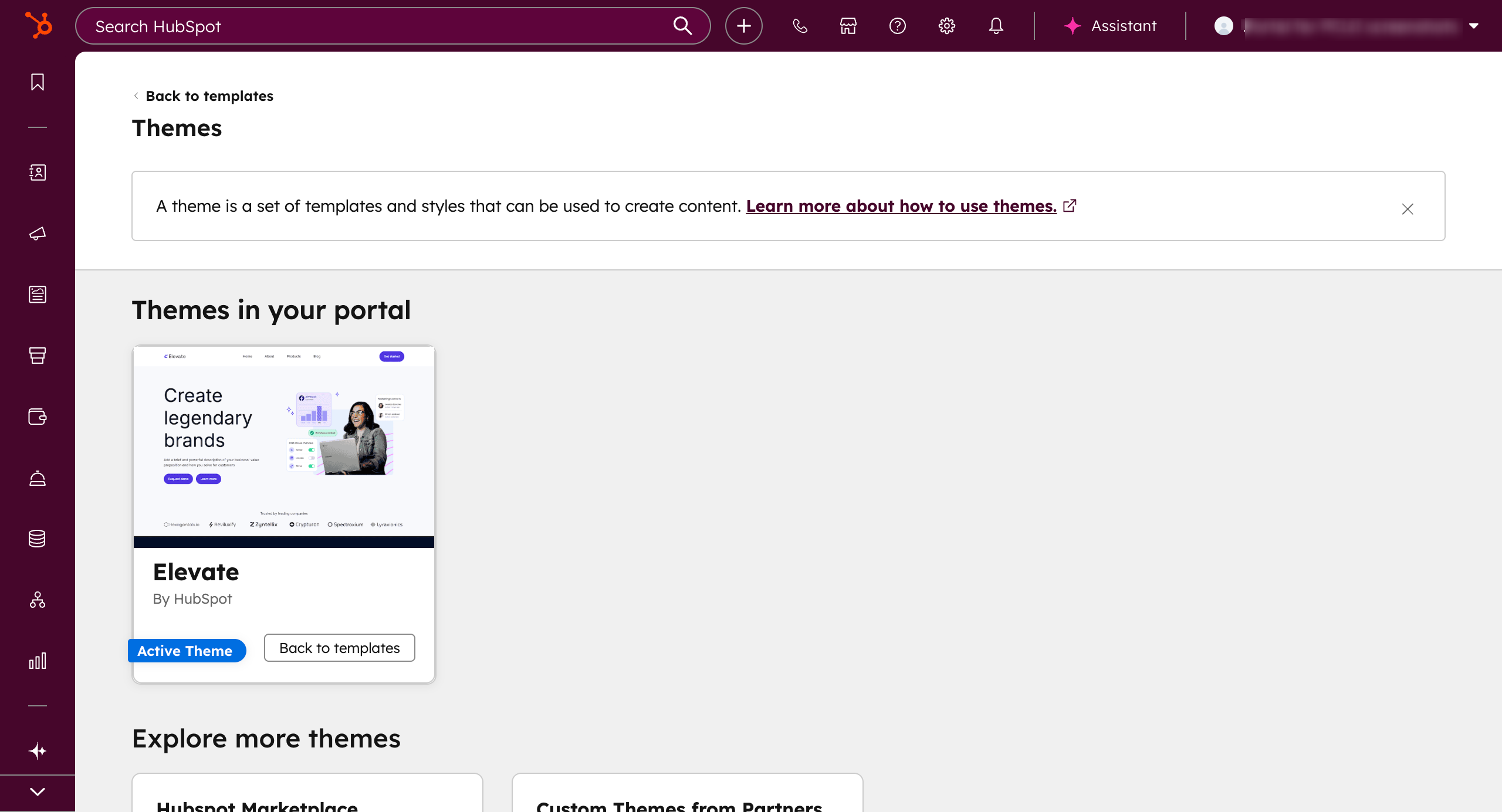
3. When clicking `Theme: [Theme Name]`, you will be navigated to the new theme selection screen where you can explore more theme options.
4. When you are ready, you can select a template and start editing the page!
Who gets it?
All hubs and tiers





.png?width=193&name=jos%20(1).png)




