What is it?
New customization options and UI enhancements are now available in the knowledge base tools:
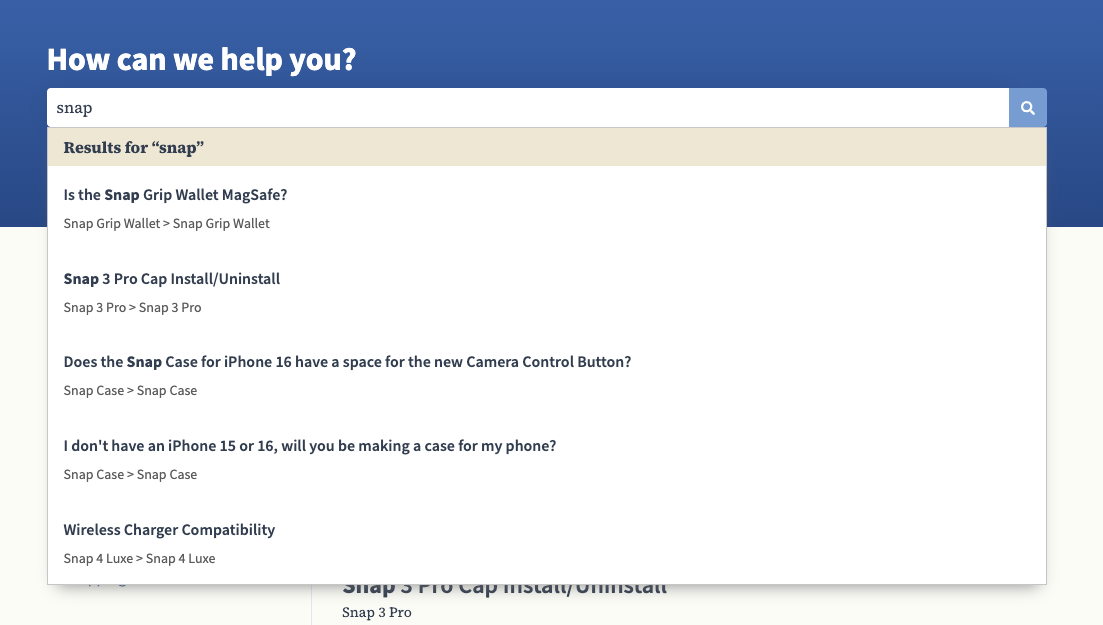
- Autocomplete search results include category/subcategory breadcrumbs
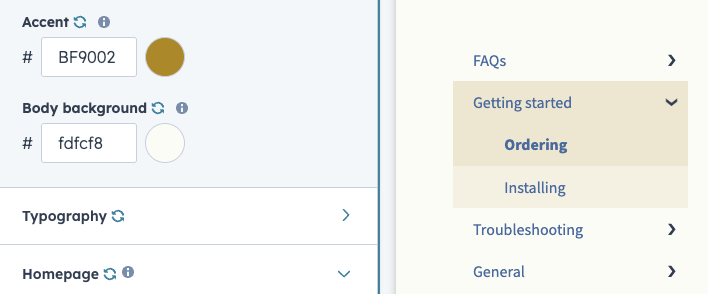
- Categories sidebar background color adopts "Accent" type styling
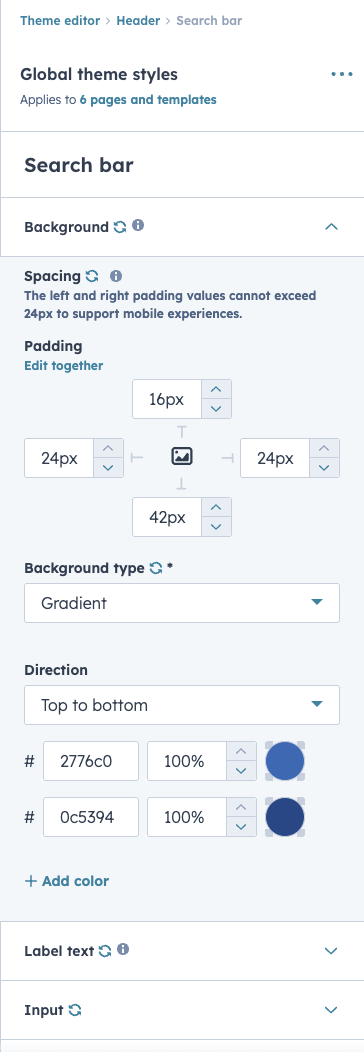
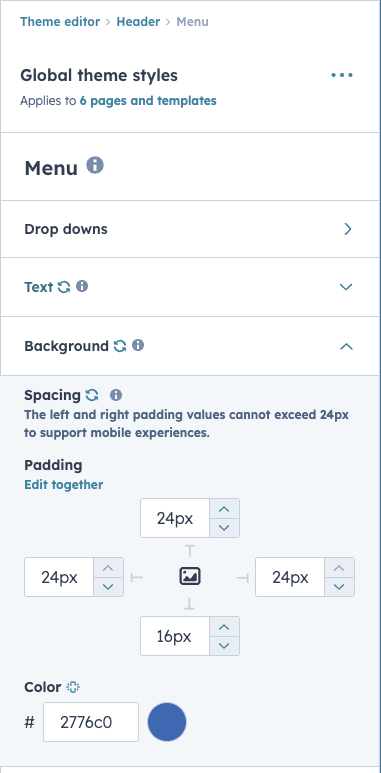
- You'll see new Spacing options for header components (Theme editor > Header > Search Bar, Theme editor > Header > Menu)
Why does it matter?
The newest knowledge base tools aim to provide robust styling options for your help center and articles. These updates support further customization.
How does it work?
Navigate to Service > Knowledge Base > Configure > Theme to see new spacing and accent color options.
The new search results UI should now be available on your live help center.
NOTE: Only knowledge bases that have been migrated to the newest tools will see these updates.
Who gets it?
Service Hub Professional, Service Hub Enterprise





.png?width=193&name=jos%20(1).png)




