What’s changed?
What is it?
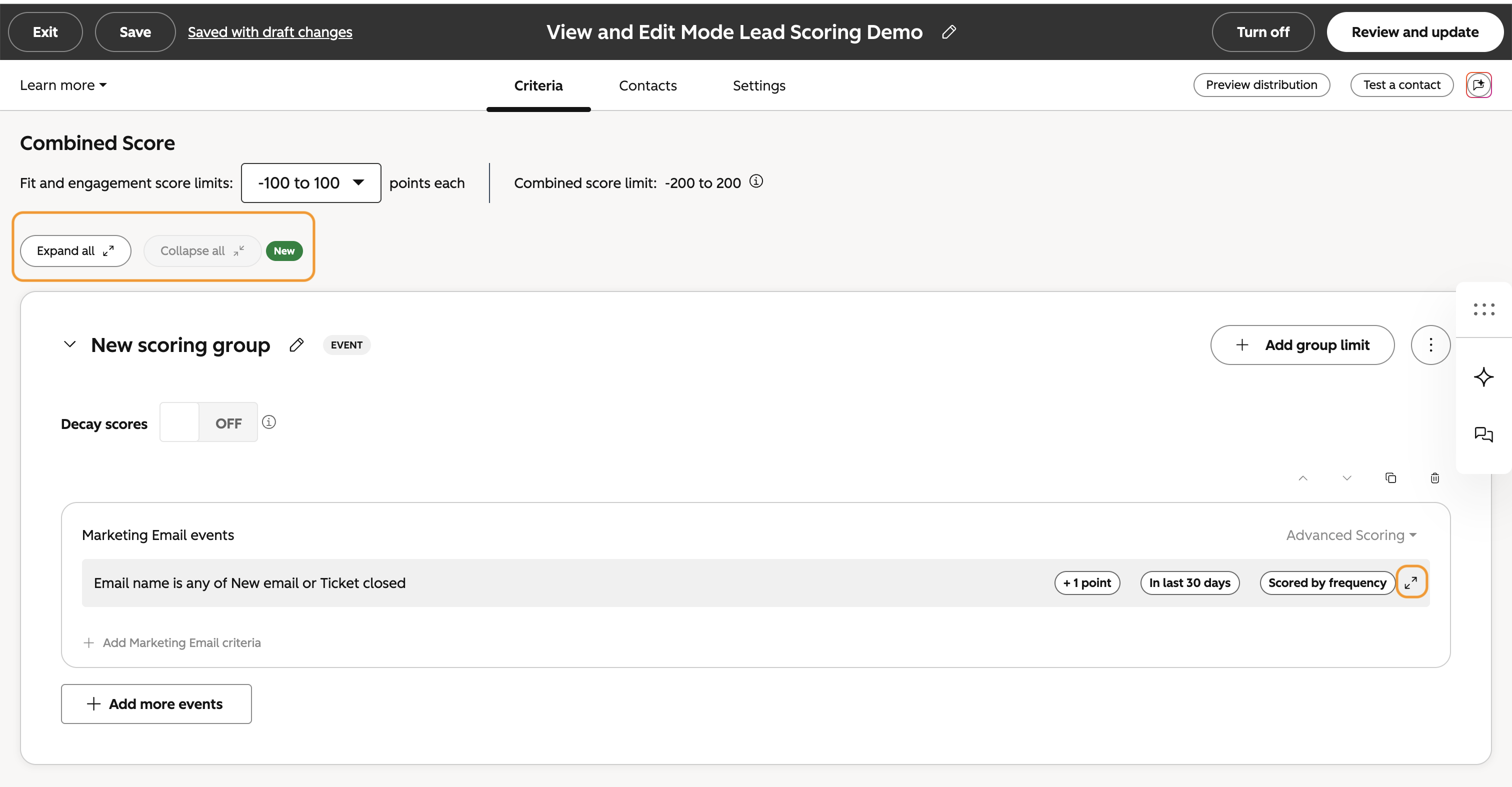
You can now switch between view and edit modes for Lead Scoring. View mode displays your scoring rules in a readable summary - making it easier to understand your score at a high-level without wading through the full editor.
Why does it matter?
Scoring rules can get complex fast. The more rules you have, the harder it is to get a quick read on what your score is actually doing. View mode collapses your rules into a clean, readable summary so you can understand your score's logic at a high level — without having to scroll through extra space and every condition and edit control.
How does it work?
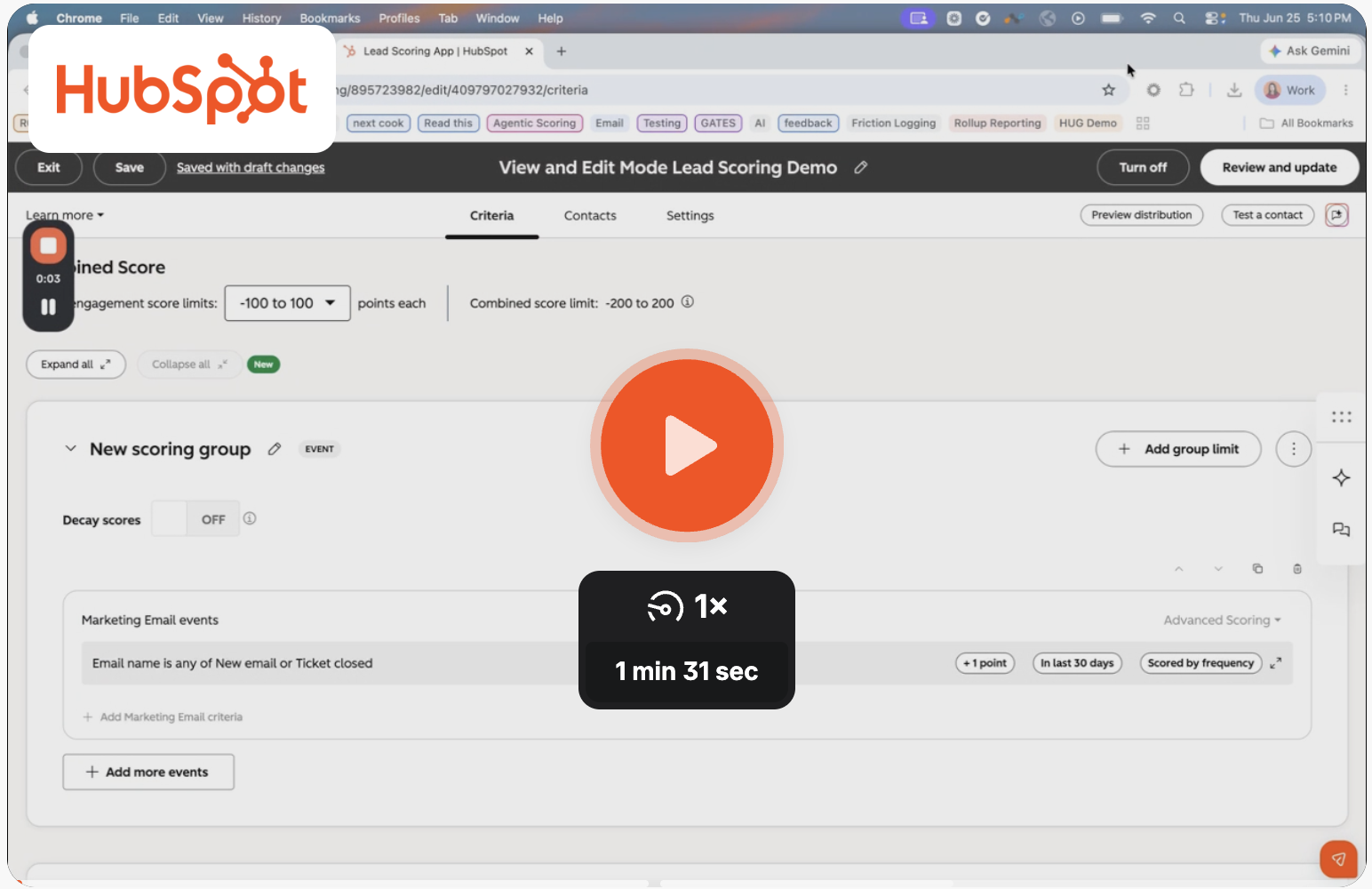
Check out this quick 🎥 video demo to learn more!
Want to provide quick feedback or a live demo on this feature instead? Book 15 minutes with Lead Scoring Product Manager Melody Cooke here!
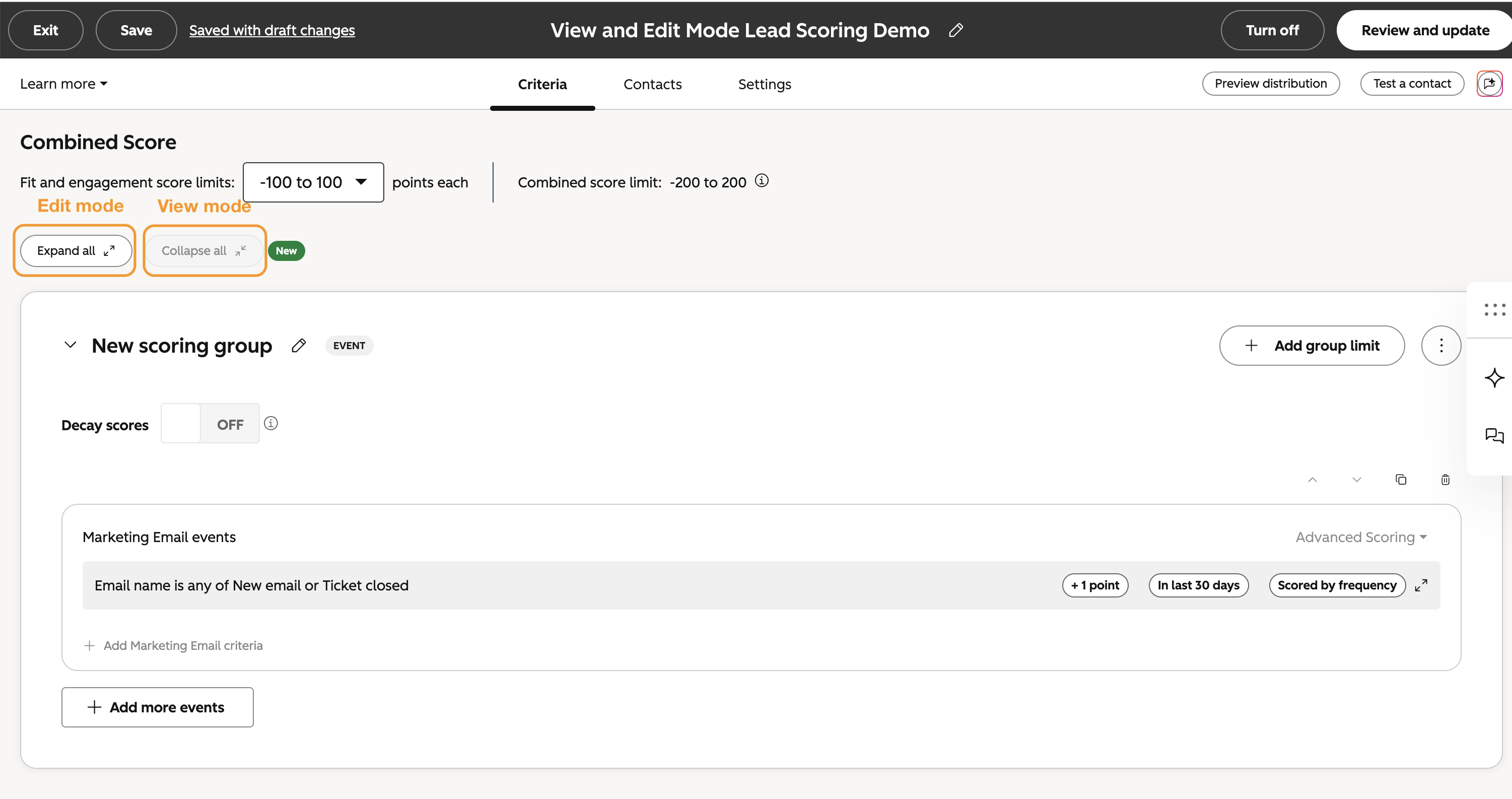
To view all rules in View or Edit mode:
While editing a Lead Score, navigate to the top left and click “Expand all” for edit mode, and “Collapse all” for view mode.
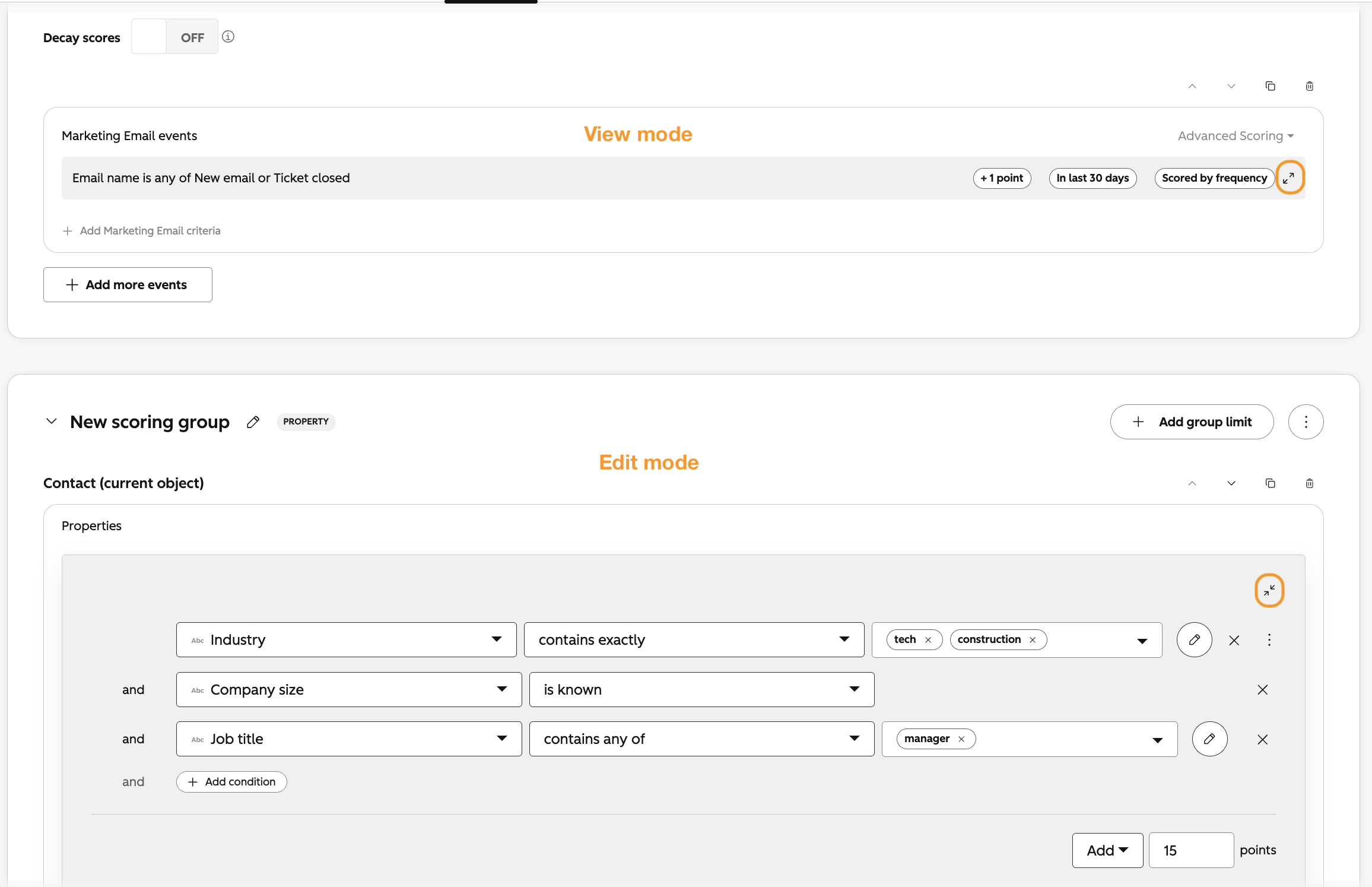
To view individual rules in View or Edit mode:
You can also expand and collapse individual rules, while simultaneously keeping other rules in the opposite mode.
- - To edit a rule in View mode, you can click the expand arrows or anywhere in the gray box.
- - To return to View mode after editing a rule, you can click the collapse arrows or anywhere outside the gray box.
Note that in View mode you will be able to view:
- - Natural language summary of rule
- - Points assigned
- - Timeframe
- - Scored by frequency
- - Individual rule values via bullet points for score individually
Who gets it?
Marketing Hub Professional, Smart CRM Enterprise, Sales Hub Professional, Marketing Hub Enterprise, Sales Hub Enterprise, Smart CRM Professional





.png?width=193&name=jos%20(1).png)




