What is it?
WhatsApp coexistence enables customers to use WhatsApp Business app and HubSpot inbox at the same time, on the same WhatsApp Business number, without causing conflicts.
Why does it matter?
Until now, you were not able to use WhatsApp outside of logging into the HubSpot app itself.
What's new:
- - Messages sync between HubSpot and the WhatsApp Business app in real time
- - Works across mobile, web, and desktop, no primary device logout required
- - HubSpot backfills the last 180 days of conversations (media messages appear as placeholders
How does it work?
To activate if you have an existing number:
- - Disconnect phoneNumber from HubSpot: note that all incoming inbound messages will be lost until the phoneNumber is registered into the WhatsAppBusiness app (next step)
- - Register phoneNumber into the WhatsAppBusiness app on their smartphone
- - Wait about 5 mins
- - Reconnecting to HubSpot using coexistence
To set up a new number:
Step 1
Go to settings> WhatsApp
Click on "Connect WhatsApp Number" - Top right
Step 2
Follow the embedded WhatsApp (Meta) Login flow
Fill in business info and following steps
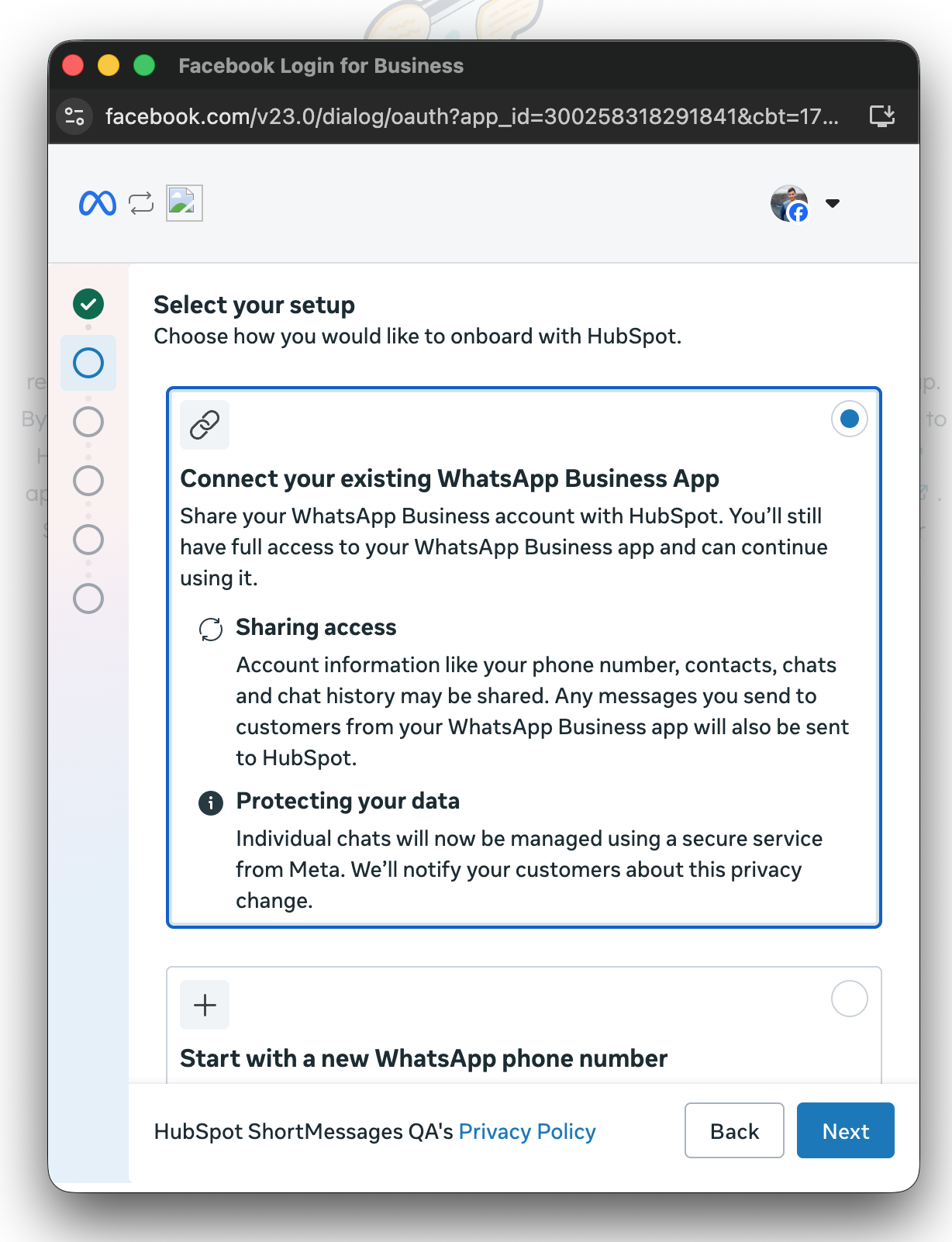
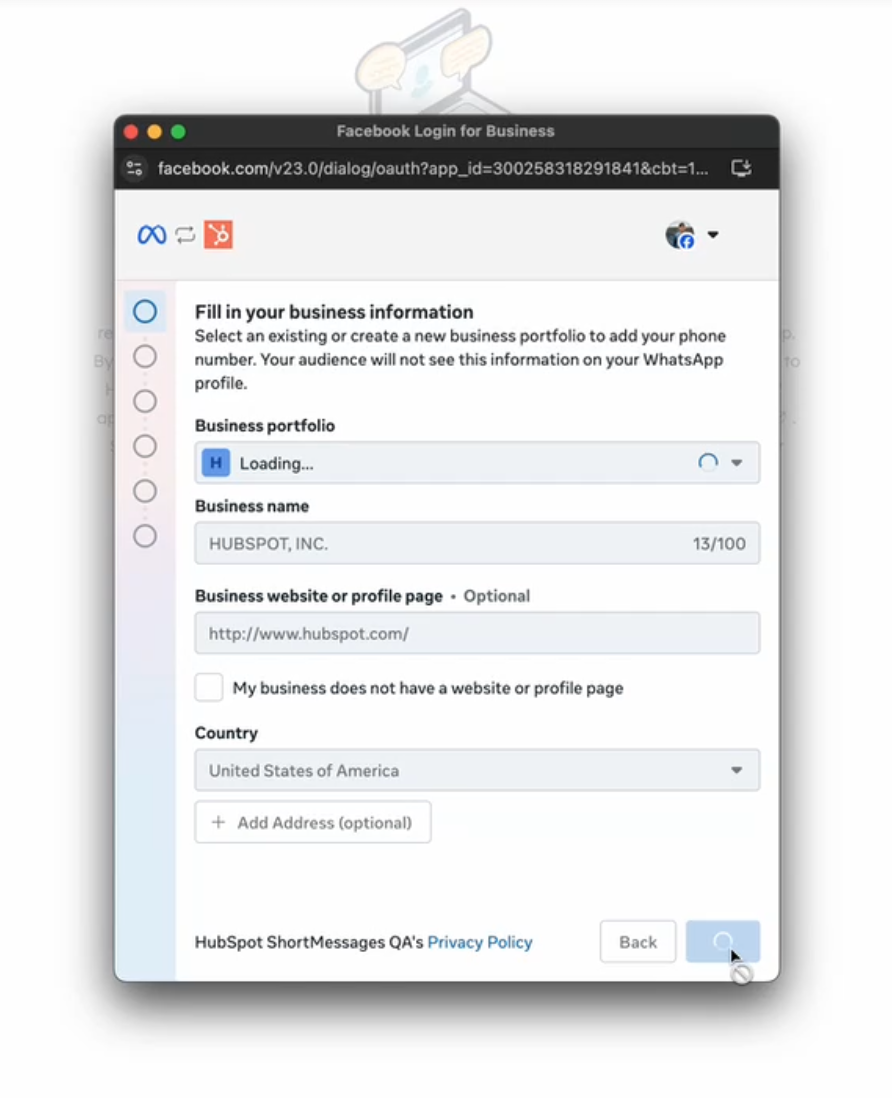
Select setup (Existing or new WhatsApp phone number)
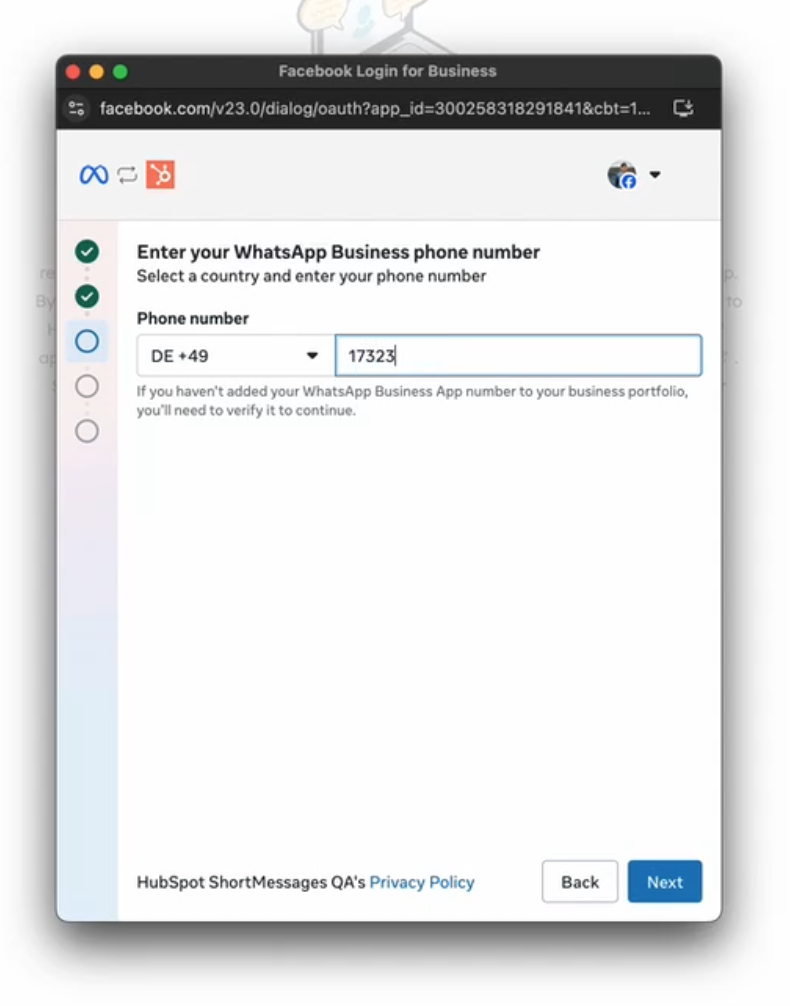
Enter details
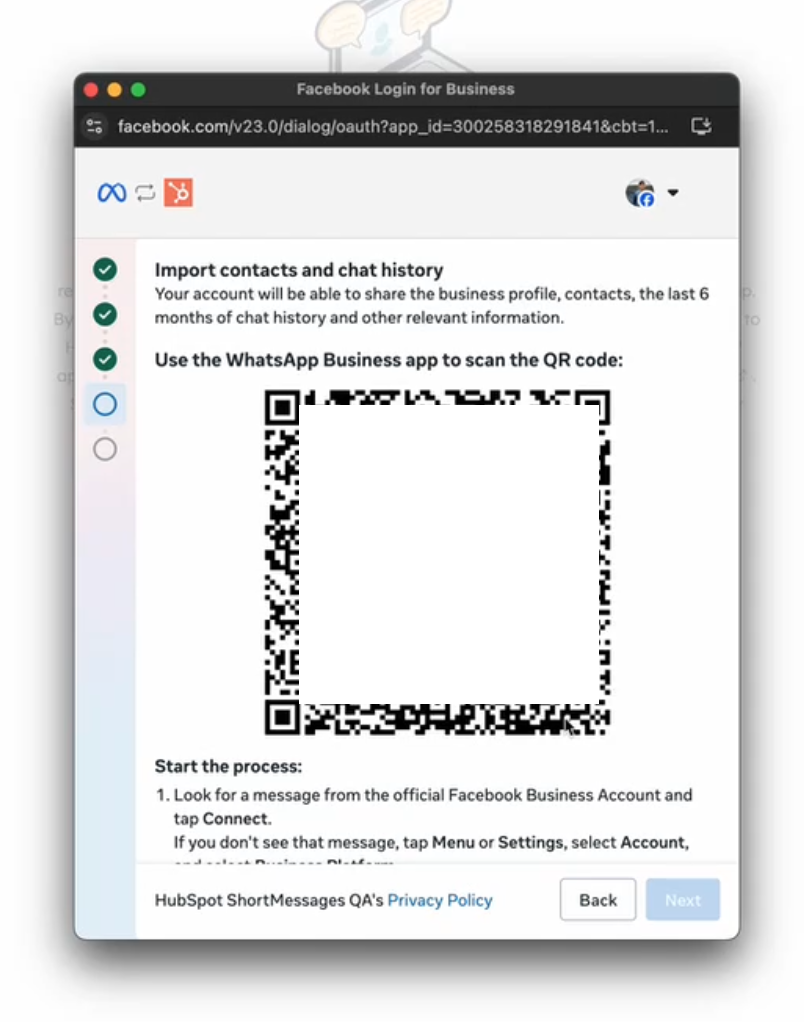
Use the WhatsApp Business app to scan the QR code
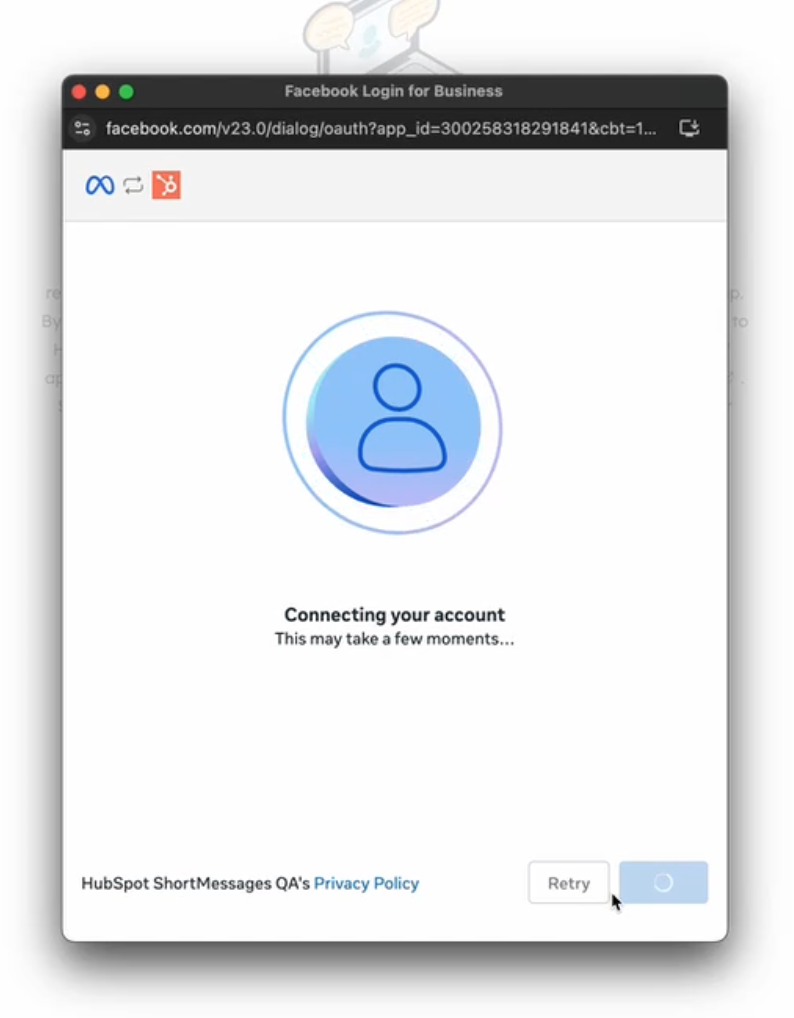
Wait for sync, set up account name and the system will auto connect (this may take a few moments)
When ready you will see option to connect to Helpdesk or Inbox
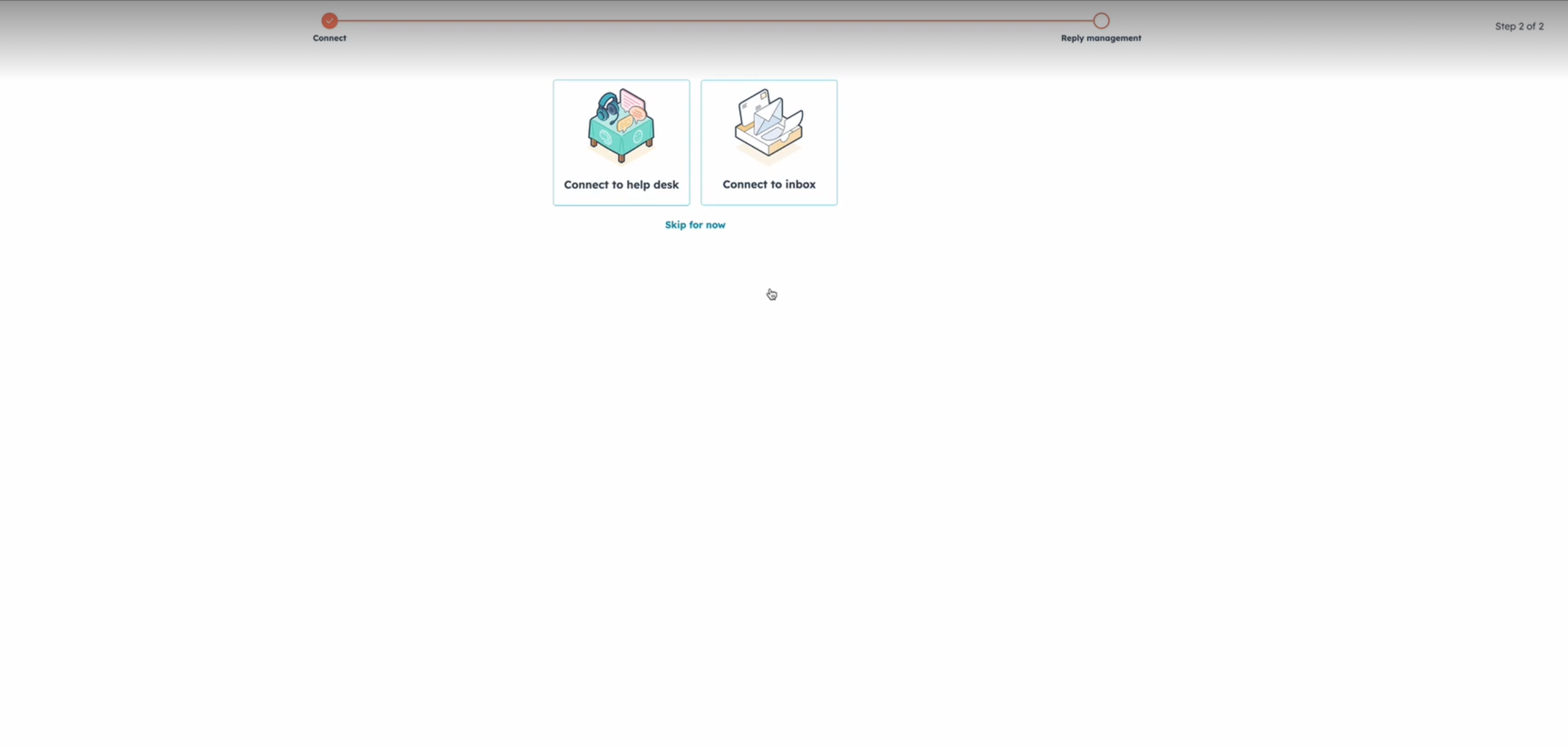
Select and click next
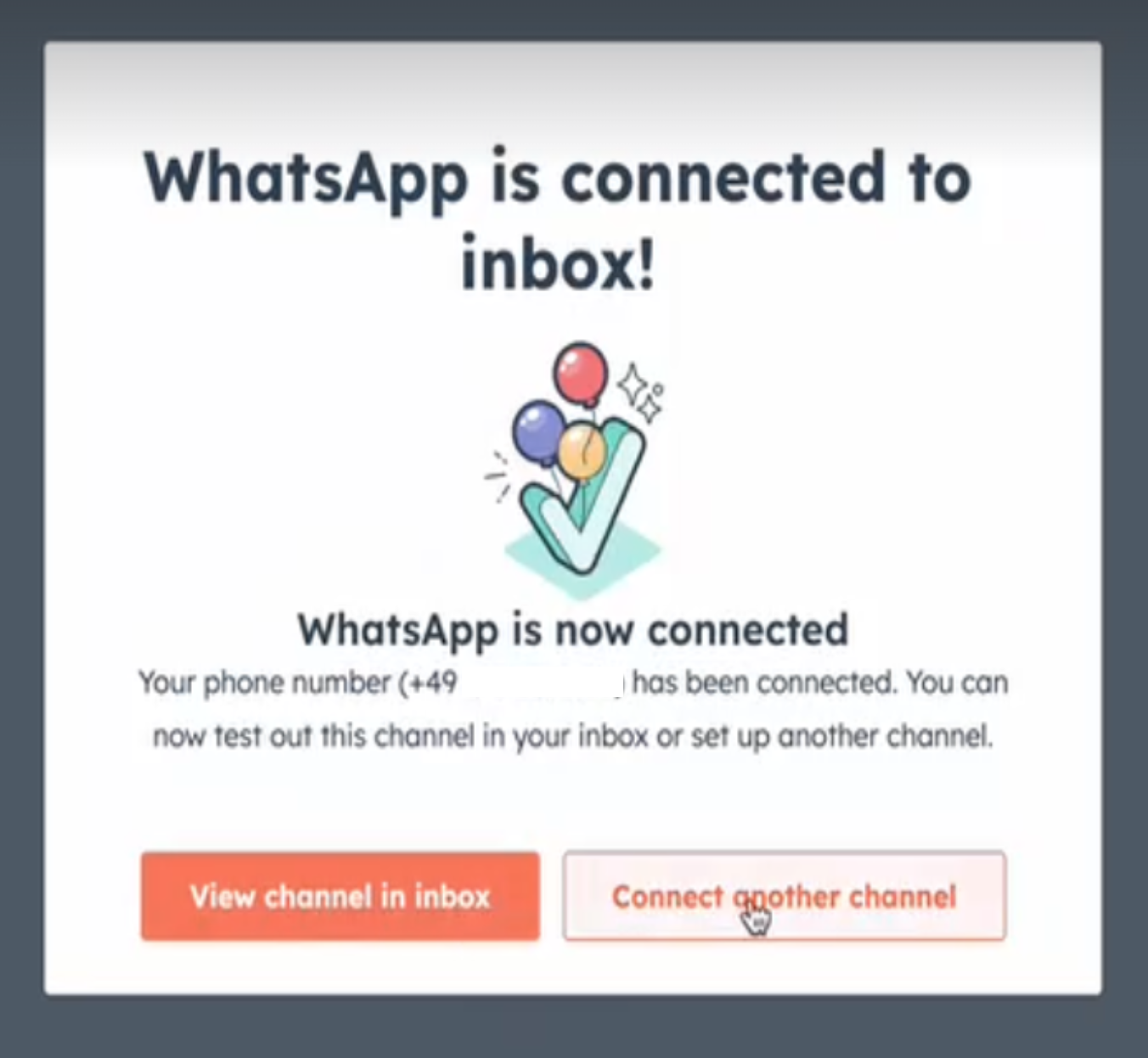
You have now connected your number!
Who gets it?
Marketing Hub Professional, Marketing Hub Enterprise





.png?width=193&name=jos%20(1).png)




