What is it?
Send and receive native WhatsApp voice notes directly from HubSpot conversations.
Why does it matter?
WhatsApp users frequently communicate by voice note, but HubSpot didn't previously support this format — leaving teams unable to receive or respond in kind without switching tools.
- - Service teams can explain complex issues by voice, which is often faster and clearer than text.
- - Marketing teams can send personalized voice follow-ups for campaigns, onboarding, and customer outreach.
How does it work?
Prerequisite: Your WhatsApp Business account must be connected to HubSpot.
- In the Helpdesk or Conversations Inbox, select the headset icon to record and send a voice note.
- Receive and play customer voice notes within the same conversation thread.
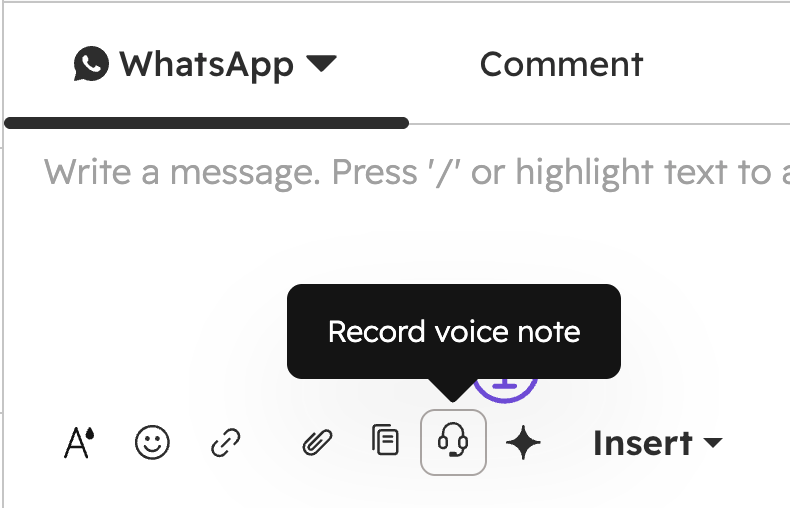
Voice notes are stored in HubSpot Smart CRM alongside the full conversation history. Existing routing, assignment, and reporting workflows continue to work — no additional setup required.
Who gets it?
This feature is available for Service Hub Professional & Enterprise, and Marketing Hub Professional & Enterprise



.png?width=193&name=jos%20(1).png)




