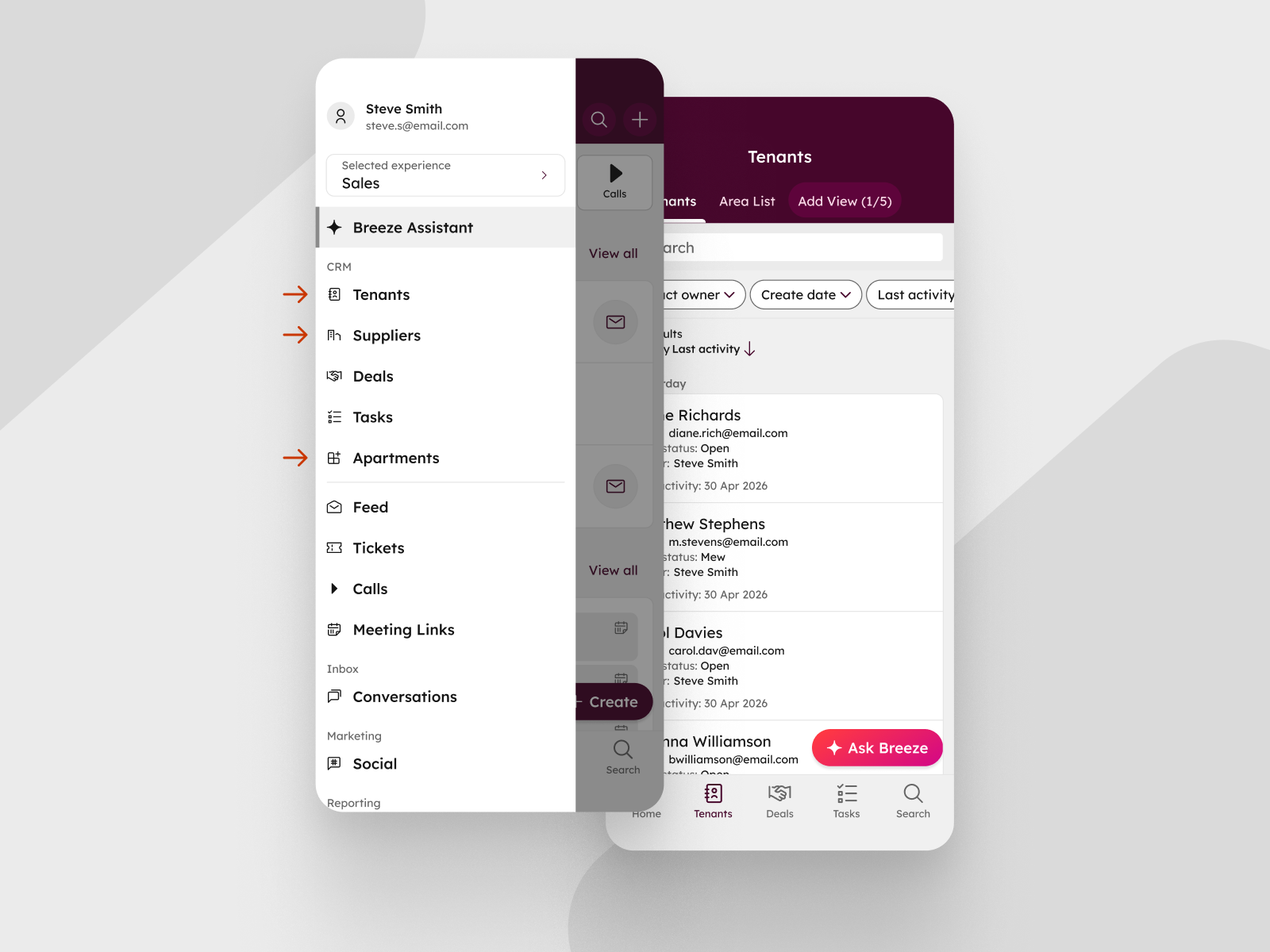
What is it?
Custom names that admins set for default CRM objects on desktop now appear everywhere in the HubSpot mobile app: in navigation, record headers, associations, and related property labels.
Why does it matter?
Many teams rename their CRM objects to match how their business actually talks — for example, "Opportunities" instead of Deals, "Students" instead of Contacts. Until now, those custom names only applied on desktop. Reps opening the mobile app would see HubSpot's default labels, forcing them to mentally translate between two vocabularies every time they switched devices.
With this update, admins rename objects once and reps see the same language everywhere they work, ensuring business continuity and encouraging adoption.
How does it work?
No action is required from reps. Custom names appear automatically in the mobile app once an admin has set them in the desktop app.
To rename an object on desktop:
- Go to Settings > Objects > [Object name].
- Select Customize and update the singular and plural labels.
The new labels appear in the mobile app across navigation tabs, record screens, associations, and any related property labels (for example, "First deal created" becomes "First opportunity created" if Deals are renamed to "Opportunities").
Custom naming is currently supported for Contacts, Companies, Deals, Tickets, and Leads, with plans to expand as renaming support is added to desktop.
Who gets it?
This feature is available to all HubSpot customers on iOS and Android. Make sure you have the latest version of the HubSpot mobile app installed.





.png?width=193&name=jos%20(1).png)




