What is it?
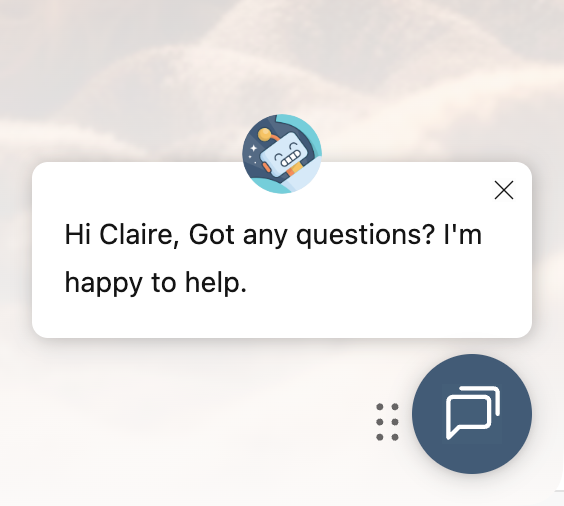
You can now customize your live chat bot’s welcome message using CRM data!
Instead of waiting until later in the conversation, you can insert personalization tokens like first name, company name, or recent activity directly into the initial greeting.
When a visitor is recognized (via tracking cookies), the personalization token automatically renders with their information. If they aren’t recognized, your configured default values kick in so the greeting still feels natural and complete.
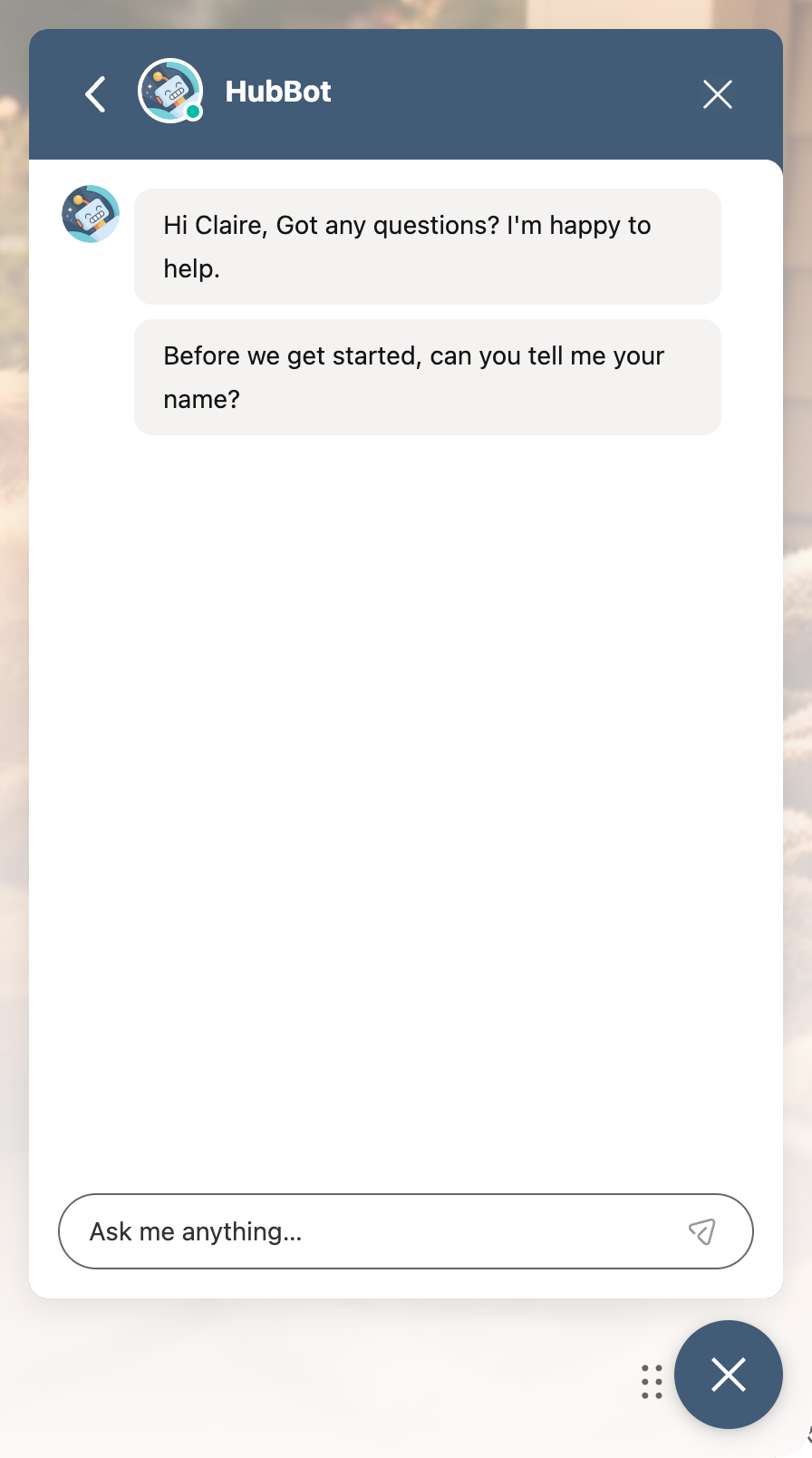
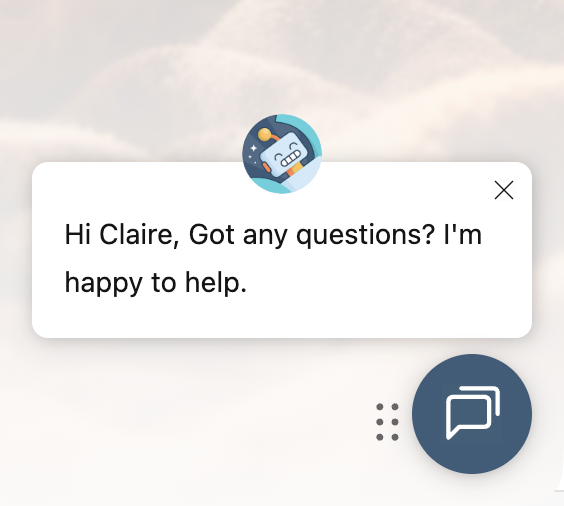
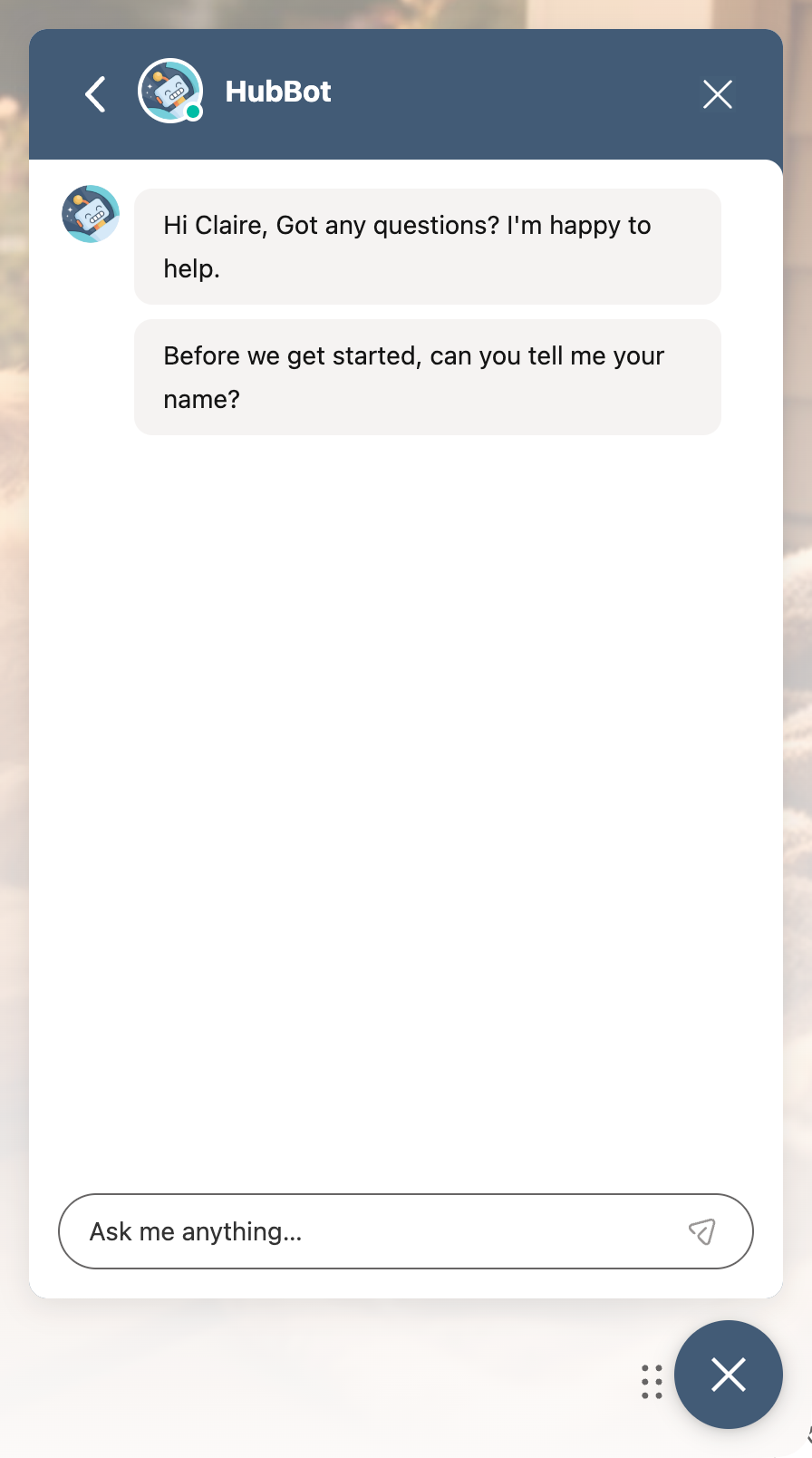
This means you can greet people with messages like: “Hi , got any questions?”
Why does it matter?
First impressions shape the entire conversation. A generic “Hi there” doesn’t reflect what you already know, but a personalized welcome instantly makes the experience feel relevant and intentional.
With this update, you can:
- Create more human, context-aware experiences from the first touchpoint
- Increase engagement by acknowledging who someone is or what they’ve done
- Instead of starting every conversation from zero, you can meet people where they are, with the right message, at the right moment.
How does it work?
To try it:
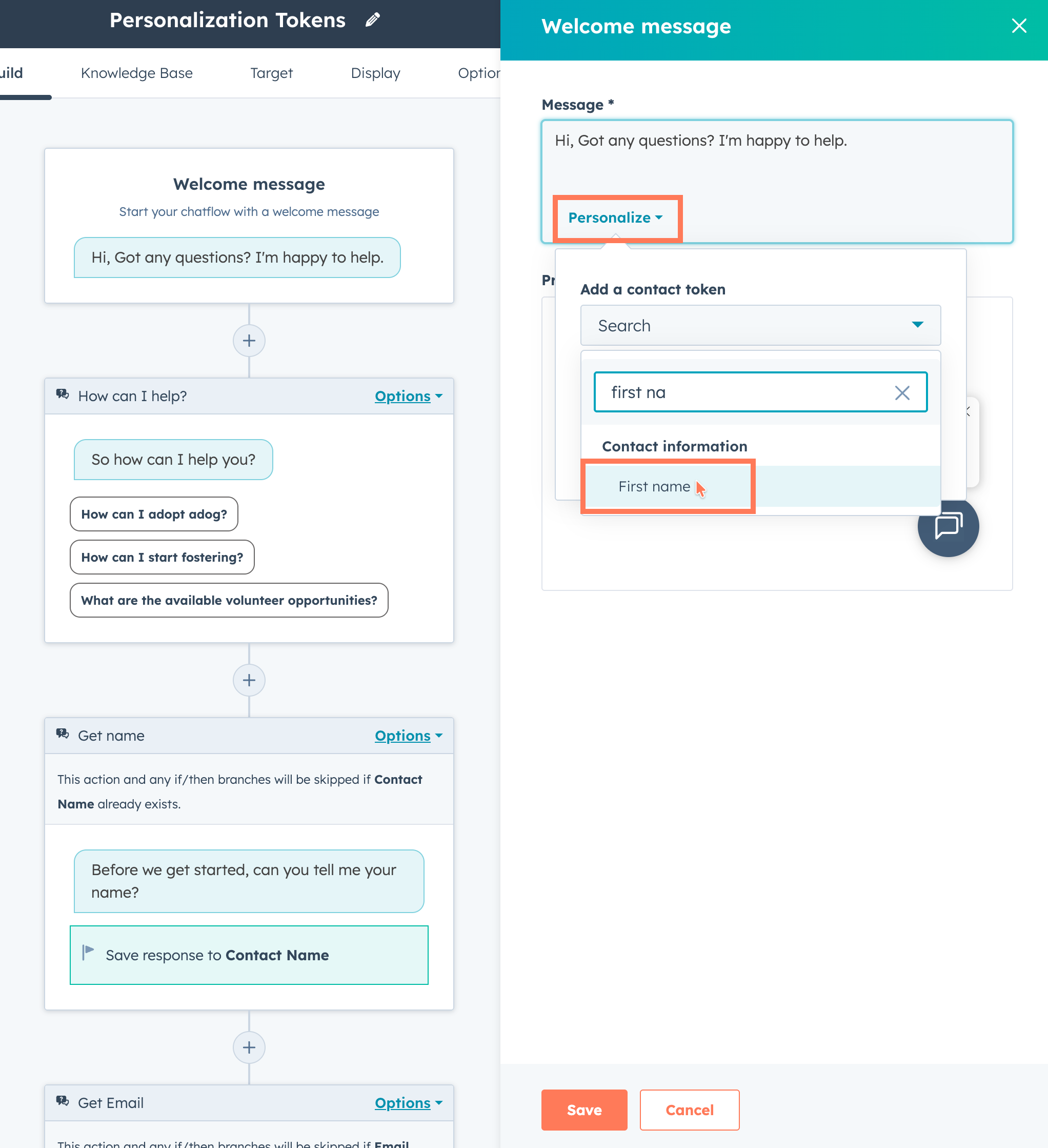
- Go to any of your rules-based chatflows
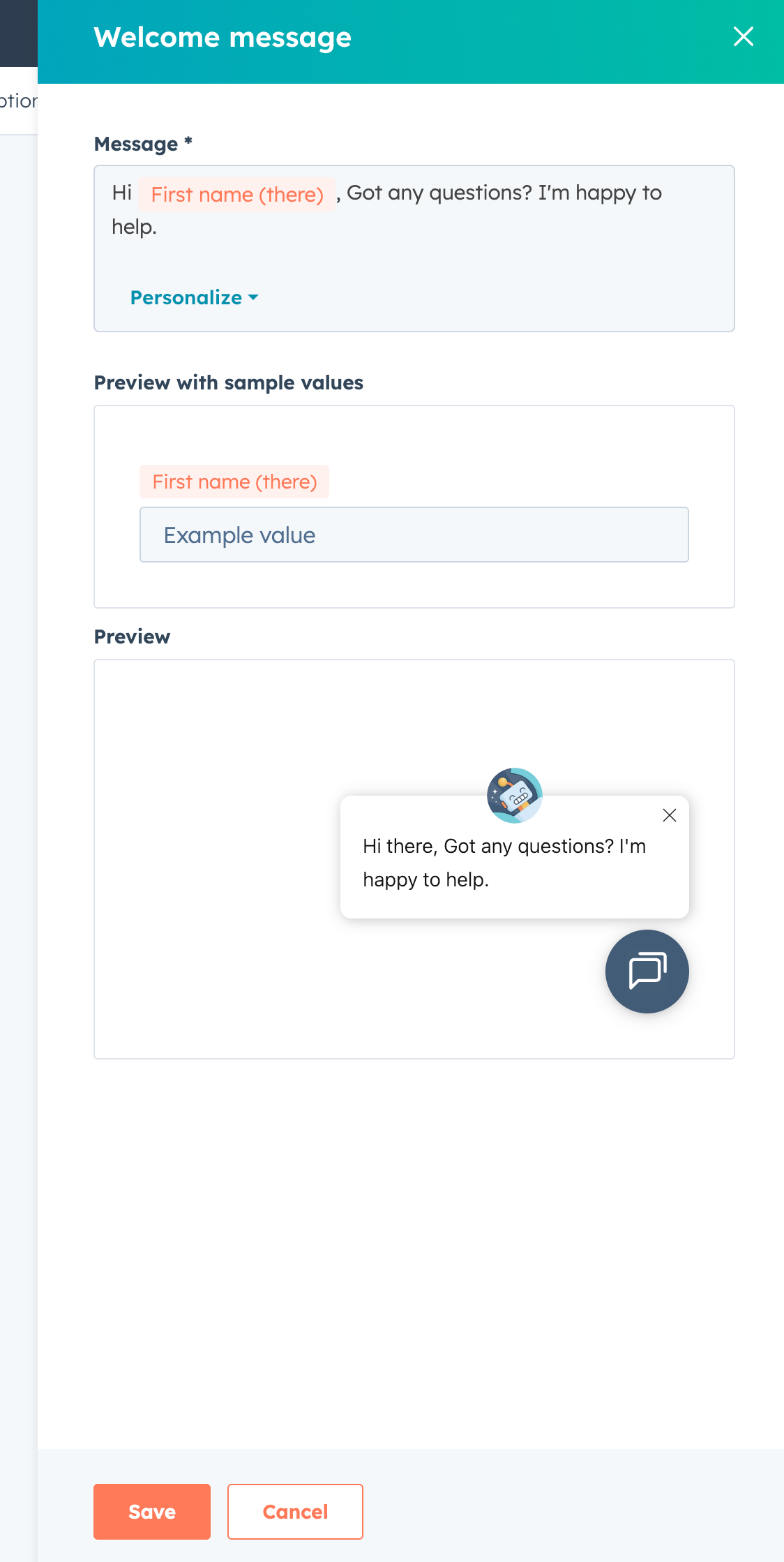
- Click the welcome message to edit it
- Click "Personalize" to add a personalization token
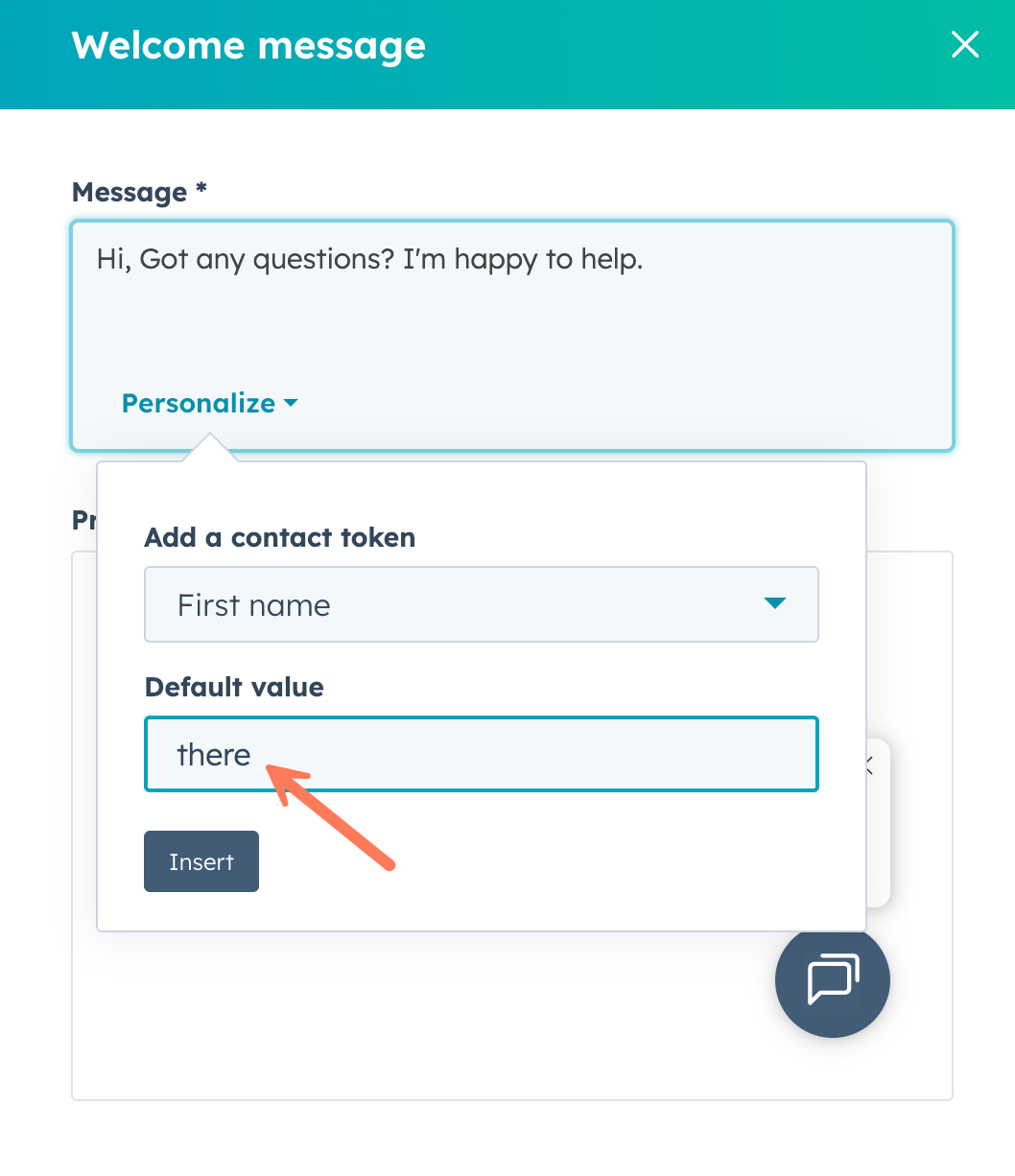
- Add a default value.
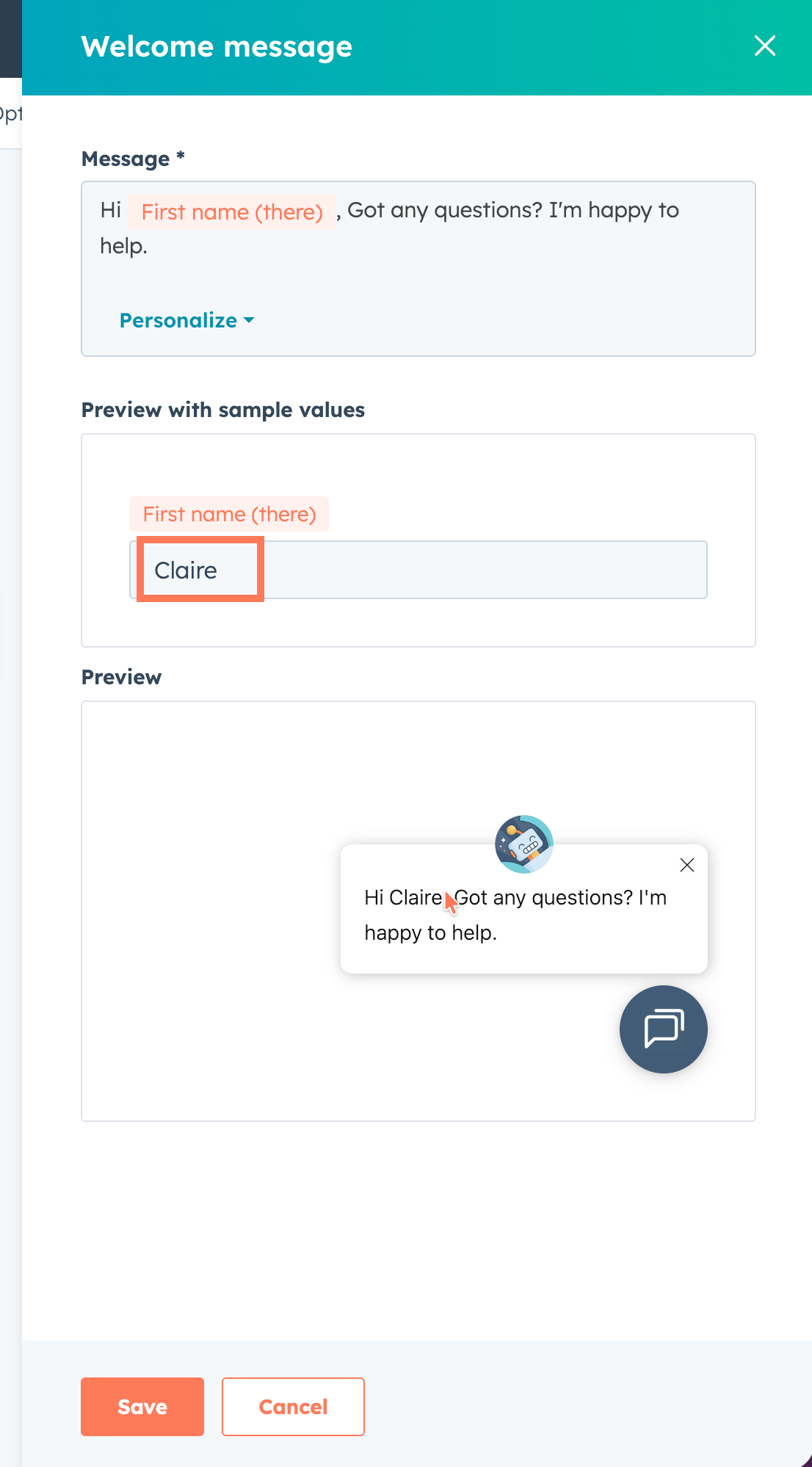
- You will be able to preview the welcome message with the default value
- You can also test the welcome message with sample values
- Once you're satisfied, click Save and see it in action!
Important Note
If you decide to opt-out of the beta, please be mindful of the following:
- opting-out of the beta will only revert the editor and prevent new personalization tokens from being added
- all saved welcome message will persist, and their personalization token will still continue to work even with a rolled back editor
- if you want to rollback to a welcome message prior, you will need manually make the change
Who gets it?
All hubs and tiers





.png?width=193&name=jos%20(1).png)




