What is it?
Admins can now control who has access to Help Desk email addresses when sending one-to-one emails from a record page.
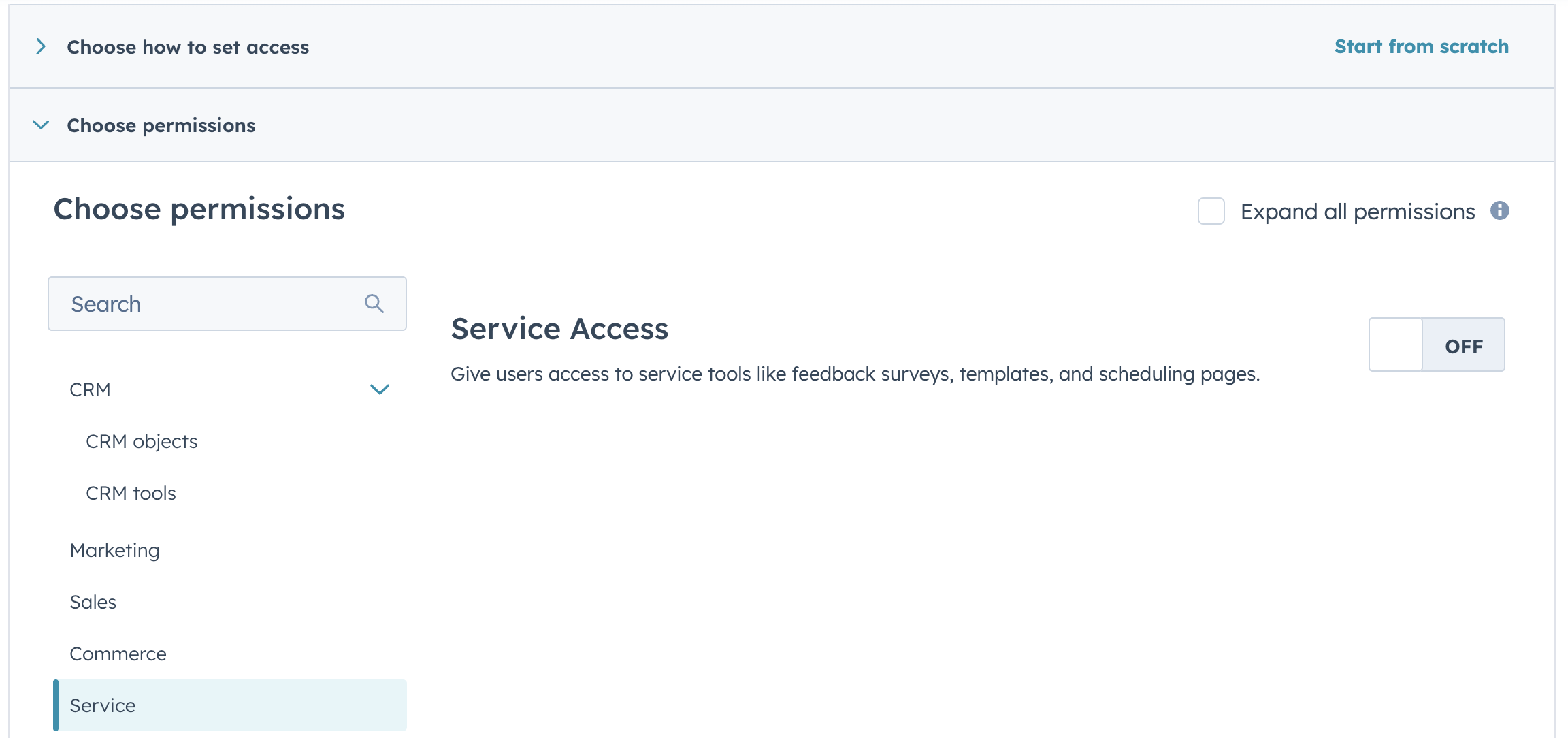
Previously, any user could select a team email connected to Help Desk as their From address. Now, only users with the Service Access permission can do so.
Why does it matter?
This prevents sales reps from accidentally sending sales emails from a support address.
It also brings Help Desk in line with how Conversations Inbox already works: users only see From address options they have permission to access.
How does it work?
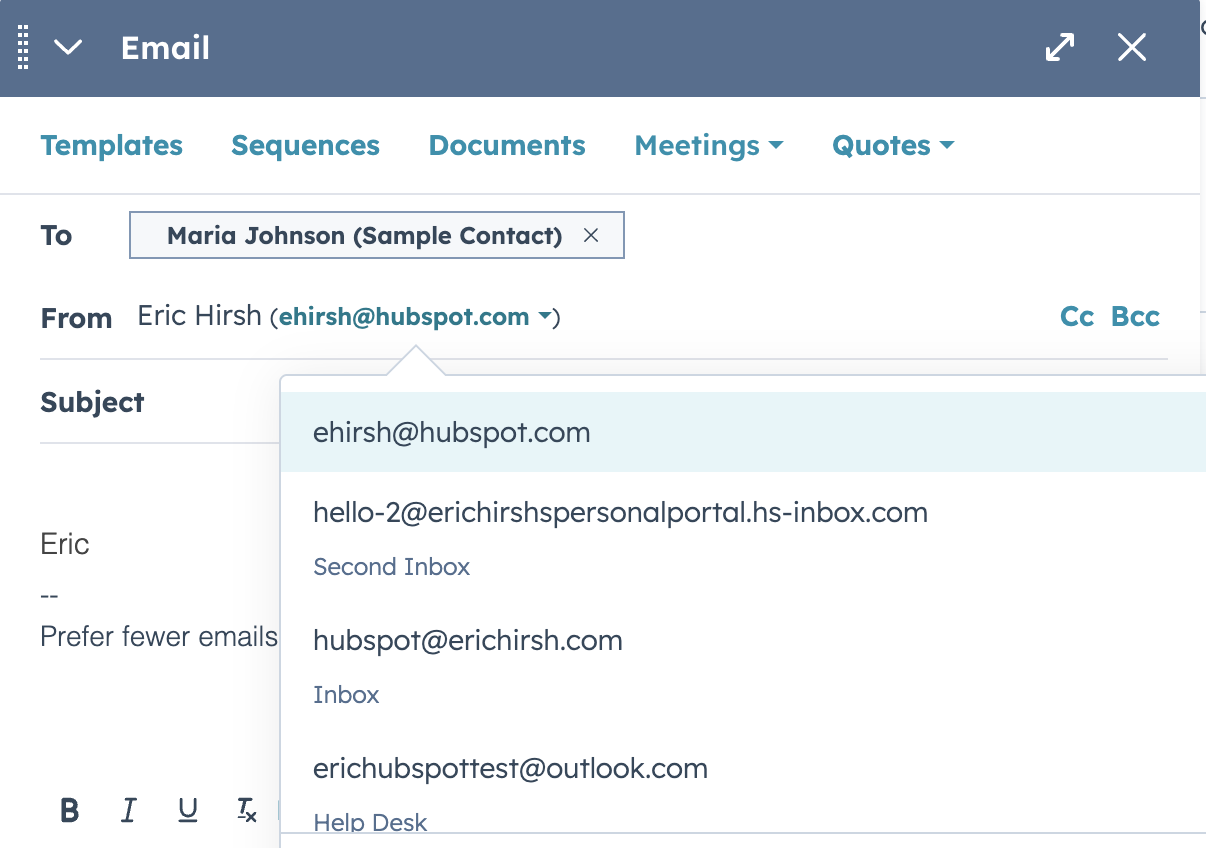
When a user with Service Access is sending an email from the one-to-one email activity on an object page, they will see Help Desk email addresses in the From dropdown menu. A user without Service Access will not have the option to send from Help Desk email addresses.
Learn more about the Service Access permission here and how to manage user permissions and permission sets here.
NOTE:
Users without the Service Access permission are still able to access Help Desk and respond to tickets there. More granular channel sending permissions within Help Desk is a future initiative.
Who gets it?
Service Hub Professional, Service Hub Enterprise





.png?width=193&name=jos%20(1).png)




